ErinLindsay
Members
-
Joined
-
Last visited
Everything posted by ErinLindsay
-
 Its getting kinda AFFECTIONATE IN DIS BITCH!
 -
I think I have the flu...
-
 Its a good start... keep trying!
 -
 Y U NO RENDER N E MOARR?
 -
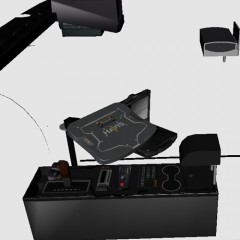 Hook a brotha up wit dis, bruh!
 -
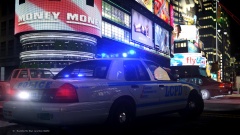 Corona Extra's FTW
 -
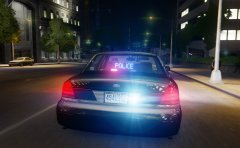 Looks nice CJ!
 -
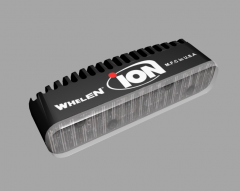 Thank you for the constructive criticism! 675 polys
 -
Thanks guys!!!
-
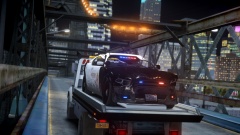 Stop fucking up nice shit!! XD
 -
From the album: 3D Renders
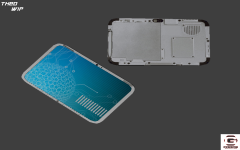
This is my new Whelen Ion guys!!! This was rendered and UV mapped in 3DS Max. Its is all one piece! This is my second try with the Ion! My first try wasn't so good. Spoiler -
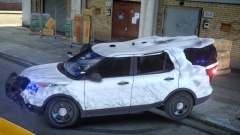 No more using ELS to repair vehicles! :/
 -
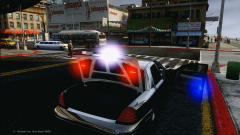
![[TEASER - DAY #3] "flashlight POWA"](//s3-gallery.int-cdn.lcpdfrusercontent.com/gallery/album_547/sml_gallery_2101_547_150973.png) Nice Gangrenn!!!
Nice Gangrenn!!! -
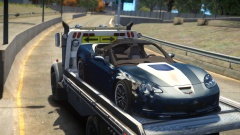 Like A Good Neighbor State Farm is There!
 -
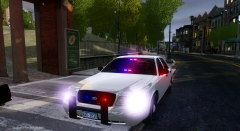 Nice Forward!
 -
Thanks guys, model is still in early beta, and I plan on fixing those issues!
- 10 comments
- 3 reviews
-
-

- 1
-
-
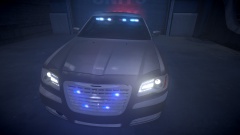 There aren't always hash tags silly wabbit!
 -
 Nice shot... should be featured!!!
 -
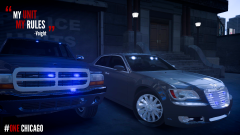
From the album: Chicago P.D.
Voights Durango Detective Halstead's and Detective Lindsay's Chrysler 300 -
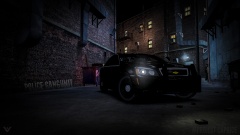
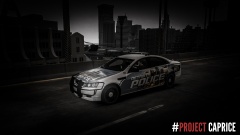
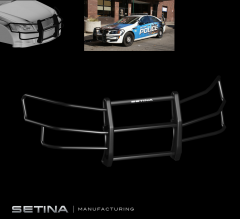
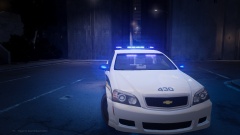
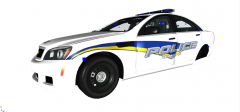
This model contains accurate vehicle parts as seen in on the Real DPD Caprices. RULES AND REGULATIONS DO NOT RIP THIS DO NOT RELEASE THIS ANY WHERE UNDER YOUR BEHALF MODEL FOLLOWS: http://creativecommons.org/licenses/by-nc-nd/4.0/ SPECIAL FEATURES MODEL HAS: ACCURATE PUSHBAR WITH FENDERWRAP GPS ANTENNA WINDOW GUUARDS CONSOLE Very Accurate to the real thing INSTALLATION IMPORT THE .WTD AND .WFT INTO THE VEHICLES.IMG USING SPARK 4 OR OPEN 4 *Still in Beta *Template Included
- 10 comments
- 3 reviews
-
Many Caprices coming soon!
-
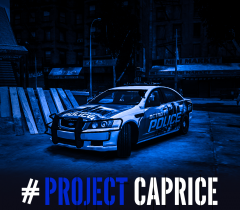
From the album: #Project Caprice
Stay tuned!!! ITS BEING APPROVED! -
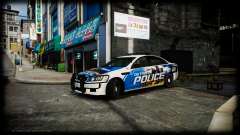
From the album: #Project Caprice
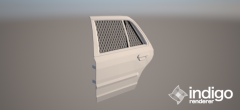
Added window protection! -
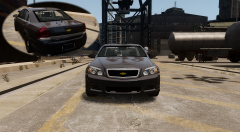 MOAR TINT!
 -
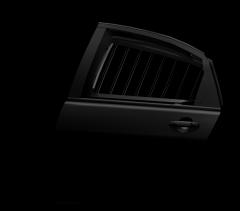
From the album: 3D Renders
For the DPD Caprice!

![[TEASER - DAY #3] "flashlight POWA"](http://s3-gallery.int-cdn.lcpdfrusercontent.com/gallery/album_547/sml_gallery_2101_547_150973.png)