




Black Jesus
Members
-
Joined
-
Last visited
Everything posted by Black Jesus
-
-
 I actually might be able to release with it, since bxbugs said people can use his work
 -
I'm not releasing non els stuff anymore, but I'll probably make a Federal Pack eventually
-
Nah that's alright, I'll make my own All of my projects are going to be updated for ELS
-
From the album: Black Jesus GTA V WIPs
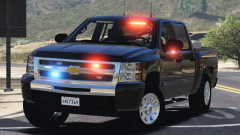
Will be released later today or tomorrow. Will include options for chrome or black toolbox, different color options for the wheels (chrome, gray, black, etc). Has extra brushguard, and patrol equipment (cage, gun mount and dashcam)© Black Jesus
-
-
 The font you want is called serpentine bold
 -
 Watch your fucking profanity.
From the album: Black Jesus GTA V WIPs
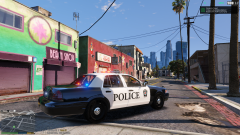
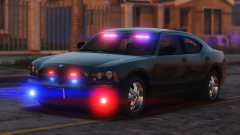
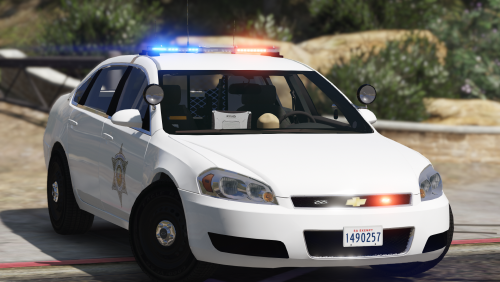
The real life cars in Redmond are for Traffic Enforcement, but this LS so it needs to be a gang unit car. Haven't started the side or rear lighting yet. Will probably change the tire texture too, they look off. Wheels are from forza© Black Jesus
 Just visualv now
From the album: Black Jesus GTA V WIPs
© Black Jesus
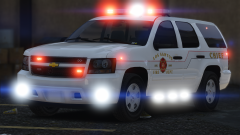
From the album: Black Jesus GTA V WIPs
Couldn't sleep so I decided to start working on this truck. Making it to fill Battalion slot in RDE. Will include EMS supervisor and/or Rapid Response skins. Lighting isn't done, still need to add lights on the mirrors and rear.© Black Jesus
 Is there a way to disable controller bindings? It really gets in the way of the other mods I use
- 2,655 comments
- 234 reviews
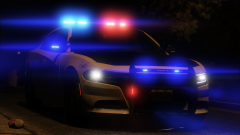
From the album: Black Jesus GTA V WIPs
© Black Jesus
 Yea, what's up?
 No
No
From the album: GTA 5 Pics Black Jesus
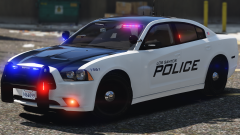
Redoing the pack, and I just finished the '14 Charger, here's a video preview© Black Jesus
I will no longer be doing default lighting cars, I will however, leave my default lighting packs online (for those weirdos who no use de ELS) and I will be redoing all them and release separate ELS versions.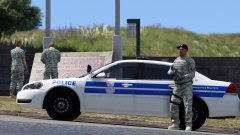 eh maybe. I want to make a whole pack for them, so I'll probably end up doing that tbh. I don't think I even have the skins anymore, I usually delete stuff if I do nothing with it
@SeaHawk14 RDE has Security Forces peds. Full duty belts and Berets
eh maybe. I want to make a whole pack for them, so I'll probably end up doing that tbh. I don't think I even have the skins anymore, I usually delete stuff if I do nothing with it
@SeaHawk14 RDE has Security Forces peds. Full duty belts and Berets



.thumb.jpg.c8e24672d78442ee47dacc9a2d80c000.jpg)
