



GRAW
-
Joined
-
Last visited
File Reviews posted by GRAW
-
-
-
-
-
Edited by GRAW
It's cool you made this skin, but the 5 digit unit number should at least have 626 like the car number. Also, "To protect and to serve" is always to the rear or the front door, though I know the movie got it wrong. Plus, they didn't use car 626 throughout the movie, only the aerial shots used 626 because, later on, you see the car and it has no ALPRs on the Arjent.
-
-
-
You release great stuff, but releasing every vehicle with know, fixable bugs is becoming unacceptable. Are these bugs ever going to be fixed? Why even bother fixing bugs on a car that people already downloaded?
-
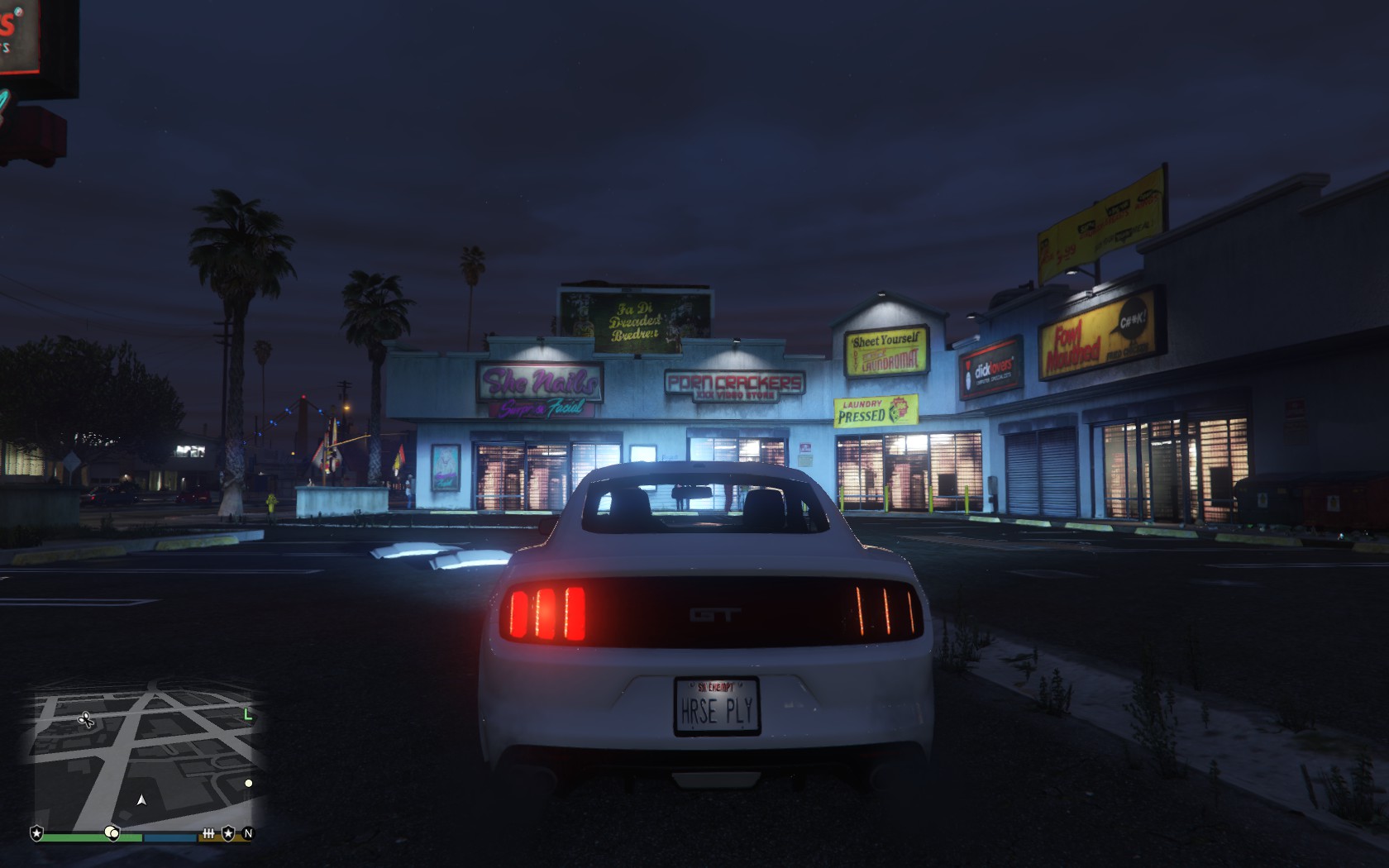
If it doesn't have any lights, it's not a police vehicle.
It's just an unlocked Mustang and should be for dev. purposes. It's looks good, so it'll give it a look.
-
-
-
-
-
-
-
-
-
-
-
-
-
-
-
-




LAPD Mega Pack Textures
in Vehicle Textures
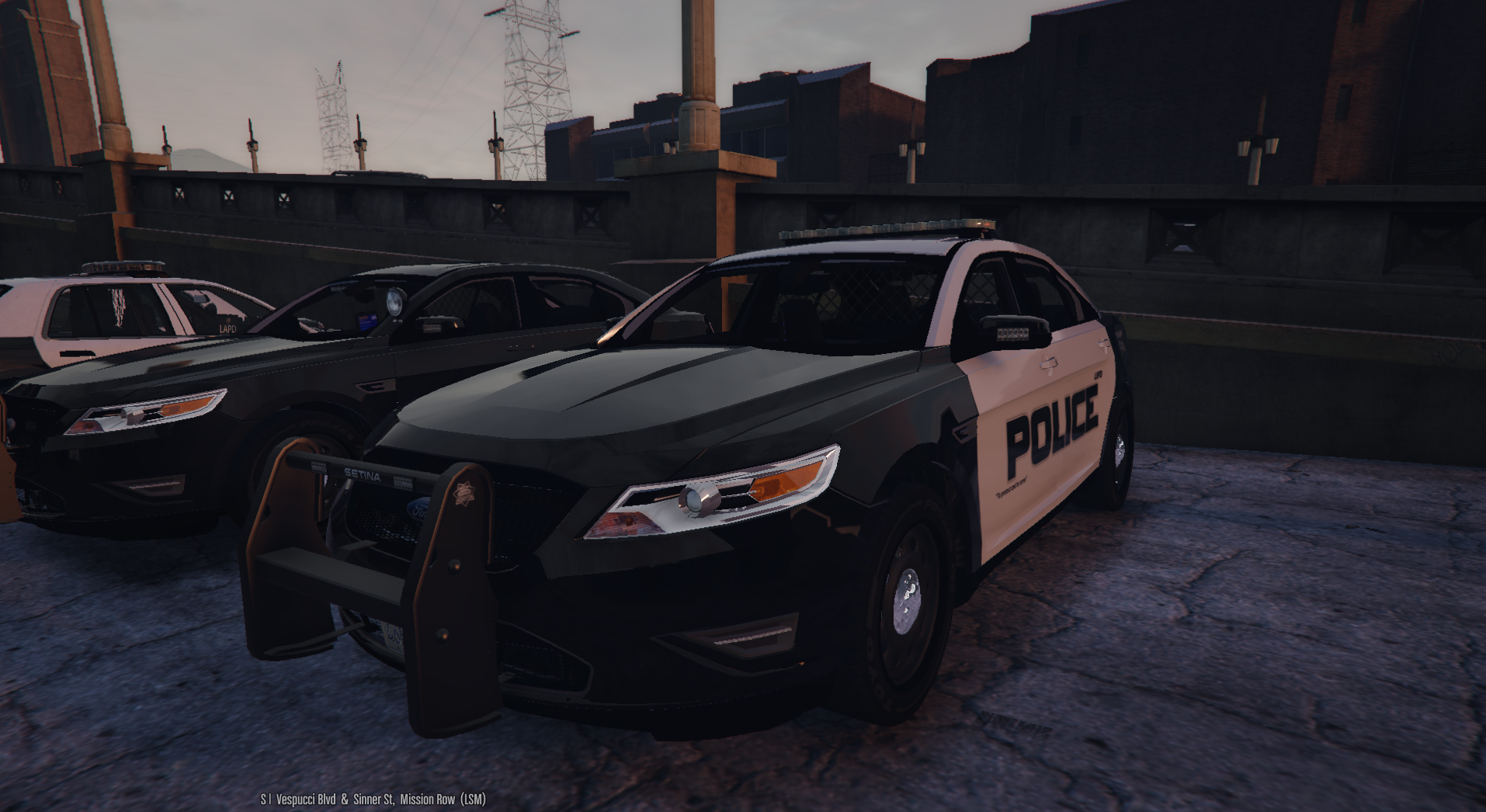
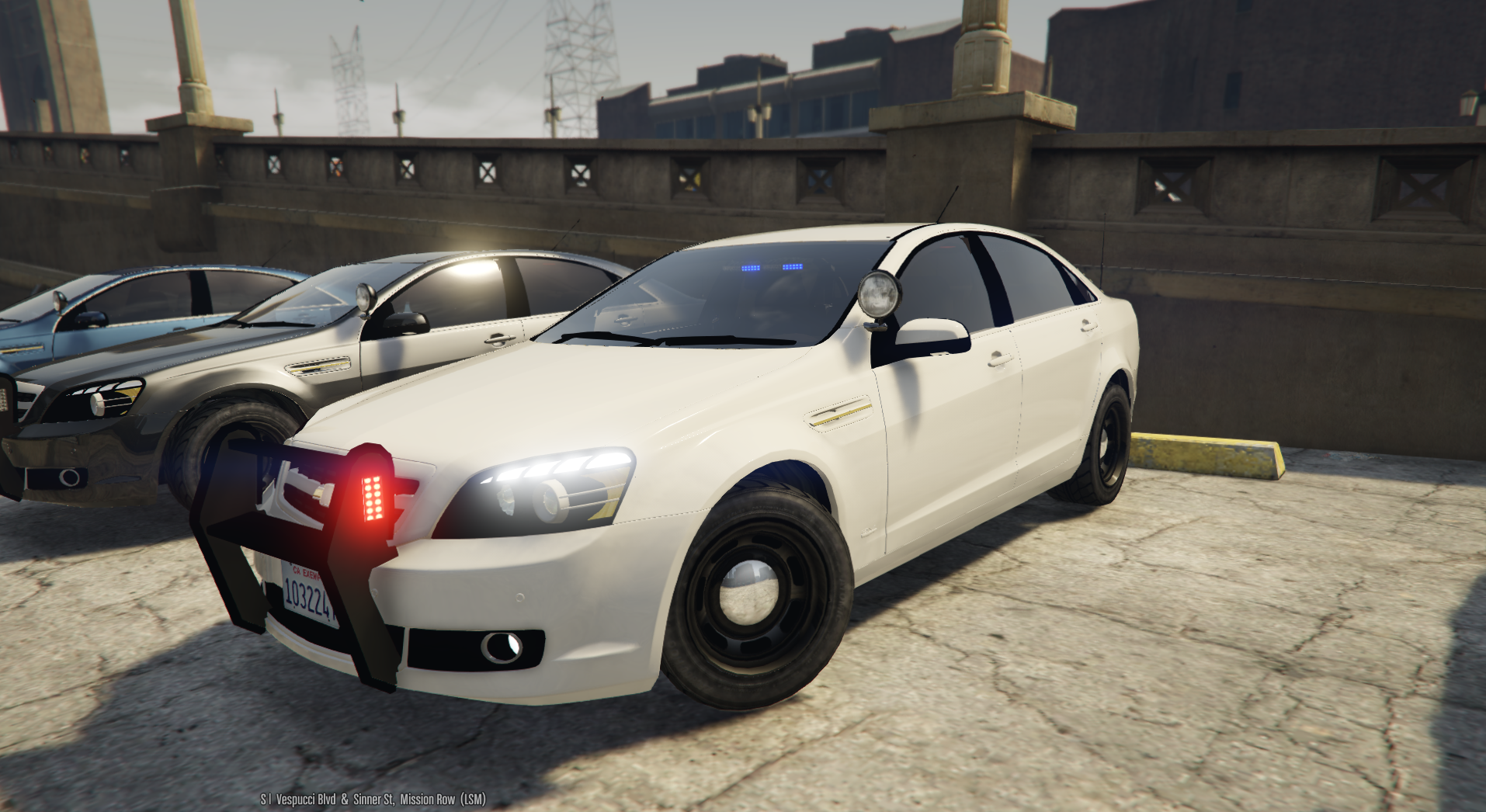
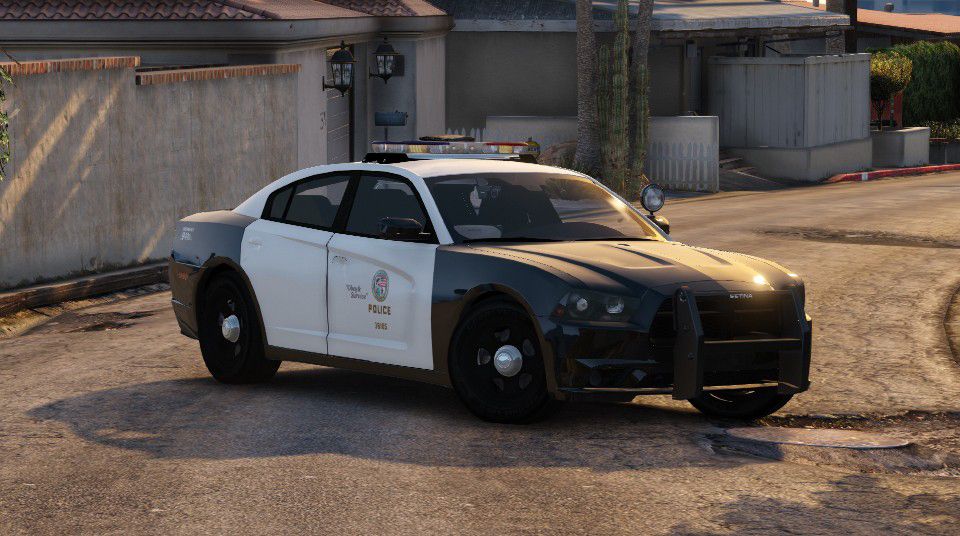
Almost every texture is either missing something, off center, sized wrong, colored wrong, incorrect font, or some combination of these. The roofs and trunks of these vehicles are incorrect or incomplete. The license place on the Charger is, basically nonexistent. It also doesn't help you only made textures for two specific years of two vehicles but called it a "mega" pack.
It also doesn't help that all of your screenshots were at night, which isn't going to help prospective downloaders.
Not sure what there is to say positive; at least they're black and white and feature the LA seal?
Deactivated Member