


Apocalyptikz
Members
-
Joined
-
Last visited
Everything posted by Apocalyptikz
-
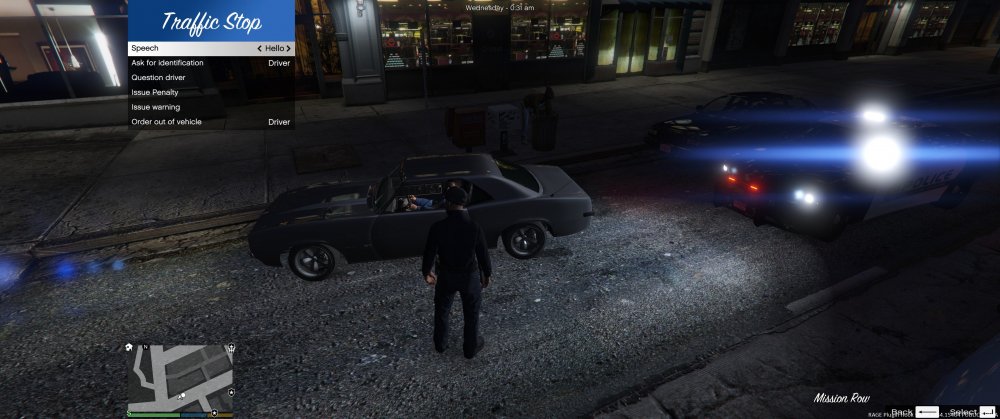
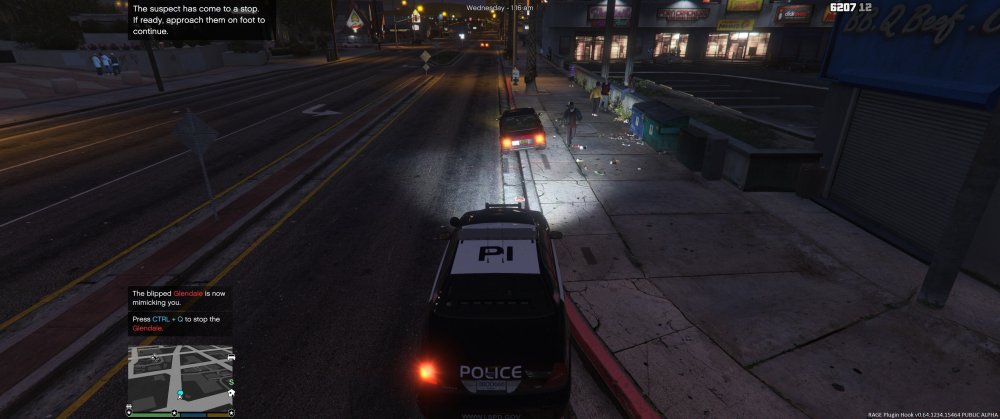
I created a pull request on Albo’s github with the updated source code for LSPDFR+
-
As per the licensing agreement included with LSPDFR+, I have to upload the source code as well. I will do it shortly!
-
I compiled Albo's source with updated functions in 0.4 but I'm sure he will update his scripts in entirety with all the functions 100% such as court system and other similar features.
-
I just updated LSPDFR+ seems to be working so far, just have to update some menus. I will try updating Albo's other scripts when I get this working!
-
I've been trying to make stage 2 light setup the same as stage 3. Is there a way to do this in the VCF? Is there a similar feature like Lstg3LightsMoveTraf in ELS for IV?
-
This worked, thanks. I was going crazy. I think this issue is associated with using OpenIV.
-
My ELS panel works fine, tail lights flash and I can change the pattern. BUT the lights do not flash. I can open my trainer and manually enable each light and see them. I tried re-installing ASI loader, re-installing my XMLs. Everything loads according to my ELS.log. Is anybody experiencing similar issues?
-
What do you mean by "fine-tune for small blocks of coordinates?" I know how to make a mathematical function from a series of coordinates so they are properly 'scaled'. Are there any code examples that show a scenario where this is done? Much appreciated.
-
Yes. In-game coordinates (X and Y) are stored in database as floats and then displayed as lat/long coordinates. I inverted X and Y (Lat - Y, Long - X).
-
I've been working on a Google Maps GPS but I cannot get the map coordinates to equate to in-game coordinates. E.g. coordinate [1.0, 1.0] in-game is NOT the same as [1,0, 1.0] on the Google map. Is there something I have to do for the coordinates to display properly?
-
What programs are you running in the background? I know of a few that conflict with key shortcuts in GTA IV.
-
 Wow, is this without any graphical mods?
 -
I recommend http://glovepie.org/glovepie.php for mapping controllers, it has a neat GUI and supports most controllers. You can assign any button to any keystroke.
-
Post your system specs. Is this through Steam?
-
You would be able to run the game with ENB on high. You could also increase performance by overclocking your graphics card. The 560 Ti (1.5GB) is a significant jump from the 550 Ti, GTA IV is very demanding of VRAM. Please tell us which i7 processor you are planning to purchase.
-
-
Great attitude! Good luck.
-
Whats in the loop that iterates through the array? What action are you doing to turn on the strobes? Explain the structure of your code.
-
This worked! Thanks a lot!
-
Since I've upgraded LCPDFR I'm unable to successfully choose a police car. While going through the vehicle selection process the cars stop loading, then textures start disappearing. All my cars work without problems when I spawn them. I'm sure this is a simple problem but I haven't found much info about this while searching. [iNFO - 12:32:59 AM] [GoOnDuty] SwitchCarModel: Car doesn't exist, reloading [ERROR - 12:34:02 AM] An unhandled exception occured in LCPDFR. Details: Thread was being aborted. at System.Threading.WaitHandle.WaitOneNative(SafeHandle waitableSafeHandle, UInt32 millisecondsTimeout, Boolean hasThreadAffinity, Boolean exitContext) at System.Threading.WaitHandle.InternalWaitOne(SafeHandle waitableSafeHandle, Int64 millisecondsTimeout, Boolean hasThreadAffinity, Boolean exitContext) at System.Threading.WaitHandle.WaitOne(Int32 millisecondsTimeout, Boolean exitContext) at System.Threading.WaitHandle.WaitOne() at GTA.NetThread.Wait(Int32 ms) at GTA.Script.Wait(Int32 ms) at GTA.Game.WaitInCurrentScript(Int32 ms) at eval_0.eval_0.LCPDFR-eval_3.LCPDFR-1(String A_0) at eval_0.eval_0.eval_0.LCPDFR-eval_12.eval_LCPDFR-7(LCPDFR-eval_1 A_0) at eval_0.eval_0.eval_0.LCPDFR-eval_12.eval_0(KeyEventArgs A_0) at CSharp.Engine.Script.ScriptManager.GKeyDown(KeyEventArgs e) Additional info: Script: Scripts.GoOnDuty CarModelIndex: 6




