


DouglasHarrison
Members
-
Joined
-
Last visited
Everything posted by DouglasHarrison
-
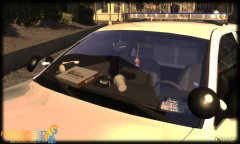 No, live in suspense until it's released.
 -
You think we don't see that Watchguard 4RE? Release it or else.
-
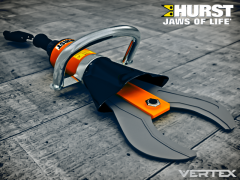 Literally sat here for 5 minutes trying to think of a comment for this, this is all I could come up with.
 -
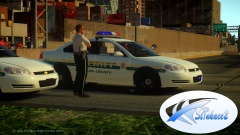 Excellent, are you gonna redo the Pinellas County uniforms to match with the all green's that they have switched to?
 -
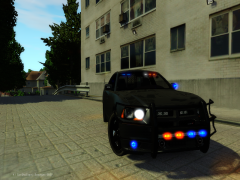 Damn that's nice, new rambar?
 -
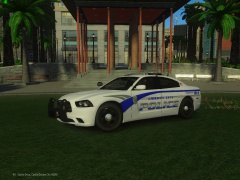 It's a regular Whelen Liberty. You've got it confused with the Federal Signal Raydian because of the ALPRs mounted under the lightbar.
 -
Nope.
-
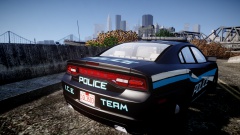 Skin of the now Defunct Reseca, GA Police Department.
 -
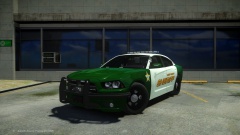 Anticipation is killing me on what the back looks like but I look forward to your pictures DAILY, world's greatest ENB.
 -
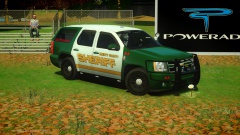 Thanks for reminding me why your gallery is favorited, if this isn't epic I don't know what is.
 -
Disregard: Thought I had Thomas County Skins, but I've deleted them.
-
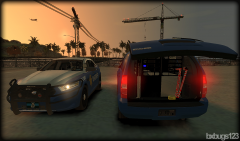 Wraparound = Yes New Tahoe = No, I can tell as it has the unrealistic TAHOE lettering on the back of it. Love the equipment in it.
 -
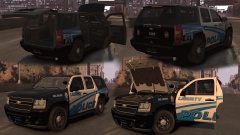 *claps* What will you be going for with it? Vehicle outfitted with new technology/equipment or just a liberty lightbar with other lights?
 -
Well I haven't been there for a while and when I left it was in a horrible condition, sorry for prejudging it before re-visiting it. I'll try out this SA-DEV thing I guess.
-
I'm saying, I don't want to go to a place where it's horrible and most of my things I don't release anyway. I'm more of a personal modder and I was wanting the fender wrap so I could complete my new GSP Dodge Charger.
-
That's the thing, how am I supposed to gain the respect and trust if I only mod for San Andreas?
-
I've seen countless modelers place the setina pushbar w/ fender wrap on their vehicles, but I've never seen an unlocked version. Would it be possible for me to obtain one, it's going to be used in San Andreas, not GTA IV as I have the slightest clue on how to mod for IV.
-
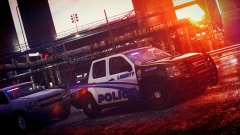 Oh this is like porn! It teases me...but I like it!
 -
Oh this is great!
-
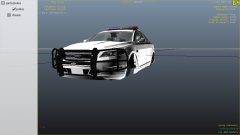 Don't put that rambar on that car..it doesn't fit, the rambar is for a dodge charger.
 -
I'll contact you via Private Message.
-
-
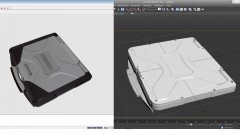 Sweet man! Local police department around here uses that.
 -
aaaand you disappear again.. :(
-
 Its 2 06 Impalas, you're both wrong. I'm the one in the back.

