


TGM
Members
-
Joined
-
Last visited
Everything posted by TGM
-
Change the skin to the template in the textures, or in the materials editor.
-
I'm not mad, I'm glad to see people using my stuff.
-
Alright.
-
Anyway, if it's used in a pack or anything similar I'd like to be notified before you guys go ahead and use it.
-
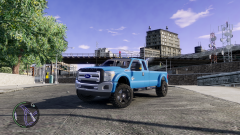 I'm going to use this for my zombie clan!
 -
If it's in a clan pack, I'd like to be asked for permission for it to be in there. On my downloads I have put that you must pm me for permission for use in packs/clan packs.
-
Thanks for using my slicktop CVPI!
-
-
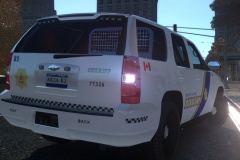 I think you should fix the material, it looks like it is set as a mesh.
 -
Are the textures imported for the cargo divider?
-
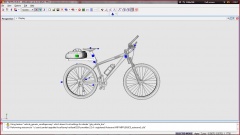 Your textures bro....
 -
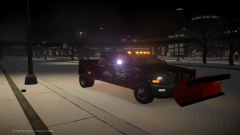 Looks like a beast!
 -
-
-
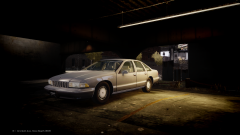 Sweet!
 -
Go to polygon mode, use select material, then while in selected mode click flip. If it's all black and stuff, go down to surface, normals and then calculate. Make sure you're out of polygon mode and then click the model.
-
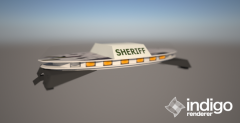 Nice!
Nice! -
-
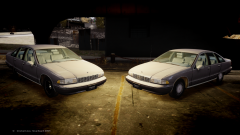 Thanks! I love Caprices!
 -
OMG! Thanks so much! You have saved me from converting one. I'm a fan of these, I can remember when my father used to drive a 9C1!
- 24 comments
- 5 reviews
-
-
The RC20's I have run into have mostly been with the collisions. I would be interested in finding out where the issue lies.
-
-
Pretty sure that's a Whelen 295 of some sort. I also really like that old Ranger at the end of the video.
-
No problem!


