drongo
Members
-
Joined
-
Last visited
Everything posted by drongo
-
Resurrecting dinosaurs
-
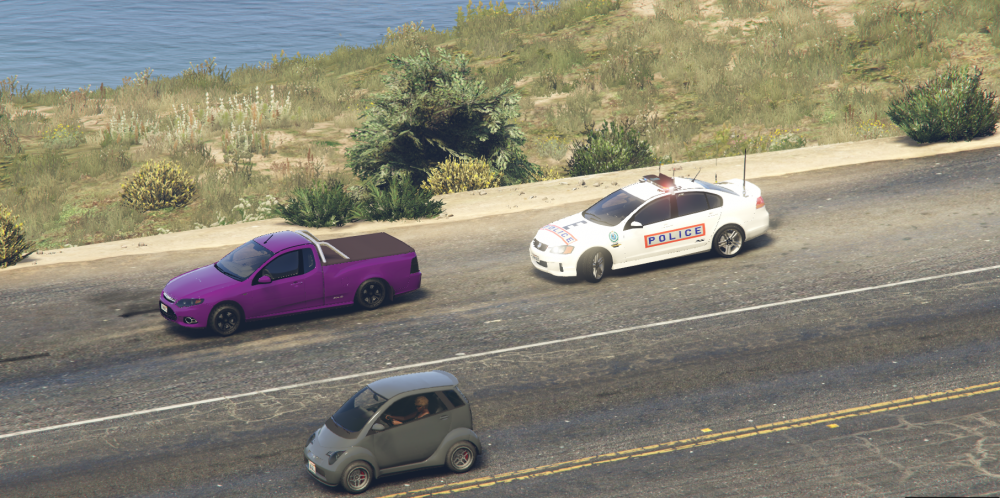
I don't know the difference apart from 2 or 4 doors, but there are some pics here of a 4 door 1997 Fire Pac.
-
Just a texture
-
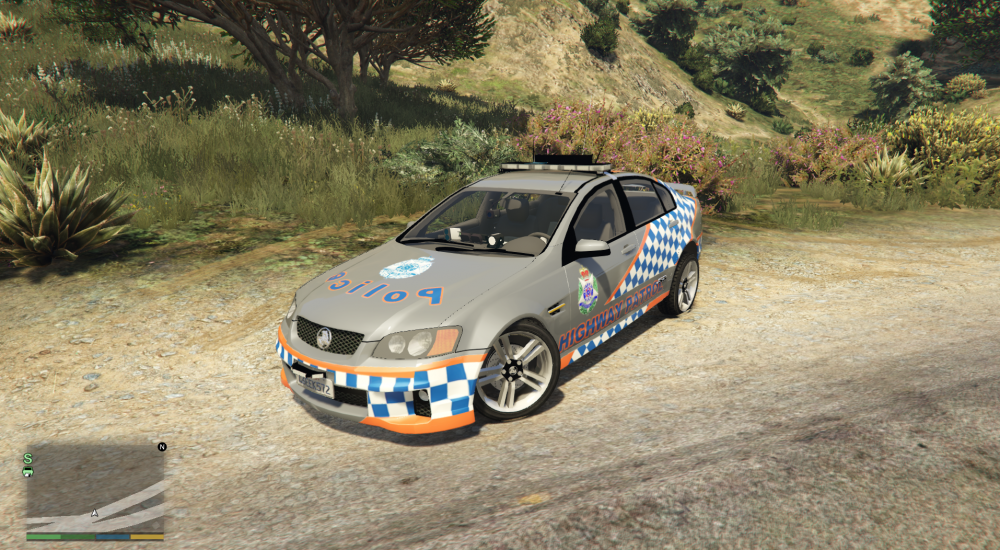
First attempt at an aussie skin. Victorian SMART from a VX
 Assuming you're using SNT, go to the end of the first page ingame. Near the end, there is 'Enable/Disable keys' and to be able to use els freely you need to disable it. Or you can ctrl+alt+d to disable it completely, and use ctrl+alt+e to enable