


drongo
Members
-
Joined
-
Last visited
Everything posted by drongo
-
-
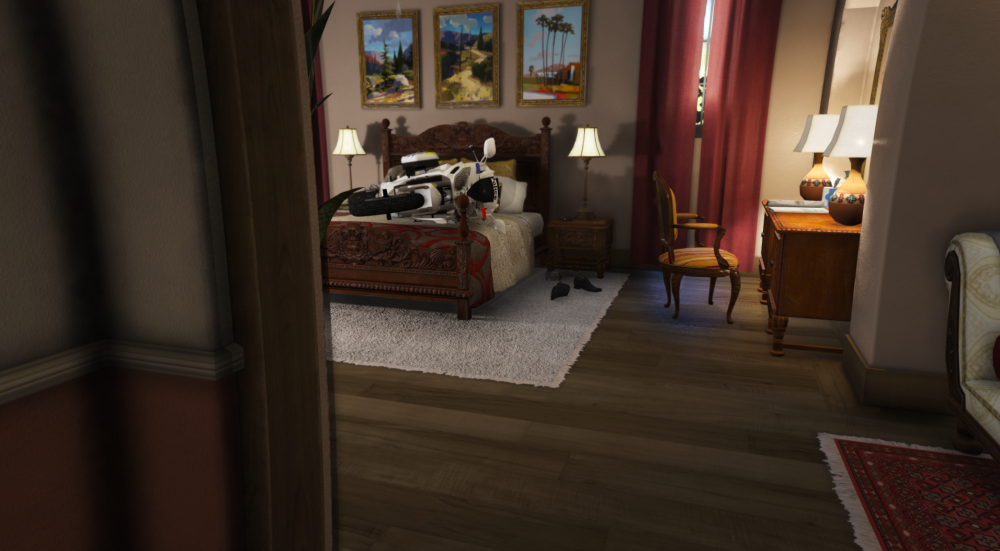
when she beats you to the bed
-
-
-
-
 3/5 it is appaling that you didnt include an els file or attach the lights to doors like every other australian model aye
- 6 comments
- 7 reviews
-
 5/5 best iload yet
 -
-
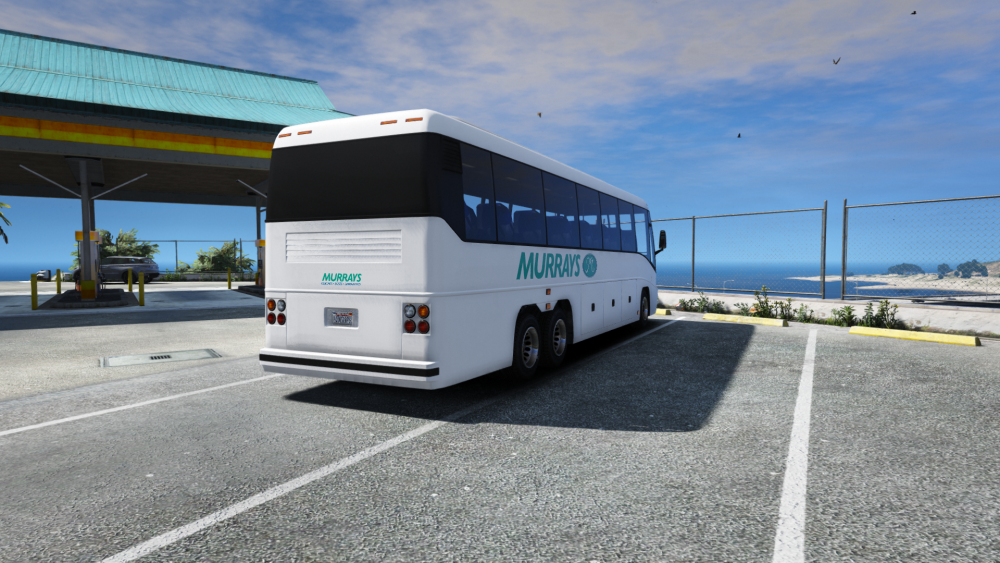
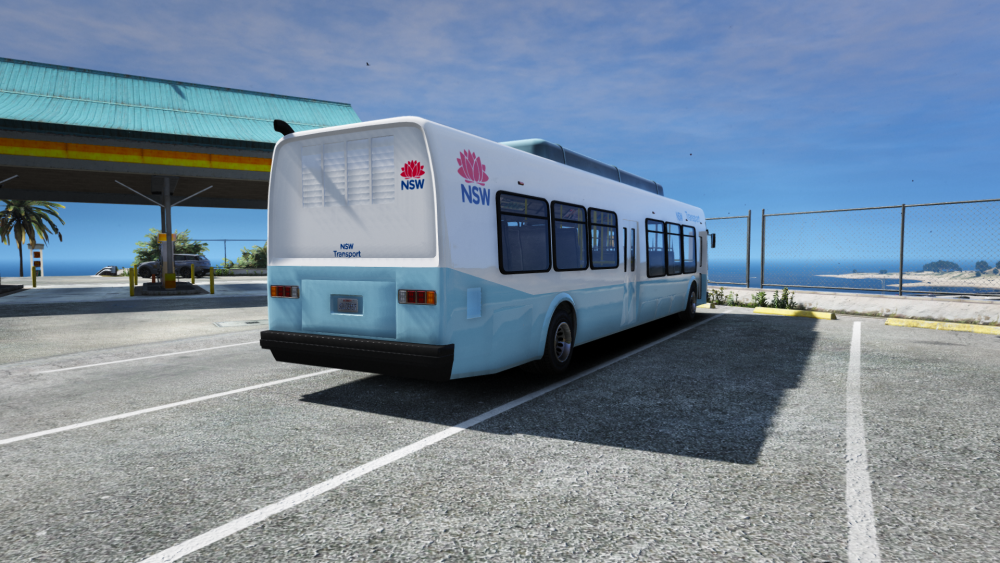
ambience + ford reliability (lack of)




-
wilson rapid response on scene ready to harass hooligans

-
yeah its a rare one
-
.thumb.png.90b4c8330aad4ec58bea3a96757ea2e8.png) long holden's hunchback brother 6.5/5soz sarge
long holden's hunchback brother 6.5/5soz sarge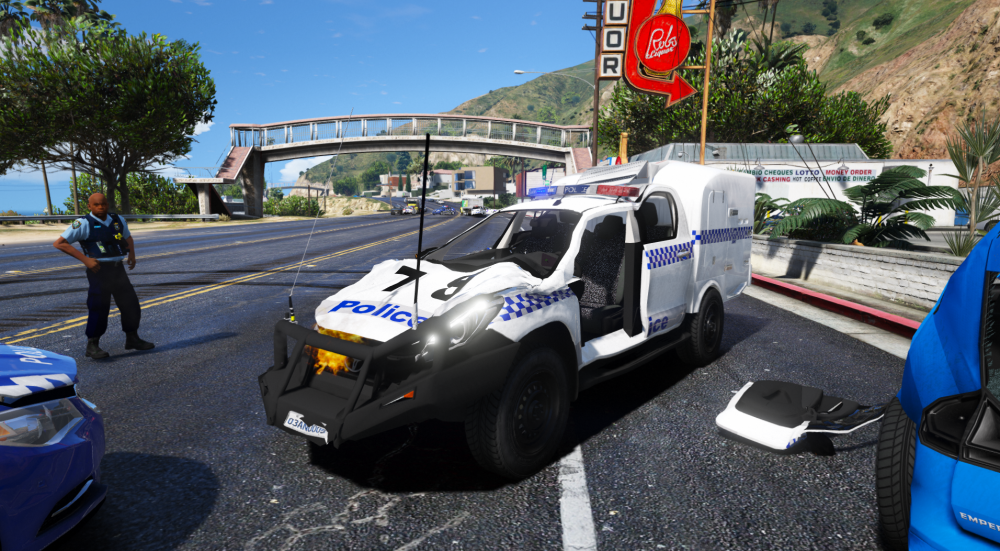 https://discord.gg/XVVNT8G


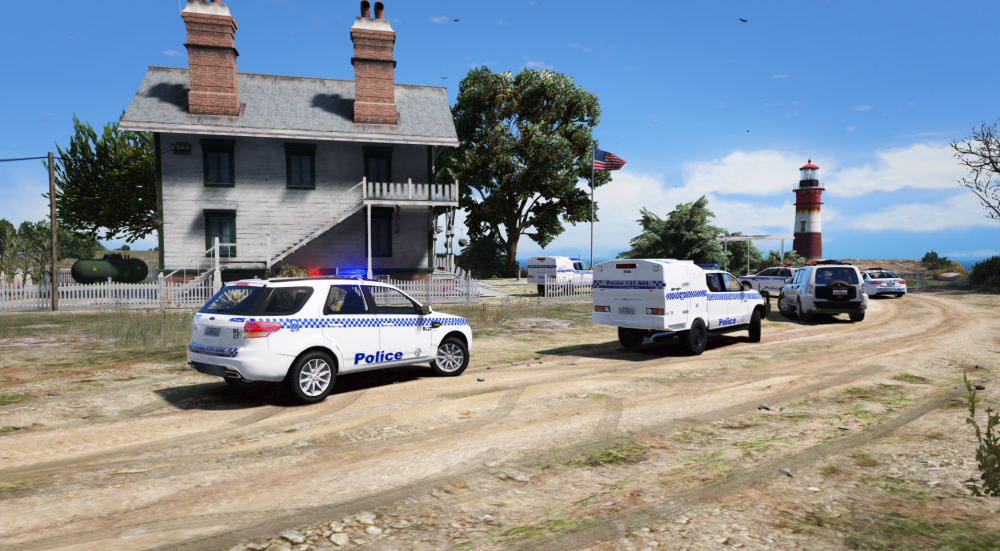

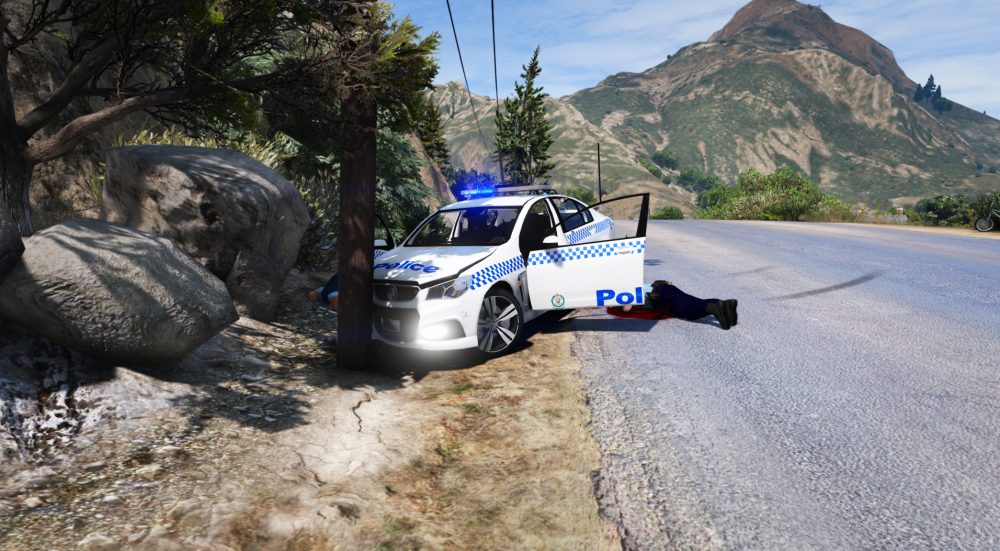
 I think the guy just took the money and ran, no updates for agesrush
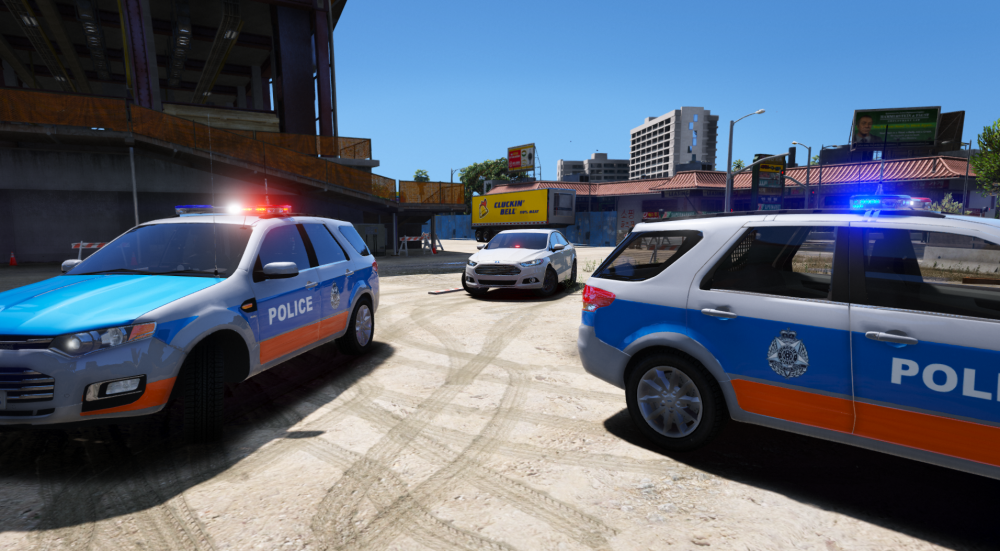 outcry after Skilffullkrops shot an unarmed feminist black african american indigenous person lead to 3 police officers getting ambushed in a dingy, dark alley. on the hunt for the pale white mountains kid who shot the officers, a regional pajero was obliterated.












.thumb.png.c3e5d6ff3a93f89c789333af8d1cfdb7.png)
.thumb.png.9097267de01ace9a9f9721432a67b769.png)
.thumb.png.90b4c8330aad4ec58bea3a96757ea2e8.png)
.thumb.png.cc76efc7982f3ebaf508bc5ccf52762a.png)
.thumb.png.e003ceb72da50cf4d6fa7d107217bb28.png)


.thumb.png.586cb9780269302f3fb994b28930ac9a.png)


Account
Navigation
Search
Configure browser push notifications
Chrome (Android)
- Tap the lock icon next to the address bar.
- Tap Permissions → Notifications.
- Adjust your preference.
Chrome (Desktop)
- Click the padlock icon in the address bar.
- Select Site settings.
- Find Notifications and adjust your preference.
Safari (iOS 16.4+)
- Ensure the site is installed via Add to Home Screen.
- Open Settings App → Notifications.
- Find your app name and adjust your preference.
Safari (macOS)
- Go to Safari → Preferences.
- Click the Websites tab.
- Select Notifications in the sidebar.
- Find this website and adjust your preference.
Edge (Android)
- Tap the lock icon next to the address bar.
- Tap Permissions.
- Find Notifications and adjust your preference.
Edge (Desktop)
- Click the padlock icon in the address bar.
- Click Permissions for this site.
- Find Notifications and adjust your preference.
Firefox (Android)
- Go to Settings → Site permissions.
- Tap Notifications.
- Find this site in the list and adjust your preference.
Firefox (Desktop)
- Open Firefox Settings.
- Search for Notifications.
- Find this site in the list and adjust your preference.