


Boz
Members
-
Joined
-
Last visited
Everything posted by Boz
-
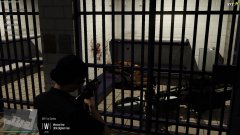 Why not!? justified shooting
 -
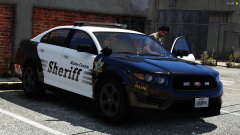 I did, It'll *probably* be released in a couple of months as part of a big pack.
 -
standard procedure
-
-
-
From the album: PolicingMP
-
-
-
-
-

From the album: Bozza's GTA V WIPs
-
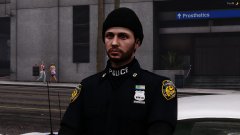
From the album: Bozza's GTA V WIPs
release will be some time after eup 7.6 -
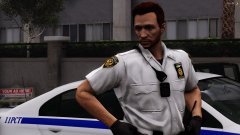
From the album: Bozza's GTA V WIPs
release will be some time after eup 7.6 -
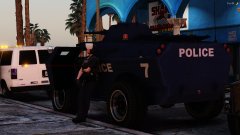
From the album: Bozza's GTA V WIPs
-
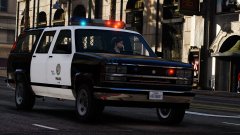
From the album: Bozza's GTA V WIPs
-
From the album: Bozza's GTA V WIPs
-

From the album: Bozza's GTA V WIPs
-
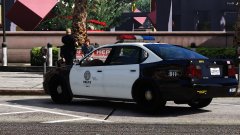
From the album: Bozza's GTA V WIPs
-
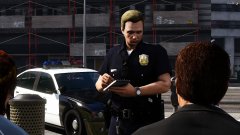
From the album: Bozza's GTA V WIPs
-
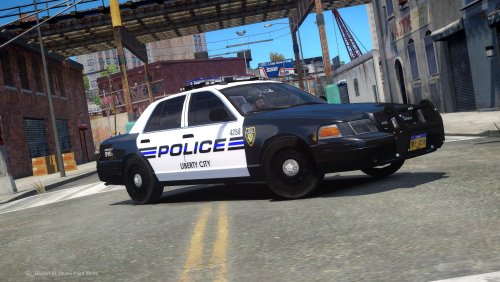 The lightbar/rambar have a random chance of spawning. Unfortunately you'll just have to keep spawning new ones until you get one with a lightbar. In hindsight, I regret making the models this way but I don't have any intention of updating them in the future.
- 6 comments
- 8 reviews
-
-

From the album: Bozza's GTA V WIPs
-
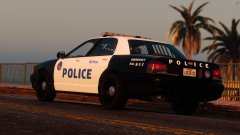
From the album: Bozza's GTA V WIPs
-

From the album: Bozza's GTA V WIPs
-
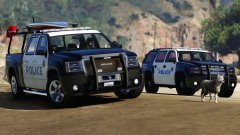
From the album: Bozza's GTA V WIPs



