


Boz
Members
-
Joined
-
Last visited
Everything posted by Boz
-
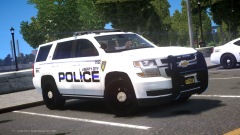
From the album: GTA IV WIPs
Idk when this will be out, please let me know if you want it -
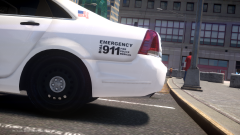
From the album: GTA IV WIPs
its like the earth round -
-
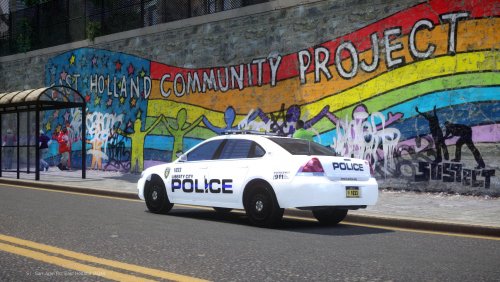 Try these things: - In LCPDFR.ini, make sure that the 'SuspectTransporterModels' only has one car listed. For example: [Main] AdditionalCopCarModels= SuspectTransporterModels=POLICE2; - In the ELS.ini, turn off ClearRandAiExtrasSp, and if that doesn't fix it, also turn off Ai_Els_Sp. Ai_Els_Sp = off Ai_Els_Mp = on MaxElsCarsAtOnce = 20 ClearRandAiExtrasSp = off ClearRandAiExtrasMp = on - Remove the AdvancedHookInIt.asi from your directory. LCPDFR performs best with no car or ped mods. Unfortunately seemingly random game crashes are just part of the experience with some mods.
- 27 comments
- 11 reviews
-
-

- 3
-
-
EUP is still being developed afaik, and it should work fine on the latest update. About your GTA IV, 1. First you'll need to restore GTA IV to vanilla, put Paul.dll back, etc; just exactly how it would be if you were to download it off Steam. (Reinstall if you have to) 2. Then go to control panel, and uninstall Games for Windows LIVE Redistributable. 3. Once you've done that, Run the installer at this link http://go.microsoft.com/fwlink/?LinkID=201134. 4. Boot up the game (it should work fine) (do not remove paul.dll) and sign in to your Xbox Live (GFWL) account (You need to make one before you start the game, don't make one from the GFWL menu) (IF YOU WANT TO HAVE MODS LIKE LCPDFR, ELS, ETC.) 5. Once your profile is downloaded, close the game and follow the instructions at this link to downgrade your game. 6. Install all the mods you want! Make sure to back up your game.
-
This pack was designed with multiplayer in mind, and use in singleplayer was always a secondary consideration. As such, the vehicles were not extensively tested with LCPDFR. This download includes custom ELS and handling, as well as templates if you want to make your own liveries. Wraparound as extra_10 If there are any issues please contact me by LCPDFR PM. Permissions - Reuploading this mod is not permitted. - Clans/Communities do not require permission to use this mod. - Modifying this mod for personal/clan use is permitted. - Modifying this mod for releases requires permission. Please contact me by LCPDFR PM. - If you would like an unlocked model, contact me by LCPDFR PM. Unfortunately I've lost the unlocked files for this pack so I can't provide anything. Blue and red lighting https://drive.google.com/open?id=1NXyELE02D01R0PCnhsG9YeORdyNTOKS3 Recommended
- 27 comments
- 11 reviews
-
-
-

- 15
-
-
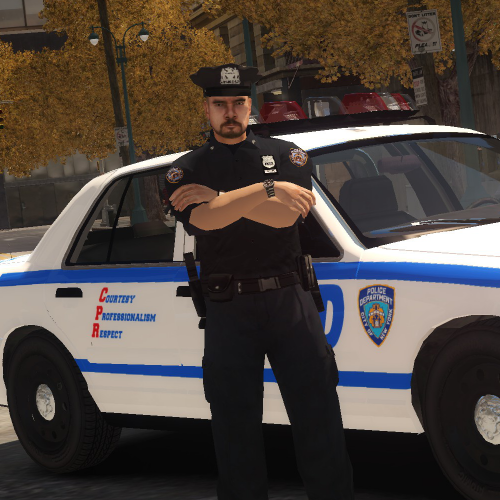 That is because you're only using LCPDFR to customise the peds. I recommend using a trainer, you can remove and fully customise the components in that. Also an LCPDFR issue, not with this ped. An LCPDFR feature, not caused by this mod. http://www.gtainside.com/en/gta4/trainers/49982-gta-iv-eflc-simple-native-trainer-v6-5/
- 16 comments
- 2 reviews
-
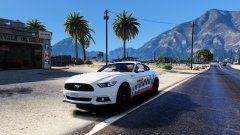 Looks amazing! One small thing I noticed, however is that on the actual car the 'POLICE' on the lightbar is in all caps. Brilliant work regardless, looking forward to seeing more of your mods.
 -
My new space for GTA IV Screenshots.
-
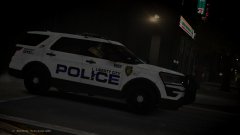 20180410233346_1.jpg
-
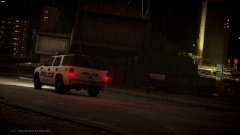 20180409002721_1.jpg
-
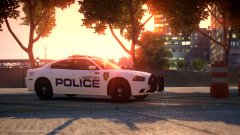 20180409001725_1.jpg
-
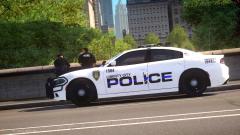 12210_20180408204501_1.png
-
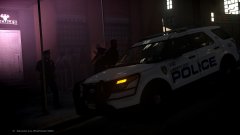 Intoxicated male arrested for trying to fight police
-
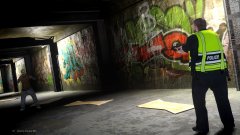 Cleansing the tunnels, Pt. 4
-
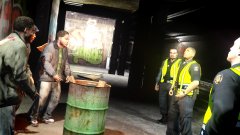 Cleansing the tunnels, Pt. 3
-
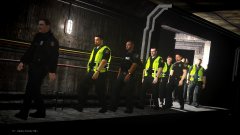 Cleansing the tunnels, Pt. 2
-
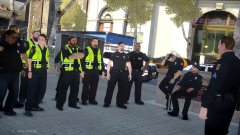 Cleansing the tunnels, Pt. 1
-
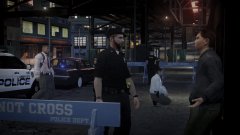 Store robbery
-
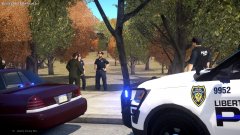 Dead body found in Beechwood Park
-
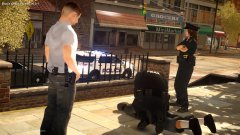 One in custody.
-
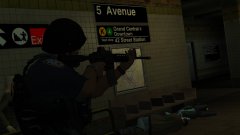 Counterterrorism
-
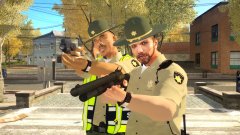 LCSO
LCSO
-
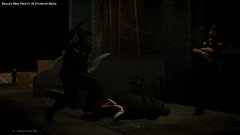 Protect and serve
-
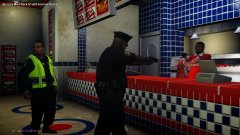 Unhappy customer
-
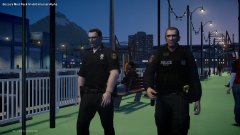 On patrol
-
 Countryside Mountains V
-
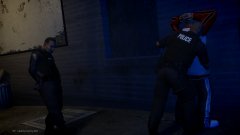 Stop and Frisk
-
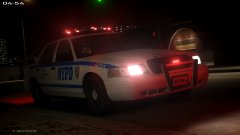 NYPD
NYPD
-
-
From the album: Policing Moments (IV)
-
From the album: Policing Moments (IV)
-
From the album: Policing Moments (IV)
-
From the album: Policing Moments (IV)
-
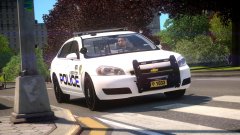
From the album: GTA IV WIPs
Release should be in May or June 2018 -
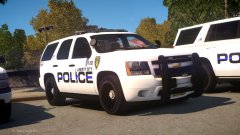
From the album: GTA IV WIPs
Release should be in May or June 2018 -
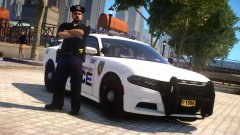
From the album: GTA IV WIPs
Release should be in May or June 2018 -
GTA IV Multiplayer screenshots
-
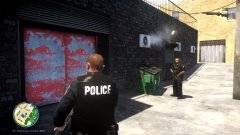 Covering the back door
-
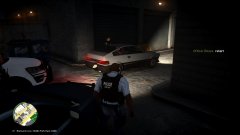 Alleyway traffic stop
-
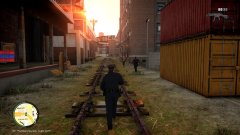 Foot chase
-
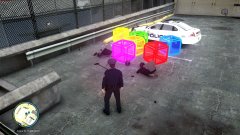 An unusual evidence pile
-
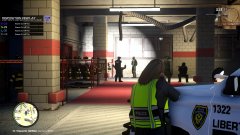 Fire station arrest
-
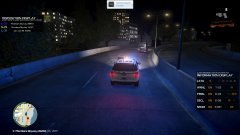 Stolen armoured truck pursuit
-
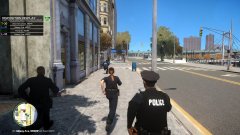 Chasing the Crown Vic Bandit
-
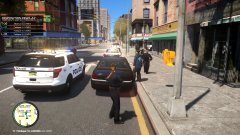 Confronting the Crown Vic Bandit
-
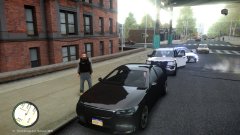 Traffic Stop
-
 wwwwwwwwwwwwwwwww
-
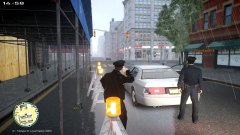 Another cold, rainy day in LC.
-
 20170319192240_1.jpg
-
 20170319185909_1.jpg
-
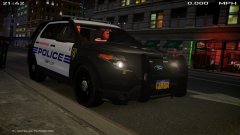 20170319185435_1.jpg
-
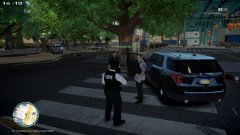 20170319183950_1.jpg
-
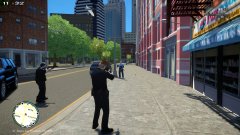 20170319183416_1.jpg
-
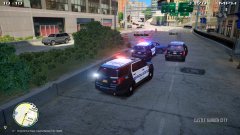 20170319183132_1.jpg
-
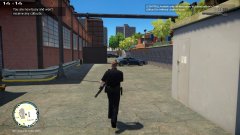 20170319015850_1.jpg
-
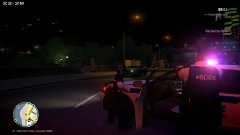 20170319012403_1.jpg
-
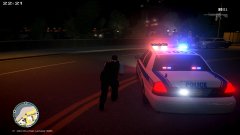 20170319012350_1.jpg
-
-
From the album: Multiplayer Adventures
-
From the album: Multiplayer Adventures
-
-
From the album: Multiplayer Adventures
-
From the album: Multiplayer Adventures
-
From the album: Multiplayer Adventures
-
From the album: Multiplayer Adventures
-
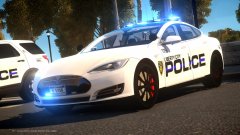 Yup! I love it

