


11newo11
Members
-
Joined
-
Last visited
Everything posted by 11newo11
-
 Marysville
 -
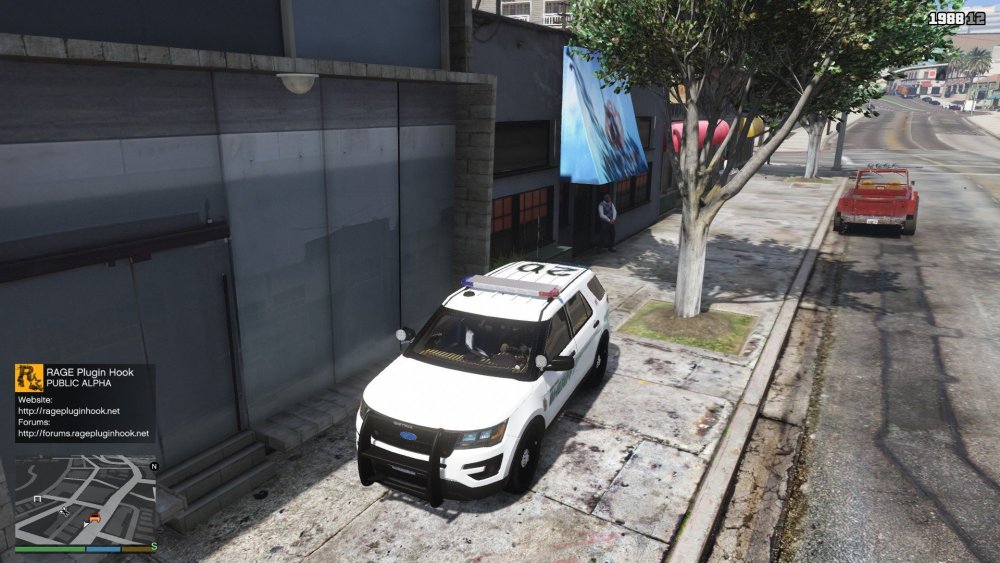
Hi all, No matter what slot I put it in, it seems the 2016 FPIU always has these weird yellow lines in the interior. If anyone could help me that would be appreciated! Here's a pic
-
-
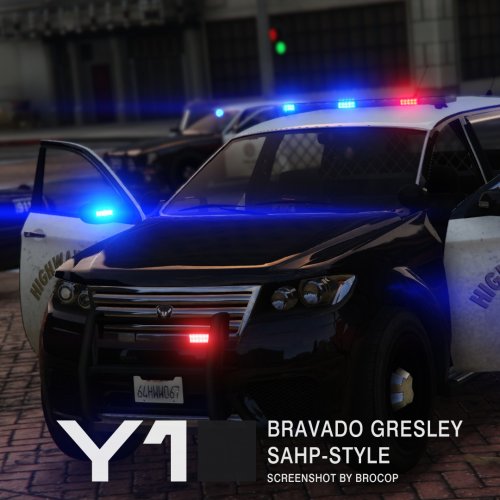 Hey man huge fan of the model but it's labeled as hwaycar3 and I can't seem to spawn it on rage hook. Also don't know where to put vehicles and carvariations. If you help that'd be great thanks
- 12 comments
- 3 reviews


