Eloome
Members
-
Joined
-
Last visited
Everything posted by Eloome
-
This worked and also launching the game on minimum graphics parameter also solved the problem too! Thank you for your help!
-
It is very inconsistent. Sometimes it crashes in the intro portion of startup and sometimes it gets me to the main menu and once I hover my mouse over "Load with Rage Plugin Hook" it instantly crashes the game.
-
As stated in the title, my RPH and GTAV crash after a few seconds of loading. This is on a fresh install with only LSPDFR installed and no mods folder. I have tried allowing RPH through my Firewall as well as turning off the Firewall completely. Any help is appreciated I have attached a log below. RagePluginHook.log
-
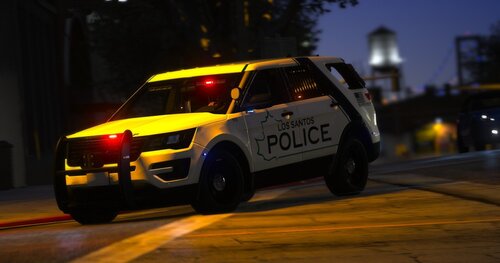 Could you do a mini pack based on the Dekalb County Sheriffs Office with a 14 Tahoe and the malibu they use today but with Blaine County instead of Dekalb?