skynyrd47
Members
-
Joined
-
Last visited
Everything posted by skynyrd47
-
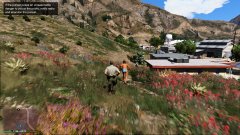
From the album: Sheriff Patrol
Best foot pursuit yet -
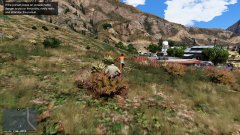
From the album: Sheriff Patrol
Almost evaded -
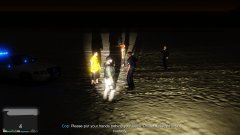
From the album: Sheriff Patrol
Gotta Love these callouts -
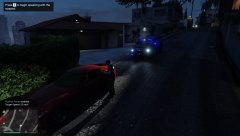
From the album: Sheriff Patrol
Nice lil traffic stop -
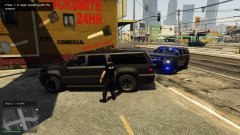
From the album: Sheriff Patrol
Hard to not love that tahoe -
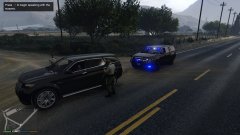
From the album: Sheriff Patrol
Gotta love ole blue -
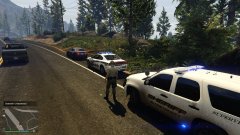
From the album: Sheriff Patrol
Man I love it when gta lets you have a nice moment like this. Almost like a real traffic stop -
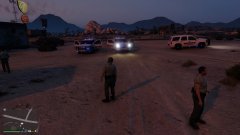
From the album: Sheriff Patrol
Good response time -
-
-
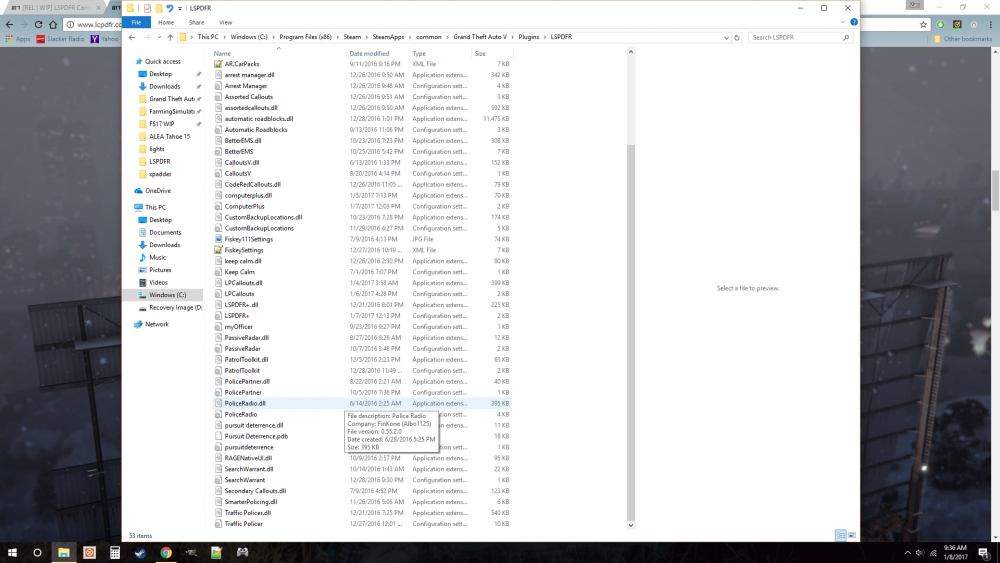
As you can see I have some callouts that actively use computers+
-
They both show up they just dont work, as in I can press request backup and nothing is spawned, I have watched youtubers who have requested backup through computers+ and understand how its works, and my call list screen is just blank like nothing was produced
-
so first off bada** modification, my go to for every traffic stop, but... I cannot call in backup of see the call list, to be honest it never has worked on my computer and I do get the prompt while on duty to view more details in the computer+.. Any ideas? Everything works but what I listed.
-
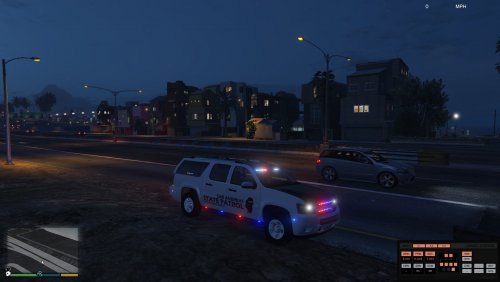 Awesome brother used this bad boy since your first release and now I'll use it every patrol with the updates! Thank you modders!
- 69 comments
- 11 reviews
-
-
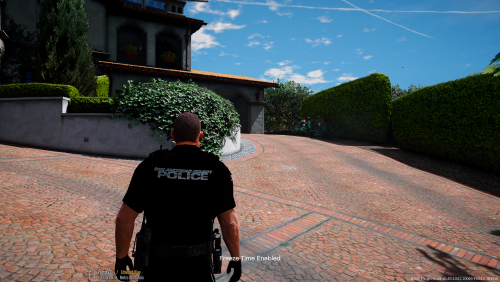 keep up the good work dont mind fools like luke thanks for keeping the community active and releasing mods.
- 17 comments
- 6 reviews
-
-

- 2
-
-
Hey brother what lines do I need to add to the copholster file to get the tact holsters working? EDIT! I am sorry your lines on the first page of this thread worked... sorry for the waste of space
-
Alex_Ashfold, Sir I applaud you I have love your EUP mod brother and I am literally going insane to get to the house and hit this new update up. Thanks for your hard work brother you have kept me coming back to gta v and lspdfr. Your a champ
-
Thanks brother perfect fix
-
I know I am over looking this setting, I have gone through all my add ons/ scripts and havent fixed this lovely. So when a plugin spawns in my sheriff2 slot it spawns with window tint.Ya doesnt sound terrible but... as you see in the picture my light bar is gone. BUT if i go to my trainer and set the tent to none, it looks like the tahoe on the left. All help is thanked
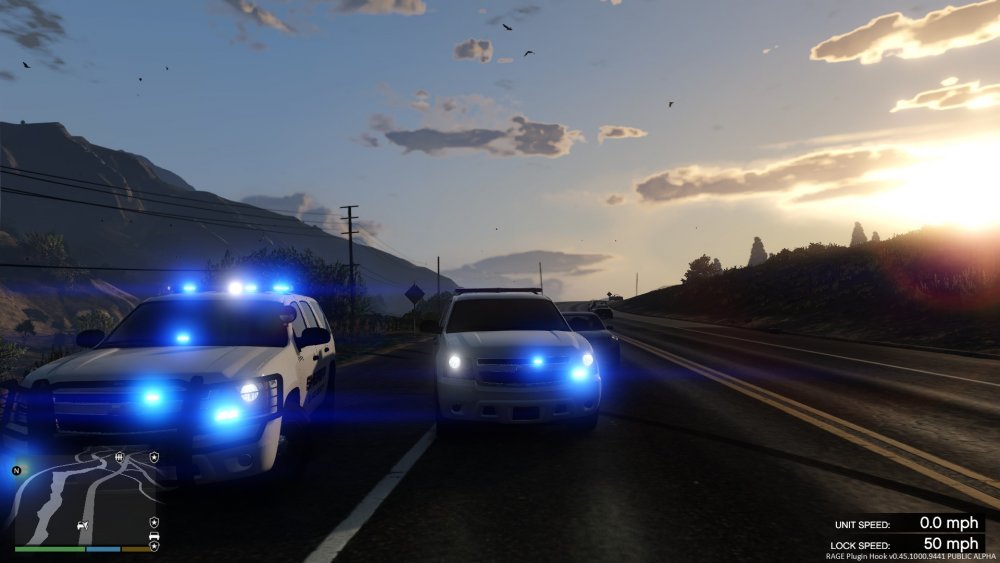
-
I am having a similar problem I got gta running with no mod folder, but as soon as I add my cars in the latest patchday I get a crash at start up.
-
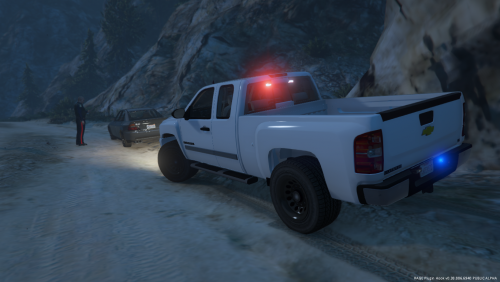 doors dont work on the new update but who cares badass truck my new favorite thanks for allowing the windows to tint
- 26 comments
- 8 reviews
-
Hey brother that looks cool as shit
-
Cant wait to see that bobcat have any wip pictures?
-
Look the additions your brought in, is there any way to get the thigh holster from the merryweather guys into your clothes menu? I was pumped for your tactical release but noticed there werent any thigh holsters. I assumed its was a damnit man hard texture to get into your script. Memphis has alot of sheriff and special forces that use thigh holsters.