cjr10621
Members
-
Joined
-
Last visited
Everything posted by cjr10621
-
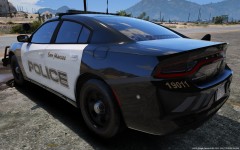
From the album: Random
Never thought I would see Chargers in San Marcos but alas here it is. Updating my SMPD pack to current fleet. -
All, add Albo's latest albo1125.common.dll from updated Assorted Callouts and they will work. Currently using Computer+ on 0.4 😄 Edit: Plugin loaded and interface works but game crashed, so disregard..
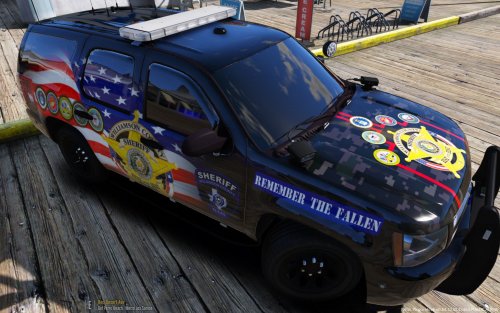 Here we have a Williamson County skin pack that I especially loved to make. Dedicated to all the men and women of both the armed forces and law enforcement worldwide Vehicles used in pack: Slicktop 2015 from here:
- 3 comments
- 1 review
-
-

- 3
-
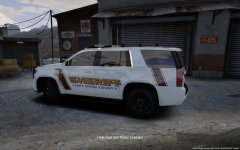
From the album: Random
Fort Bend County Sheriff Tahoe. Still some work to do on itYou can make reflective skins for any model that is released to support them. https://www.lcpdfr.com/files/file/21449-paleto-bay-police-department-mini-pack/ You just have to find and replace the reflective meshes that have been modeled into the car and in the .yft file. That is how I made the Gwinnet County skin pack that reflectsNegative. Window template came with the model. Not my first skin.. Ive tried it on multiple models and same thing happens every time.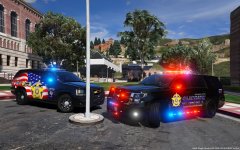
From the album: Random
Still a very much WIP but I was so excited how the recruiting unit turned out I had to share! Skin pack will be released :)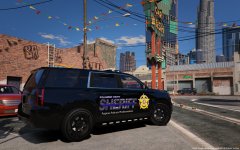
From the album: Random
WIP WilCo Sheriff new paint scheme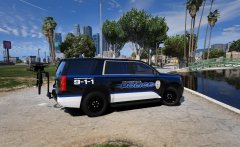
From the album: Random
Pflugerville Police out on patrol. This is their new scheme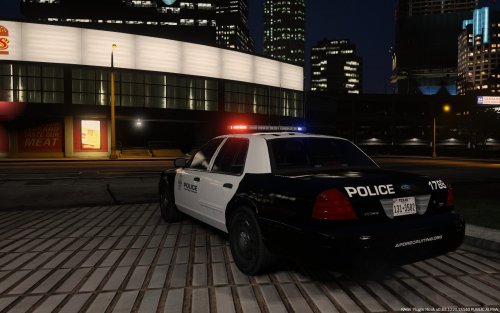 Here we have a skin pack for the Austin Police in the great state of Texas 2011 CVPI PATROL 2016 FPIS PATROL 2014 FPIU PATROL 2016 FPIU PATROL F350 CVE *CVPI was discontinued* **BONUS skin for 2018 Charger inside for the wait** vehicles used include: F350.. obviously 2016 FPIS 2014 FPIU 16 FPIU and 18 charger
- 5 comments
- 1 review
-
-
- 1
-
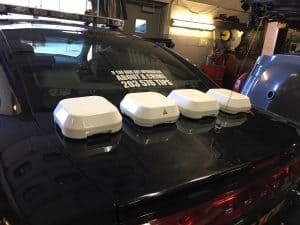
Any ideas as to what is causing this? Thanks, it is the only thing keeping me from releasing a pack but cant get it figured out..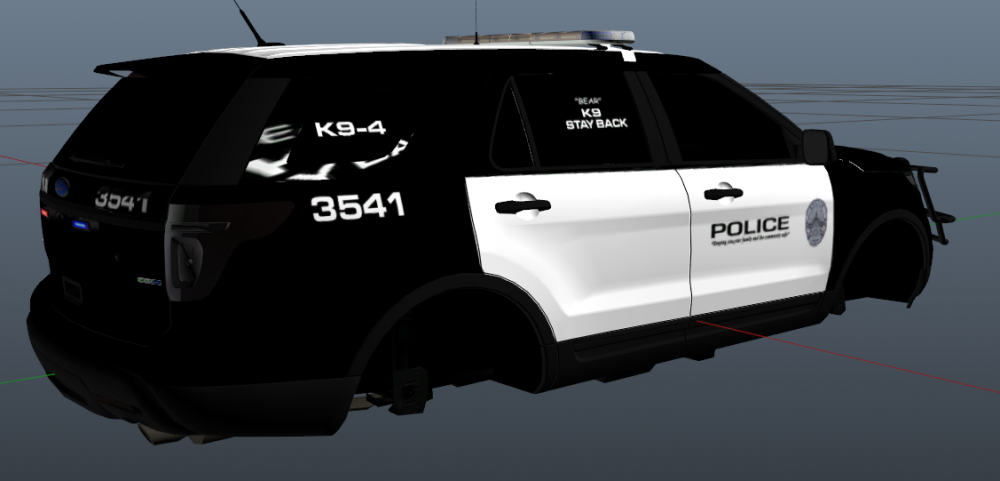 I think it might be an interesting option to have this antenna incorporated on some models if possible. Just a thought. It is the antennas Live PD uses to broadcast
From the album: Requests
Austin Police Patrol Unit 1788 and CVE 6211 out on a traffic stop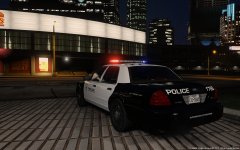
From the album: Requests
Austin Police Unit 1788 waiting to see what the night will bring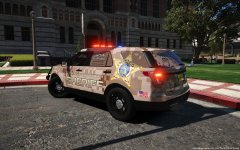
From the album: Random
Orange County Sheriff stepping up recruiting efforts@DaRooRoo just fyi the FPIU and FPIS with the larger POLICE graphics are from Austin, Minnesota. Austin Tx is the very basic design of POLICE and badge, just wanted to clarify. I might have my APD skins on hard drive Ill have to check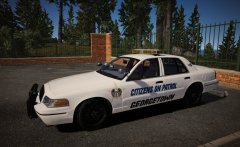
From the album: Requests
Georgetown COP unit 45 sitting at station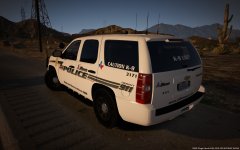
From the album: Random
..of the department to give me my latest speeding ticket 😛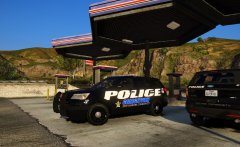
From the album: Requests
Georgetown Police units 23 and 58 gassing up before patrol@HuskyBaud Looks like 2 single Avengers up top and maybe Ion on bottom? Not sure. Cant get anything of the back other than this. Check out link below, Austin PD has the same setup. https://gyazo.com/174c532ac0ceca88e7c7ef1d9115a195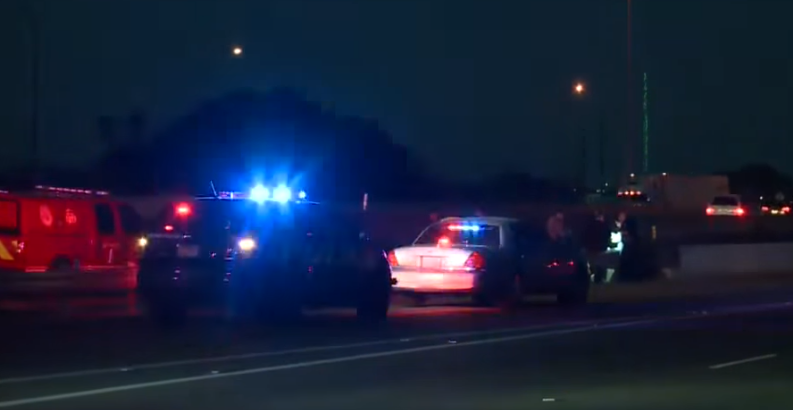 I love it!!
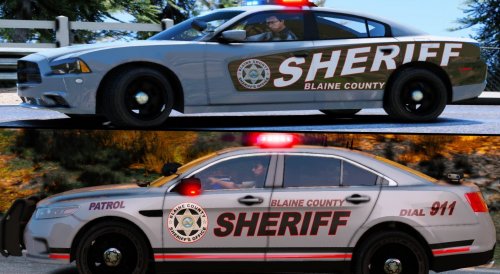 You beat me to it and I am completely fine with that! ABSOLUTELY BEAUTIFUL!! pack, well done!
- 30 comments
- 5 reviews
-
-
- 2
-