


Riva
Insiders
-
Joined
-
Last visited
Everything posted by Riva
-
-
-
-
-
-
-
-
-
-
-
-
-
-
ok thanks for the heads up
-
When i try to connect my LCPDFR Account with the diagnostic tool, it gets 50% there and then returns the error. Does anyone know how to solve this error?
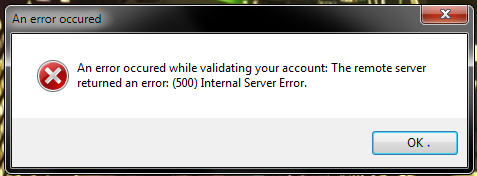
-
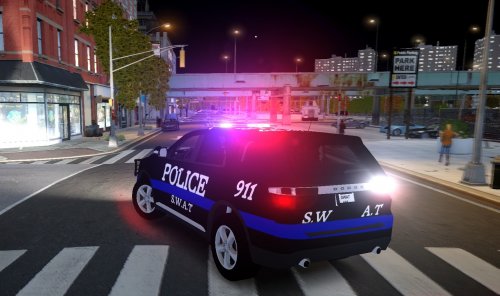 can you make one with steelies?
 -
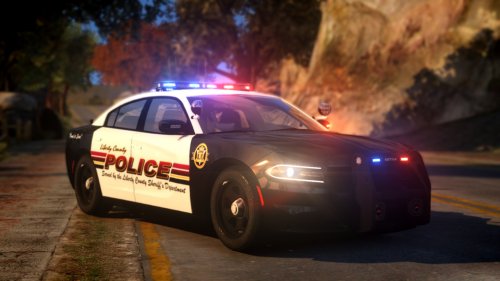 i have the same thing, i sent him a msg about it and he knows about the issue interceptor or utility?
- 6 comments
- 6 reviews
-
-
 where can i get that bearcat skin?
 -
 release?
 -
-
-
-
-
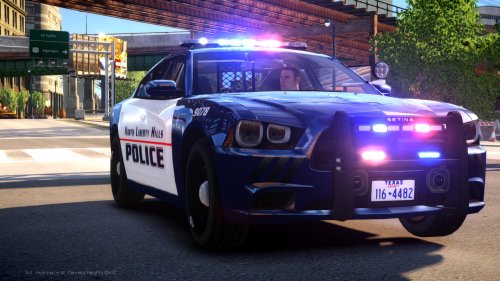
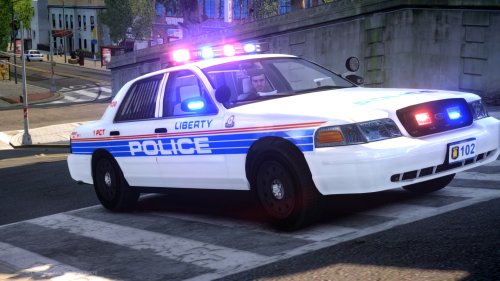
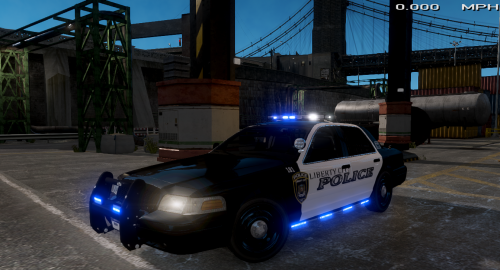
![LCSO CVPI [Original]](//s3-gallery.int-cdn.lcpdfrusercontent.com/monthly_2015_07/small.enb2015_7_21_7_33_6.jpg.1155d9bff3d5de874f8eedd02d992c93.jpg) my god...I am so eager to get my hands on that! Great Work!
my god...I am so eager to get my hands on that! Great Work!



![LCSO CVPI [Original]](http://s3-gallery.int-cdn.lcpdfrusercontent.com/monthly_2015_07/small.enb2015_7_21_7_33_6.jpg.1155d9bff3d5de874f8eedd02d992c93.jpg)