nexusys
Members
-
Joined
-
Last visited
Everything posted by nexusys
-
Update: i was right, the cutscenes are designed for sedans, not SUV, hence the sinking on explorer. But is there a way to mod this? i would love to see Explorer as primary fleet for sheriffs
-
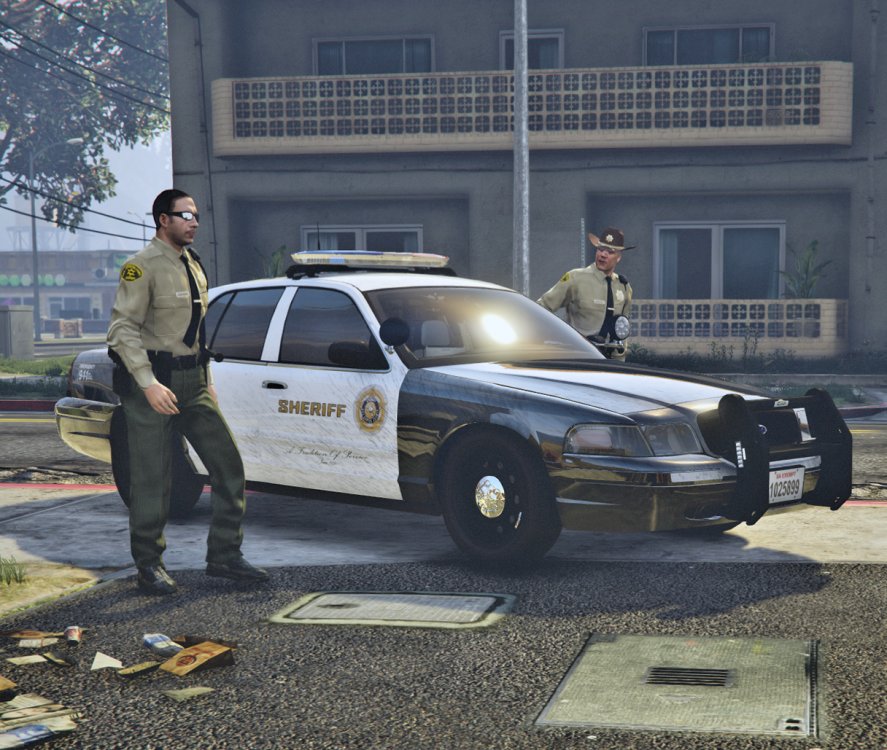
As per the subject line. Every time there's a cutscene in GTAV, my explorers are lowered to the ground. Just wondering if anyone experiencing the same and if there's a fix for this. I have the correct handling data configured (i hope) Again, only happens during cutscenes. Please find a screenshot attached and thanks in advance. UPDATE: i think i figured why, the cutscene had it set to a sedan's car and not SUV. I'll see if i can swap them to sedans....
-
Maybe you should disable your antivirus/firewall or something and try the link again? sounds like only you have this issue. Try it
-
Ok , so i updated the ScriptHook V caused by the casino update. Now i noticed all my cop cars i installed gone back to default. To all you experts, is there a way for me to restore the cars instead of having to do it all over again from the beginning? Thanks in advance.
-
Yes i did. All good now. I downloaded this https://www.gta5-mods.com/misc/the-sixth-star and problem solved! This guy @Illusionyarysaved me from https://www.lcpdfr.com/forums/topic/67956-one-type-of-police-car-spawning-in-sp/ post @Illusionyary thanks buddy. What a scholar
-
all good, i think i might ahve found the solution. Will try tonight This is exactly what im experiencing https://www.lcpdfr.com/forums/topic/67956-one-type-of-police-car-spawning-in-sp/
-
nope that sorta worked but not really. now gtav persists not to spawn police 2 and police *sigh
-
I think i might have found the solution after reading on sticky. Let see if i recreated my mod folder and start from scratch fixes the problem
-
Hi All, i hope im in the right section for help. I have replaced most of my emergencies vehicles. police, Police2, sheriff and so on.. I can spawn it using trainer and i can see it spawn randomly in traffic. But how come the default vehicles i replaced are still popping up in traffic? Cars i have replaced: Police (Ford Fusion) = I sometime see them. OK Police2 (Dodge Charger) = Never seen it pops up. Instead, i keep seeing the default ones Police3 (Explorer) = SOMETIME. very rare. Police4 (Charger) = Never seen it yet Sheriff (Crown Vic) = Never pops up Sheriff2 (Explorer) = Also keeps loading up the default car Why is that? Thanks in advance
-
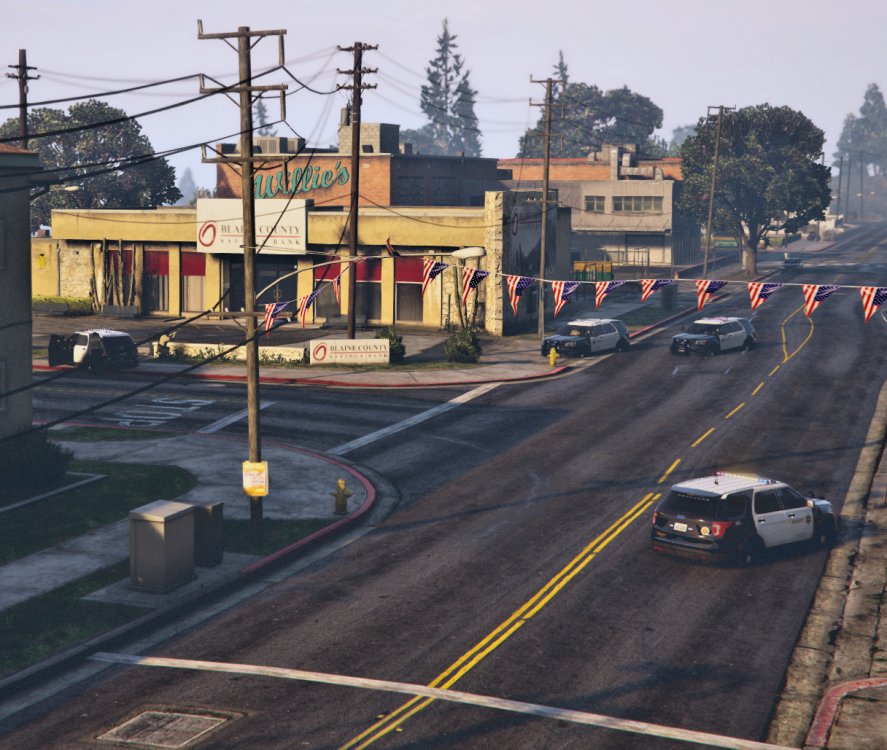
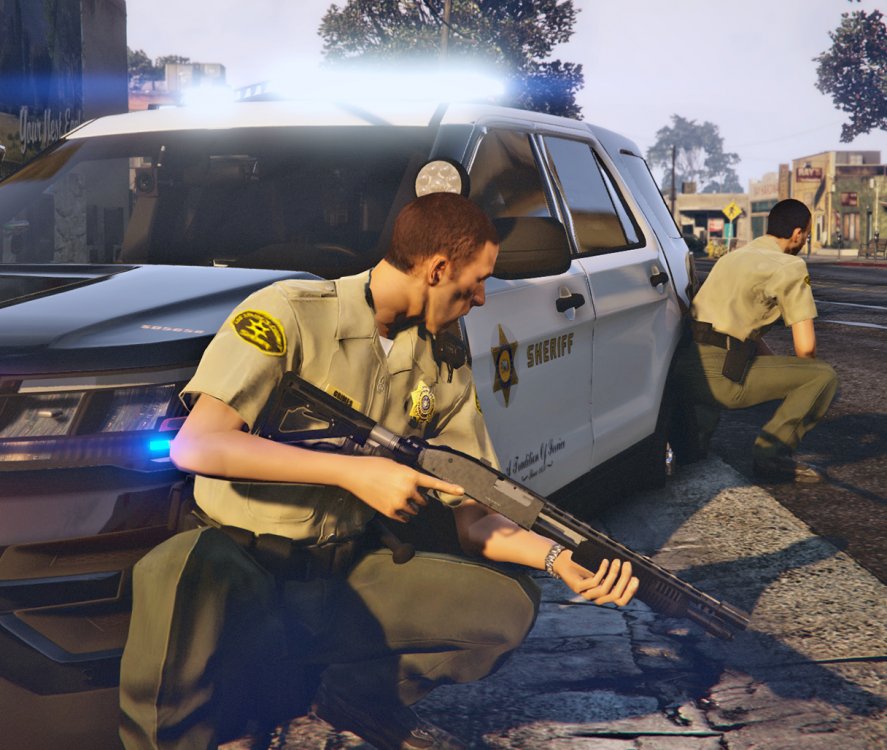
Bits and pieces of my texture modification. No image manipulation applied.
-
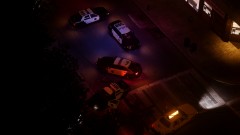
From the album: Random
Aerial view of the crime scene. -
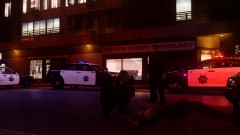
From the album: Random
One of the suspect shot dead with SFPD Magnum in the background -
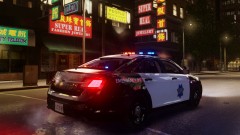
From the album: Random
SFPD Ford Taurus 2013. Texture by SLD -
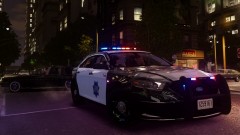
From the album: Random
SFPD Ford Taurus 2013. Texture by SLD