Bueno
Members
-
Joined
-
Last visited
Everything posted by Bueno
-
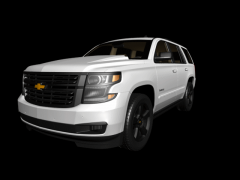
From the album: Random Testing
-
No problem
-
GTA Models, its just like importing a ped into 3ds max. Google it
-
Use 3DS Max and then export as an .OBJ
-
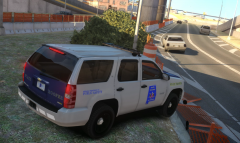
From the album: Released Models
Released on another site This model is not meant to be 100% accurate -
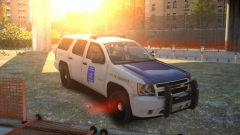
From the album: Released Models
Released on another site This model is not meant to be 100% accurate -
Ill get with PoliceWag this evening and ill see if he can help you.
-
My ELS Adress isnt all 0's. So Maybe you have a corrupt els.asi but first. Delete the els.asi els.ini and the els folder and reinstall them from a new download and dont put in the custom els config files yet. Just go in game and see if it comes on. Also take the advancedhook files from LCPDFR 1.0c and put them in your directory as well
-
Take out the g4mhook.dll. Let me know what happens
-
It wouldn't be GTAIV without crashes.
-
False The person below me is known as Polygon3D Vertex3D
-
I suggest making the ends come out a little more and put some bolts on there so it make it look like it isn't glued to the mirror.
-
False HAH The person below me doesn't have a drivers license
-
Might as well mount a ION onto the mirror and remap it to a halogen.
-
The only thing i can think of is the vehicles are turned off in the slot control. But seeing how no version works im unsure. Can you post a in game screenshot of a ELS vehicle? And a screenshot of your main GTA directory?
-
Need i say more (Ignore the audio)
-
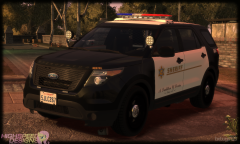 Maybe Bugs is part of some California undercover police car organization. Maybe you'll realize your not as good as you think
 -
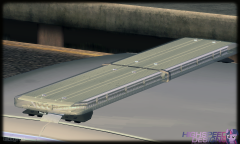 Let the Legacy project begin. I think i see grape jelly in one of the modules. Crazy ass detail
 -
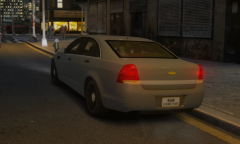 I don't know what your talking about
 -
From the album: Random Testing
Entire Caprice body edit -
-
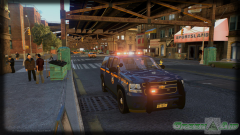 Looks good
 -
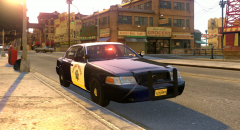
From the album: Random Testing
New Settings -
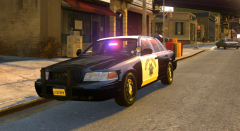
From the album: Random Testing
New Settings -
ICE 3.0?