Bueno
Members
-
Joined
-
Last visited
Everything posted by Bueno
-
-
-
-
-
.thumb.png.e88f1892e13ddb98db35e668d465c34b.png) Im almost positive its meant to be like that. Bugs can correct me if im wrong though. And yea the part where they fall off when barely hitting something is probably just GTA. Although if there's a way to alter the damage modifier it may help.
Im almost positive its meant to be like that. Bugs can correct me if im wrong though. And yea the part where they fall off when barely hitting something is probably just GTA. Although if there's a way to alter the damage modifier it may help.- 182 comments
- 44 reviews
-
-
-
-
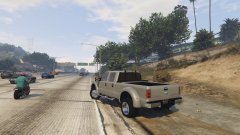 Whats wrong with walmart modders?
 -
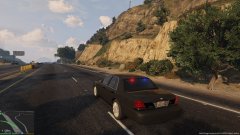
 What do you guys think?
© BuenoMods
-
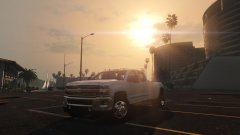 Right.,..
 -
Was 500,000 polys - Now 69,000 polys, non-3d interior I dont know why i own this image, something messed up, don't contact me asking to use it, cos i dont have it. Just to reiterate BUENO OWNS THIS IMAGE
© BuenoMods
-
All of the above or just pick 1 of the 3 options?
-
The text chat is redonkulous
-
I'm sorry to burst all of your bubbles, but i don't think anyone on here except the people that have been using the mod can confirm nor deny the compatibility between LSPDFR and other mods. I say we just PLAY! And i don't know what all the hype is about with the timer, i personally haven't seen any confirmation on what it actually beholds.
-
Don't delete it. Just verify integrity of game cache.
-
As all other LCPDFR modifications, its probably recommended to use a fresh copy.
-
Xpadder works miracles
-
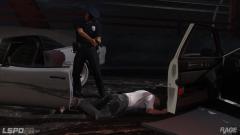 Its just a tad dark for shades for the average person, but not this guy!
 -
 lol wow
 -
lol im well aware
-
Yea didn't ya know lol Id rather look at screenshots of LSPDFR than play the other one.
-
Very nice Higuy
-
OpenIV still doesn't support opening the animations. You can only see the name of the group in which the different animations are held.
-

.thumb.jpg.4066677156985e22489bfecddc2f6c45.jpg)

.thumb.png.e88f1892e13ddb98db35e668d465c34b.png)