Skip to content
View in the app

A better way to browse. Learn more.

LCPDFR.com

A full-screen app on your home screen with push notifications, badges and more.

To install this app on iOS and iPadOS
  1. Tap the Share icon in Safari
  2. Scroll the menu and tap Add to Home Screen.
  3. Tap Add in the top-right corner.
To install this app on Android
  1. Tap the 3-dot menu (⋮) in the top-right corner of the browser.
  2. Tap Add to Home screen or Install app.
  3. Confirm by tapping Install.

Fdarr

Members
  • Joined

  • Last visited

Everything posted by Fdarr

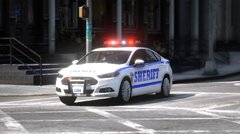
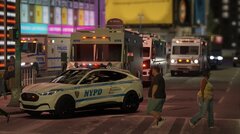
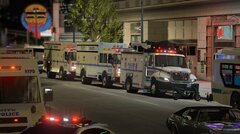
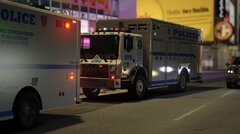
  1. Fdarr posted a gallery image in GTA V Galleries
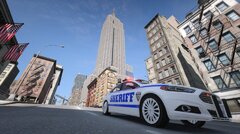
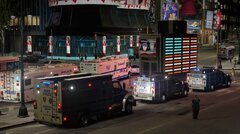
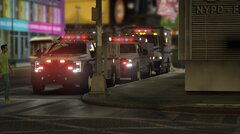
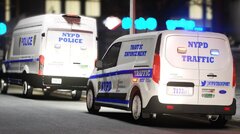
  2. Fdarr posted a gallery image in GTA V Galleries
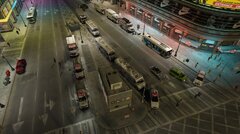
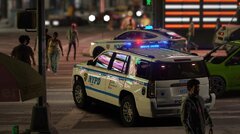
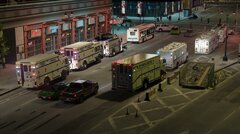
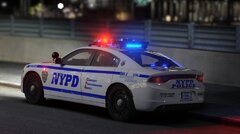
  3. Fdarr posted a gallery image in GTA V Galleries
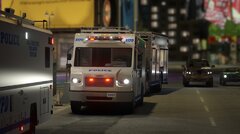
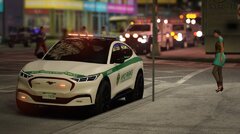
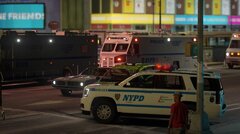
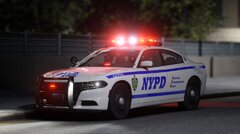
  4. Fdarr posted a gallery image in GTA V Galleries
  5. Hi, since the last update may game crash when (Custom) Police units respomd in Liberty City Preservation Project. I am using RDE and modified teh SixStar Script to have custom units respond. However after some time the game crash. (I have updated plugins/graphics drivers/created expetion for firewall/anti virus, and Have heap adjuster, packfile limier, GTAV resource limiter, weapons limiter, Pool manager The RPH report mentiones something with Time scale. Any ideas how to fix please? RPH Report:
  6. Fdarr posted a gallery image in GTA V Galleries
  7. Fdarr posted a gallery image in GTA V Galleries
  8. Fdarr posted a gallery image in GTA V Galleries
  9. Fdarr posted a gallery image in GTA V Galleries
  10. Fdarr posted a gallery image in GTA V Galleries
  11. Fdarr posted a gallery image in GTA V Galleries
  12. Fdarr posted a gallery image in GTA V Galleries
  13. Fdarr posted a gallery image in GTA V Galleries
  14. Fdarr posted a gallery image in GTA V Galleries
  15. Fdarr posted a gallery image in GTA V Galleries
  16. Fdarr posted a gallery image in GTA V Galleries
  17. Fdarr posted a gallery image in GTA V Galleries
  18. Fdarr posted a gallery image in GTA V Galleries
  19. Ill try, The ones in Times Square might take me some time, which I lack at the moment.

Account

Navigation

Search

Search

Configure browser push notifications

Chrome (Android)
  1. Tap the lock icon next to the address bar.
  2. Tap Permissions → Notifications.
  3. Adjust your preference.
Chrome (Desktop)
  1. Click the padlock icon in the address bar.
  2. Select Site settings.
  3. Find Notifications and adjust your preference.