


IronicRainbow
Members
-
Joined
-
Last visited
Everything posted by IronicRainbow
-
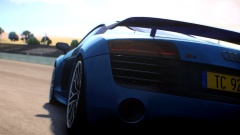 SWEET JESUS
 -
 It's something included in some ENB's to give effects to the screen.
 -
-
effect.txt is a great thing :P
-
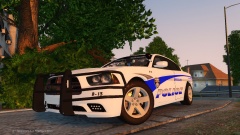
![[WIP] 2014 Ford Police Interceptor](//s3-gallery.int-cdn.lcpdfrusercontent.com/gallery/album_2838/sml_gallery_120090_2838_1082165.png)
From the album: WIP Models
It's alive! Works in game, check. Next up: Poly optimization, bug fixes, and templating. -
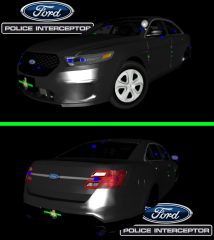 *Note that this model may have to be scrapped or the bumper redone. :( I will have to speak to Ridgerunner about using the bumper.
 -
From the album: WIP Models
Saw Georgie's picture of his new PI today, figured I should do one as well. Base model is 2010 Ford Taurus SHO from Forza, converted by NIK161RUS Front bumper from Ridgerunner Hubcaps from ErinLindsay Still a WIP, as some thing have to be fixed, and polys reduced. -
Assuming this is Lccop's base model, I had the same issue with it when I used it. Not really sure what caused it (maybe too much equipment on it?), but I never fixed it. I got a newer model, and the issue has not returned since. Try re-importing the Charger in zmodeler, put the equipment on, and export again. That may work.
-
Not bad for your second release! A few suggestions for you, though. 1. The FPIU's don't have headlight flashers, as the bulb type isn't made to flash 2. "Drunk Driver Enforcement" should be renamed to "DUI Enforcement" or something similar 3. Your ION's seem on the bigger side, I would scale them down a tad bit more.
- 12 comments
- 4 reviews
-
-

- 1
-
-
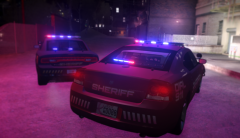 The car color is changeable, but I can make a gradient version possibly.
 -
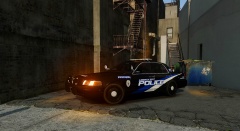 So many antennas
 -
From the album: IronicRainbow's Pictures
Not sure if I should release this or not. Thoughts on it? -
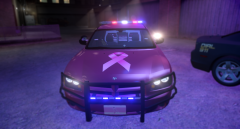
From the album: IronicRainbow's Pictures
Not sure if I should release this or not. Thoughts on it? -
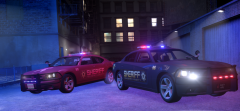
From the album: IronicRainbow's Pictures
Not sure if I should release this or not. Thoughts on it? -
Wow, never thought this would be on the Letterman show, it's really incredible the technology that they use to create the songs and animations.
-
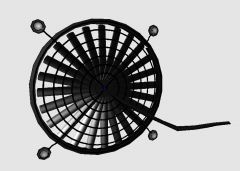 "Render"
 -
From the album: 3D st00f
3,200 polys. Much improved over v1. I also added a wire with a plastic cover texture and new suction cups. -
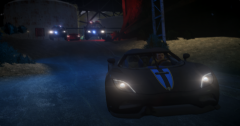 CryENB v1
 -
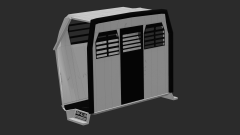 I NEED IT GIMME GIMME
 -
From the album: IronicRainbow's Pictures
Right version this time -
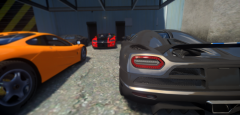
From the album: IronicRainbow's Pictures
-
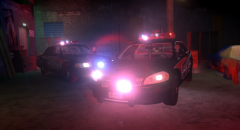 Skin by my main mane BrokenArrow
 -
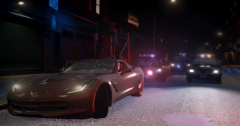
From the album: IronicRainbow's Pictures
-
From the album: IronicRainbow's Pictures
-
 ...dafuq is with your siren? It's all smushed down.

![[WIP] 2014 Ford Police Interceptor](http://s3-gallery.int-cdn.lcpdfrusercontent.com/gallery/album_2838/sml_gallery_120090_2838_1082165.png)
