Skip to content
View in the app

A better way to browse. Learn more.

LCPDFR.com

A full-screen app on your home screen with push notifications, badges and more.

To install this app on iOS and iPadOS
  1. Tap the Share icon in Safari
  2. Scroll the menu and tap Add to Home Screen.
  3. Tap Add in the top-right corner.
To install this app on Android
  1. Tap the 3-dot menu (⋮) in the top-right corner of the browser.
  2. Tap Add to Home screen or Install app.
  3. Confirm by tapping Install.

Wolfgang

Members
  • Joined

  • Last visited

Everything posted by Wolfgang

  1. That's the main reason I want 2.2.4
  2. Well can someone answer my question in a simple yes or no?
  3. Ok but I don't want it to be a cracked
  4. Am I able to downgrade Zmodeler 2.2.6 to 2.2.4?
  5. Here in Tennessee we don't have enough lights.
  6. I know this is a random question but how do you remove a sunroof and make it look like it was never there?
  7. Images added to a gallery album owned by Wolfgang in GTA IV Galleries
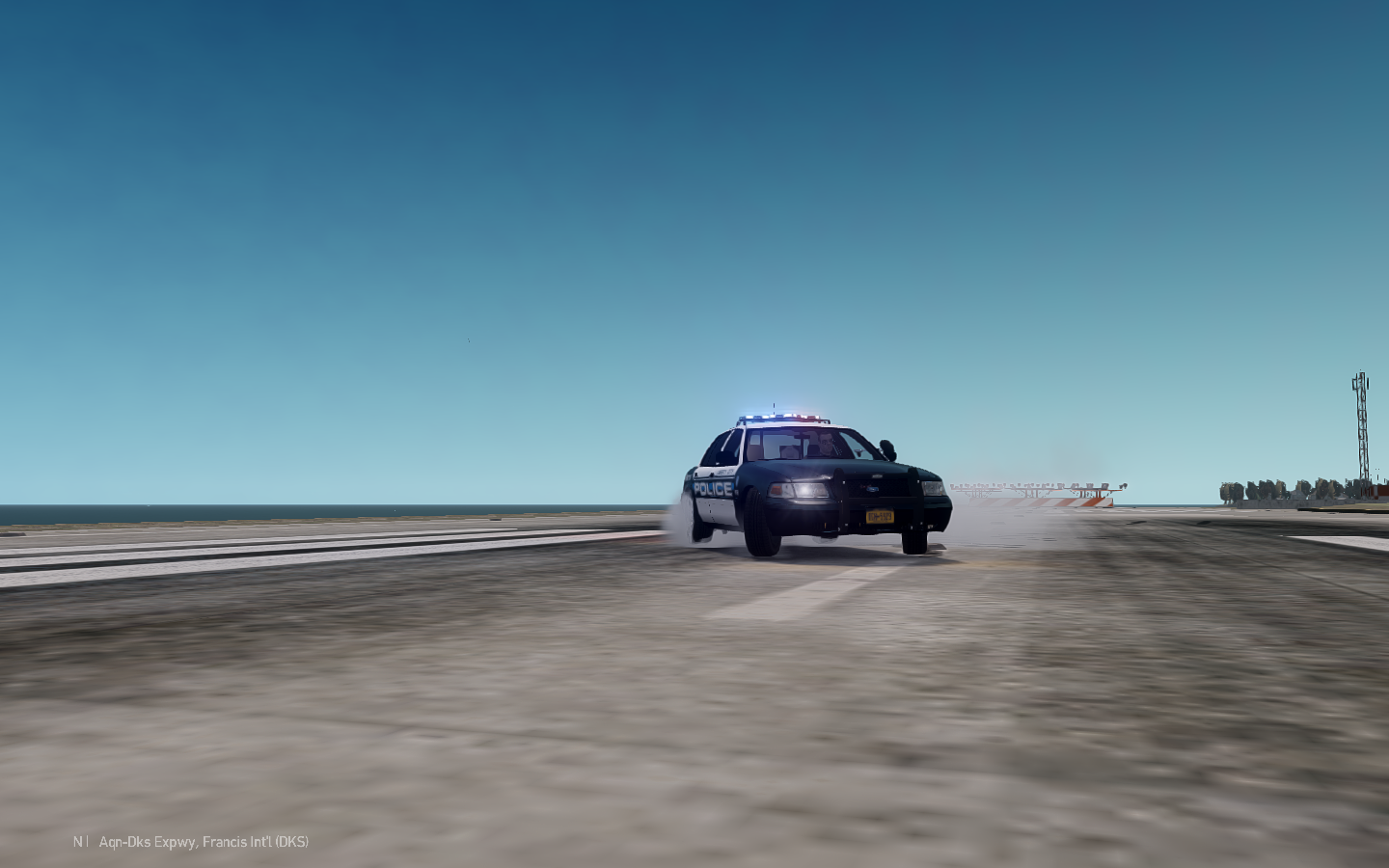
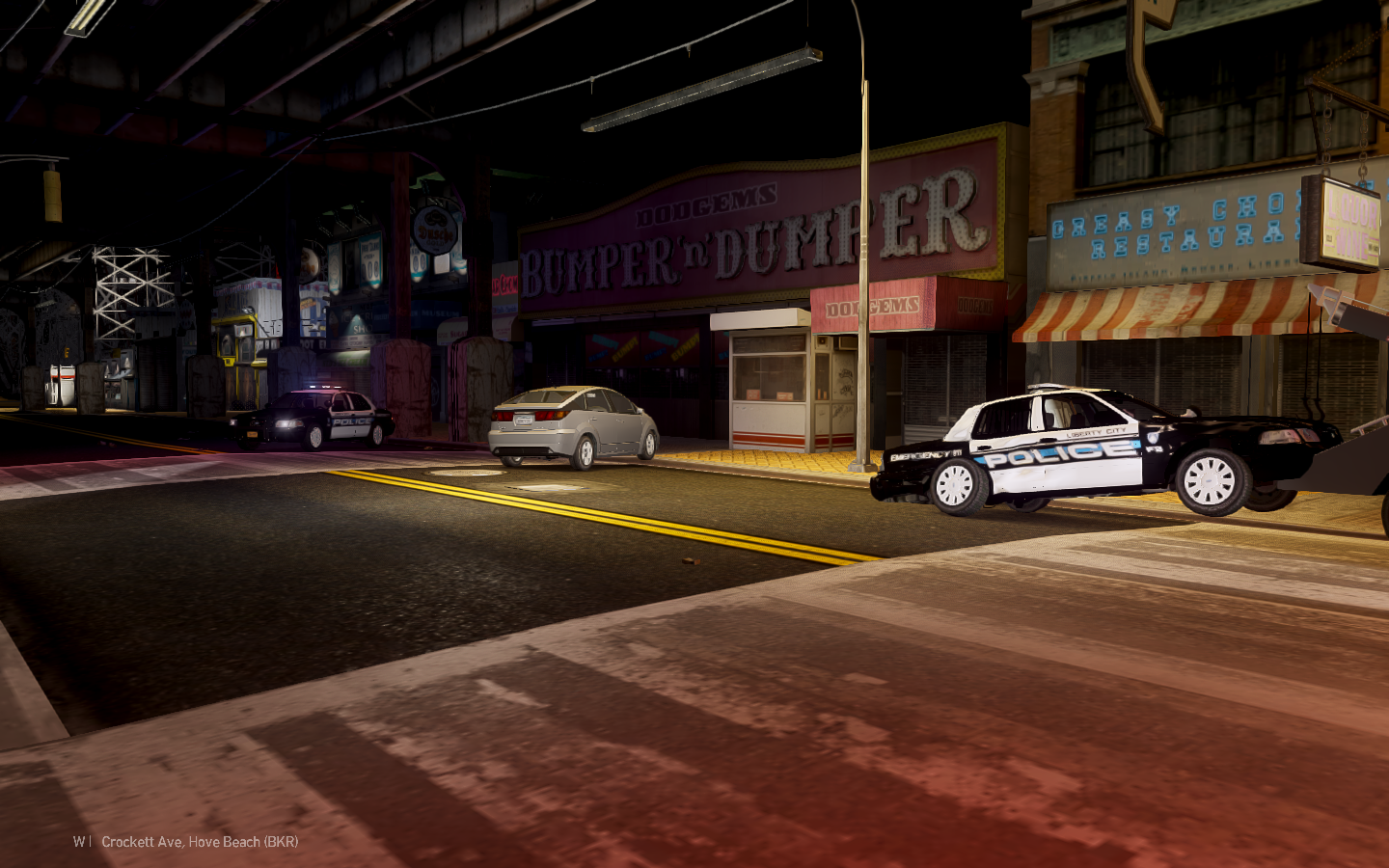
  8. Wolfgang posted a gallery image in GTA IV Galleries
  9. Wolfgang posted a gallery image in GTA IV Galleries
  10. Ok thanks but Idk anyone with the valor.
  11. Where can I EVI's FS Valor with the lighting setup CJ24 used for his Ford interceptor. I'm planning on using it for personal use only.
  12. Update I've added antennas and console
  13. I've found the texture used for the grill all I have to do is paint it black, correct?
  14. Ik that but how am I suppose to make it black?
  15. Yes I'm planning on doing that once I buy Photoshop.
  16. Wolfgang commented on XBR410's gallery image in GTA IV Galleries
  17. 2013 CHP Ford Police Utility ZModeler2 2014-04-23 15-11-18-60.bmp Please no disrepectful comments

Account

Navigation

Search

Search

Configure browser push notifications

Chrome (Android)
  1. Tap the lock icon next to the address bar.
  2. Tap Permissions → Notifications.
  3. Adjust your preference.
Chrome (Desktop)
  1. Click the padlock icon in the address bar.
  2. Select Site settings.
  3. Find Notifications and adjust your preference.