



gamerdanger99
Members
-
Joined
-
Last visited
Everything posted by gamerdanger99
-
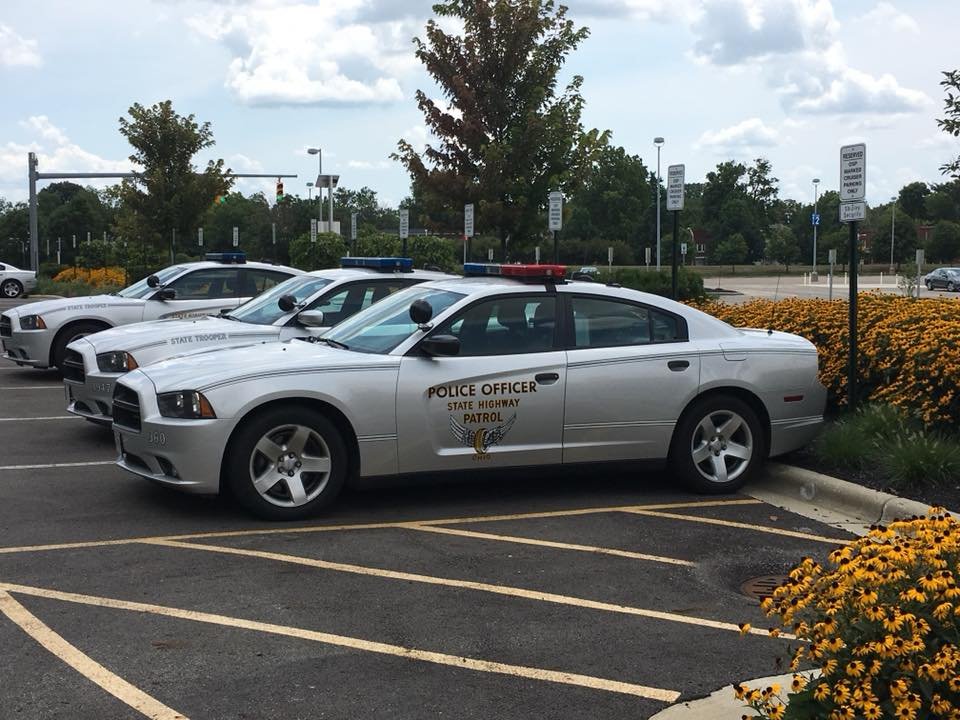
the first one was NB meaga car back now i have Ohio state troopers
-
its kind of hard to let somthing go when hundreds of Americans were killed
-
Also, make sure that you run the game as administrator. You do this by going to the GTA IV folder, right click on GTAIV.exe -> Properties -> Compatibility and select 'Run this program as administrator'. Do the same exact thing to the LaunchGTAIV.exe. i did that and it didnt work i dont know what to do im working on getting the pc specs for you
-
i just started using car packs and whenever i police car is away from me it loses textures the lightbar dissappears and the wheels also dissapear as well i REALLY NEED HELP with this anyone that can help PLEASE and thanks
-
nice car but the NYPD call SWAT ESU instead and the SWAT car has SWAT then ESU other then that great job
- 30 comments
- 15 reviews
-
here are picture from GTA4 ill upload a lot more
