Rescue5
Members
-
Joined
-
Last visited
Everything posted by Rescue5
-
-
-
Awesome car. As an NC native I love seeing all the stuff folks come up with.
-
-
As an NC native, the license tag should be an orange permanent plate instead of a standard plate.
-
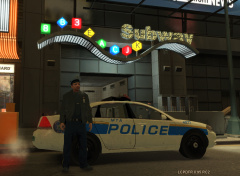 Star Junction
 -
I just wanted something modern to replace the default. I don't think it looks too bad.
-
-
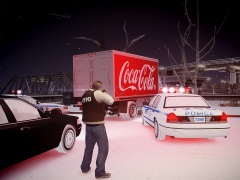
From the album: Harrison's Skins
An officer with the Metropolitan Transit Authority Police heads to patrol the Times Square station. -
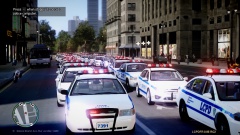
 Awesome scene and photo! Just saying, if you really wanted to go for accuracy, in December 2001 there would be at least one Chevy Caprice or Vic in the older blue NYPD paint job, especially in the vehicle shortage felt by NYPD and FDNY after 9/11. Great shot though man!
 -
Busiest dang tire store I've ever seen hahahaha. Nice video, interesting to see PD respond though. Here we'd just send an engine company for a vehicle fire.
-
At my school we had a bomb threat a few weeks ago, and frankly it concerned me how little school officials cared. The building was evacuated using fire drill procedure and students were not moved any further from the building than they would be for a fire (50-100 feet). No emergency responders showed up even as a just in case kinda thing, the principals went to check on their own.
-