Fajjer
Members
-
Joined
-
Last visited
Everything posted by Fajjer
-
-
Hi all! I would be very happy if someone could make these.
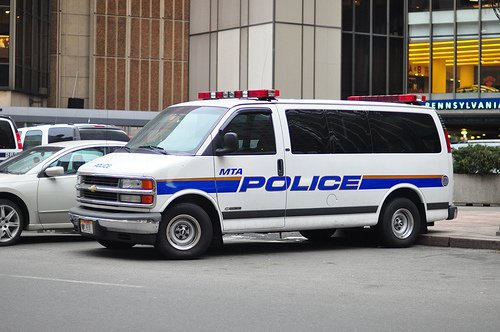
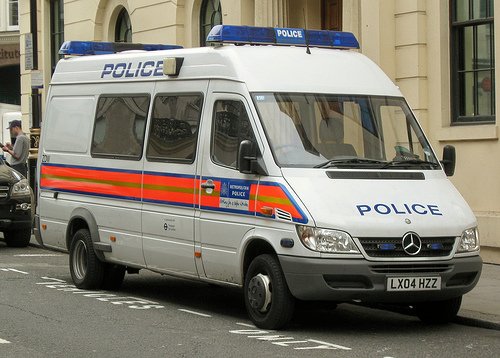
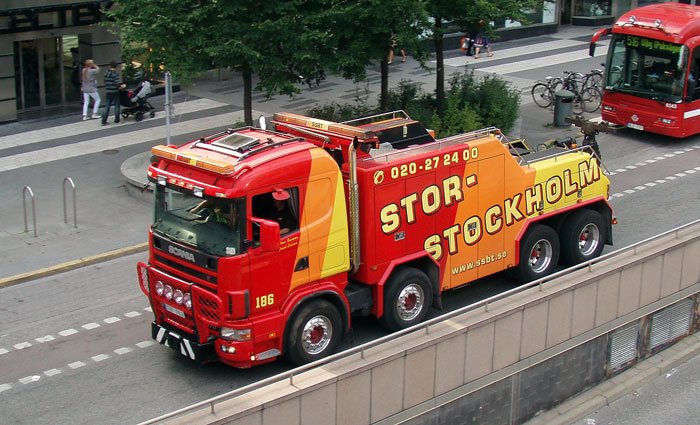
-
 Really great work! Love the Gresley, Bison and Sadler but i must say, to be police vehicle they are really slow so you or someone who can should really do a handling.meta for some of your vehicles! And something that would be really cool is to make the Youga to a police van with two lightbars as in the pic below.
- 371 comments
- 38 reviews