


Brainbread
Members
-
Joined
-
Last visited
Everything posted by Brainbread
-
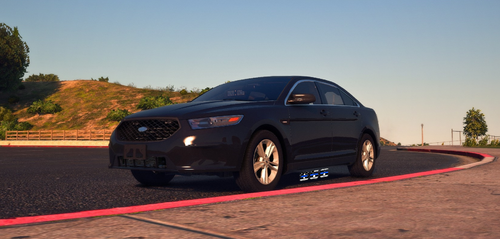 I am having the exact same issue. I installed it as AddOn so I am not sure if the replacement version does it too. Looks like the game doesn't recognize it as an Emergency Vehicle, vehicles don't move out of the way, nor can I pull someone over when using lights and sirens. Did you by any chance figured out how to fix it? Because this is by far my favorite unmarked car because of the low profile lights.
- 42 comments
- 4 reviews
-
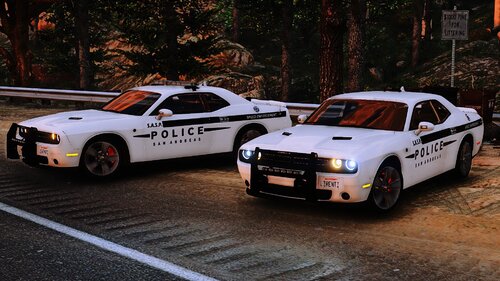 The unmarked Mustang is not in the add-on pack.. or am I missing something? Thanks!
- 35 comments
- 3 reviews
-
 I absolutely love these but I am having a lightning issue on some models. On the unmarked CVPI, the red and blue front windshield light doesn't work properly. The blue flashes but the red stays static. it's the same for every other models in this pack that have the same light setup (like the CV slicktop). All my other ELS vehicles work just fine. Any ideas? Thanks!
- 255 comments
- 75 reviews
