


PimpedXGamerPC
Members
-
Joined
-
Last visited
Everything posted by PimpedXGamerPC
-
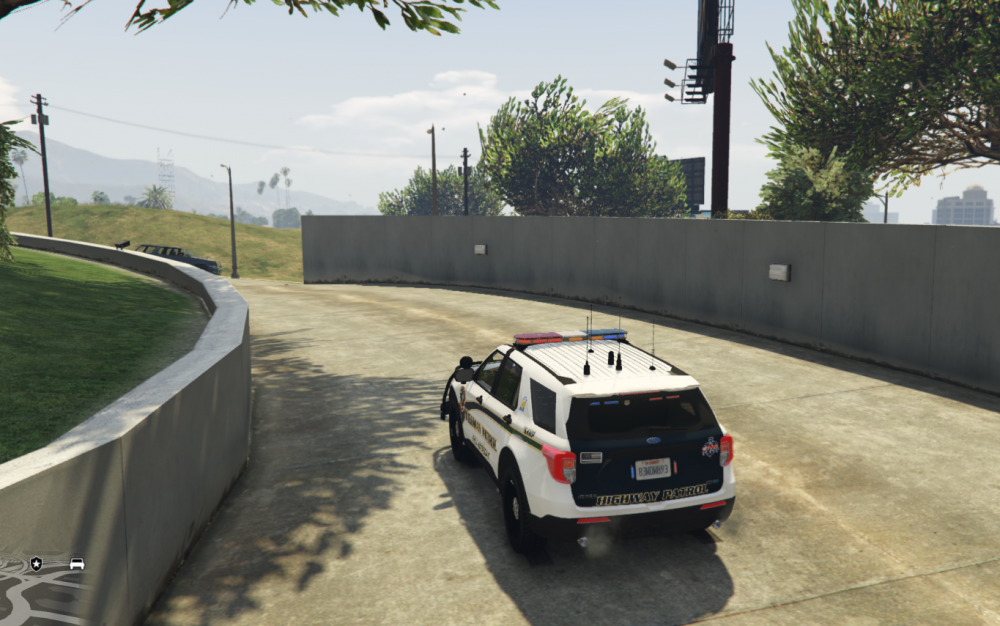
Do you have any idea as to why the lightbar/other lights on each of my models remain on/off and do not change? As if I am modifiying the extras in the policing garage.
-
tried patch day 22 but the light bars are still the same, i can turn on sirens but only the brake lights flash
-
I have this same issue but for all my ELS vehicles, light bars are messed up but ( most ) models up date in game. Very sad Ive tried using multiple patch days now and seemingly this is my last problem to be solved for my lspdfr experience to begin
-
Hi, Everything is working the way I want it too, including ELS on even vanilla police vehicles. However, i have issues with the ELS lights and lightbars for ELS vehicles I install. ELS buttons still work, as well as the siren, but some either remain on or remain off and do not change. As if I am adding extras in the police garage and it stays that way. Any ideas? I install everything into patchday 22 with XML in the appropriate place.
-
Hi guys, I am coming back to the latest version of LSPDFR after a long time. I would really appreciate suggestions and or a combination of plugins/ELS vehicles that are not out of date and are in fact working. I've come across multiple downloads now that are out of date and it's been a little difficult navigating my way around trying to have a seemingly nice LSPDFR experience. If you have any suggestions on combinations or any singular mods/els vehicles that aren't out of date I would really super appreciate it! Thank you so much!
-
Everything seems in place and is up to date. The problem still occurs and I am unable to launch the game. The only difference I have noticed is since im using the 'xlive.dll', when I launch the game it creates a text file called 'xlive_trace.log'. In that log, 5 lines are repeated every time I launch my game saying the following: 27/08/2015 21:08:12.680 Log started (xliveless 1.0a3) 27/08/2015 21:08:12.680 GetModuleHandle returns 00960000 27/08/2015 21:08:12.680 [EXE] unprotecting section '.text': addr = 0x00001000, size = 0x008ce000 27/08/2015 21:08:12.680 [EXE] unprotecting section '.rdata': addr = 0x008cf000, size = 0x00176000 27/08/2015 21:08:12.680 Unknown game version, skipping patches (signature = 0xc25de58b) I can assure you my game is up to date. Anyone know whats going on?
-
Here we are, fresh start on the disc and installed GTA IV. I have installed LCPDFR countless times before, and its a pretty simple process. But I run into some annoying errors I don't know how to fix. The only mods ive really installed is the Native Trainer and LCPDFR. The problem here is having working ASI Loaders (I think they're called that). If I don't have xlive.dll in my GTA IV directory when i go to launch the game it will display the following error message: The ordinal 43 could not be located in the dynamic link library C:\WINDOWS\SYSTEM32\xlive.dll (This message will display with or without dsound.dll) When I go to put this file into my GTA IV directory the game simple won't launch and its been really frustrating. ---- Help Please!
-
I just had been getting the mods and textures ready for GTA but the same problem happened, I used the diagsnostic tool but it stopped working everytime I scanned, when I just had lcpdfr itself and I scanned it worked perfectly fine, please help! I beleive the problem is the installation of ELS V7. Someone tell me why it does this, it also says at the start of the game - ELS error - PLEASE HELP
-
Can I hook up with someone on either skype/steam who has used a shit ton of mods and textures for LCPDFR so I know what I'm doing? Thanks!
-
What is that? Sorry, I'm quite new to this. Umm, what is that? Sorry I'm quite new to this.
-
I can assure you I've already follow these steps, it is exactly why i posted.
-
Hey, I was wondering why every time I load up my game as soon as I enter it I don't get a chance to activate LCPDFR because it says main error cannot start script error or something such as that, I've tried it with LCPDFR alone and other mods, I've re-installed, tried different versions and ways, I got nothing. I've tried searching for a solution all over the net, I can't find it anywhere! Please help and reply!

