Casper Hoffman
Members
-
Joined
-
Last visited
Everything posted by Casper Hoffman
-
Hi, use Ultimate Backup plugin and edit DefaultRegions xml file in Grand Theft Auto V > Plugins > LSPDFR > Ultimate Backup Read "Improtant notes" located in file to figure out how it works. Go to <StatePatrol> section Add names of your vehicles under <Vehicles>, mess with "chance", "pax" or "color" if you want (color if using undercover) Do the same thing with every default region (LosSantosCity, LosSantosCounty, BlaineCounty, etc) Unfortunately every state cop you call for backup will wear a bike uniform. To change that you need to mess with <Peds> section, when i was editing it, this video ( https://www.youtube.com/watch?v=W5AyoJndZrA&ab_channel=NotAJ ) helped me a lot, sooo i think you should download this guy's "Customized DefaultRegions" xml file (its in the description of video) and then start editing <Vehicles> section. Good luck 🥰
-
SAHP & LSPD Traffic stop
-
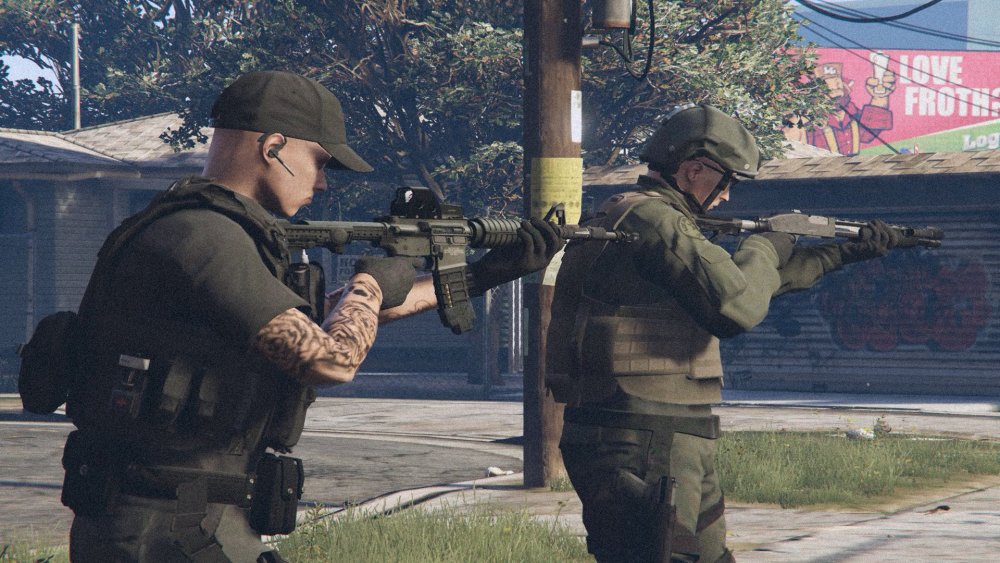
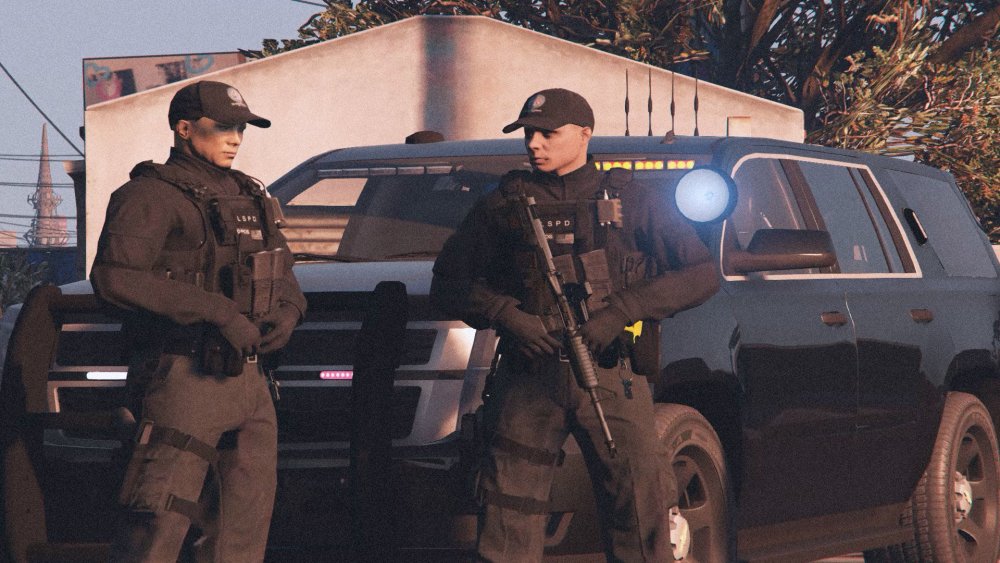
2 cinematic shots from my last LSPD Gang Unit patrol:)