Skip to content
View in the app

A better way to browse. Learn more.

LCPDFR.com

A full-screen app on your home screen with push notifications, badges and more.

To install this app on iOS and iPadOS
  1. Tap the Share icon in Safari
  2. Scroll the menu and tap Add to Home Screen.
  3. Tap Add in the top-right corner.
To install this app on Android
  1. Tap the 3-dot menu (⋮) in the top-right corner of the browser.
  2. Tap Add to Home screen or Install app.
  3. Confirm by tapping Install.

Ben

Management Team
  • Joined

  • Last visited

About Me

Please do NOT message me regarding support for Grand Theft Auto IV/V, LC/LSPDFR, please create a topic in the relevant forum section and be sure to include all information required.


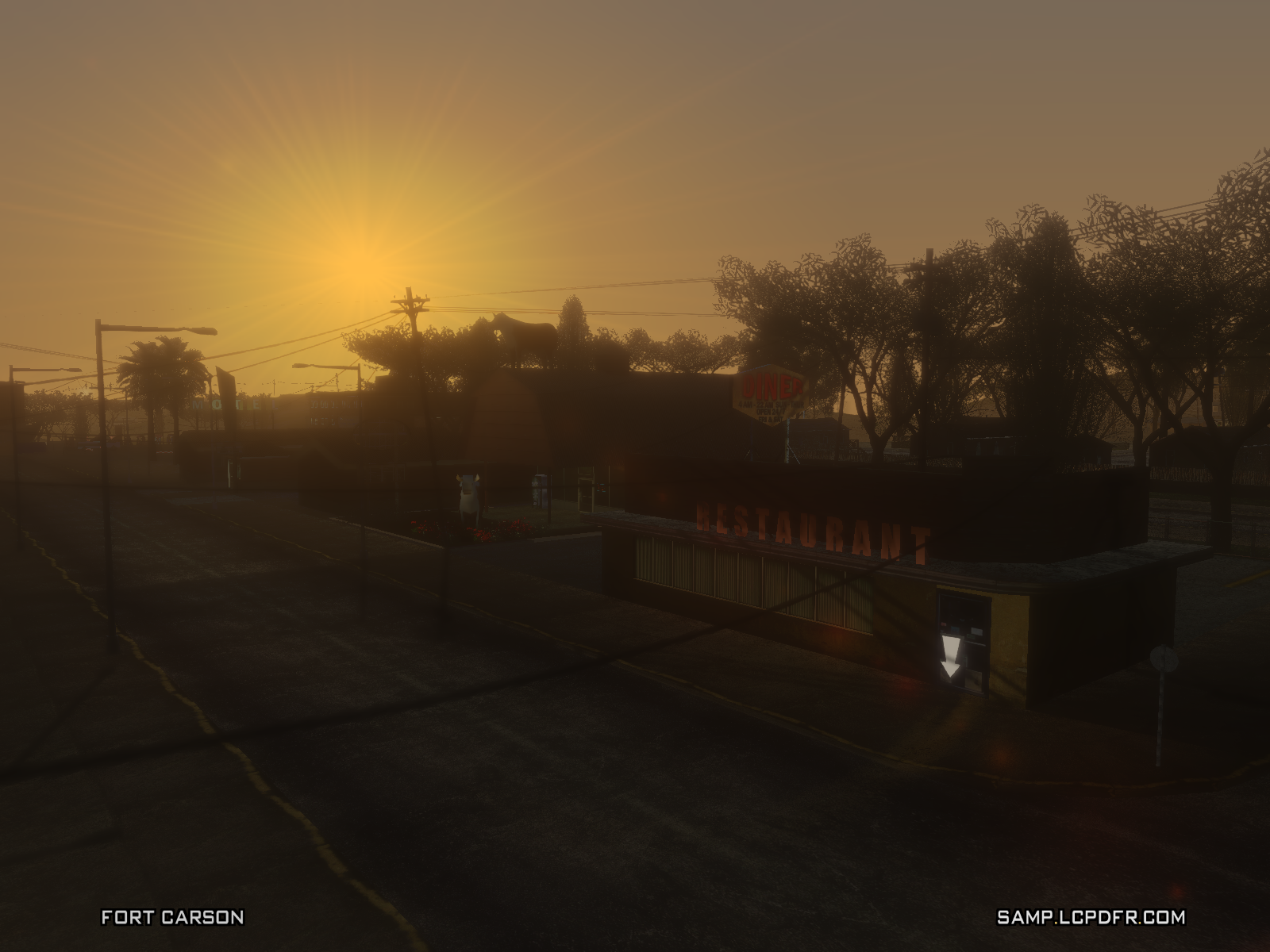
As my profile says, my name is Ben. I've been apart of the LCPDFR Community for a fair few years now, I joined the Community Team in August of 2015, I originally started off on Fort Carson Roleplay the LCPDFR.com SAMP server where I was in the Sheriff's Department, currently I am apart of the Management Team as the Director of Moderation.
 

Mah cat - http://www.lcpdfr.com/profile/315527-pwutty/


Account

Navigation

Search

Search

Configure browser push notifications

Chrome (Android)
  1. Tap the lock icon next to the address bar.
  2. Tap Permissions → Notifications.
  3. Adjust your preference.
Chrome (Desktop)
  1. Click the padlock icon in the address bar.
  2. Select Site settings.
  3. Find Notifications and adjust your preference.