Thomas
Members
-
Joined
-
Last visited
Everything posted by Thomas
-
The game loads fine, as I'm able to play SP with the current directory. The winrar files is .rpf-files. I'm giving it a shot and changing the directory though. Well fuck me! Was that really all it took? It worked to change the directory to the original GTA V directory. Thanks a lot.
-
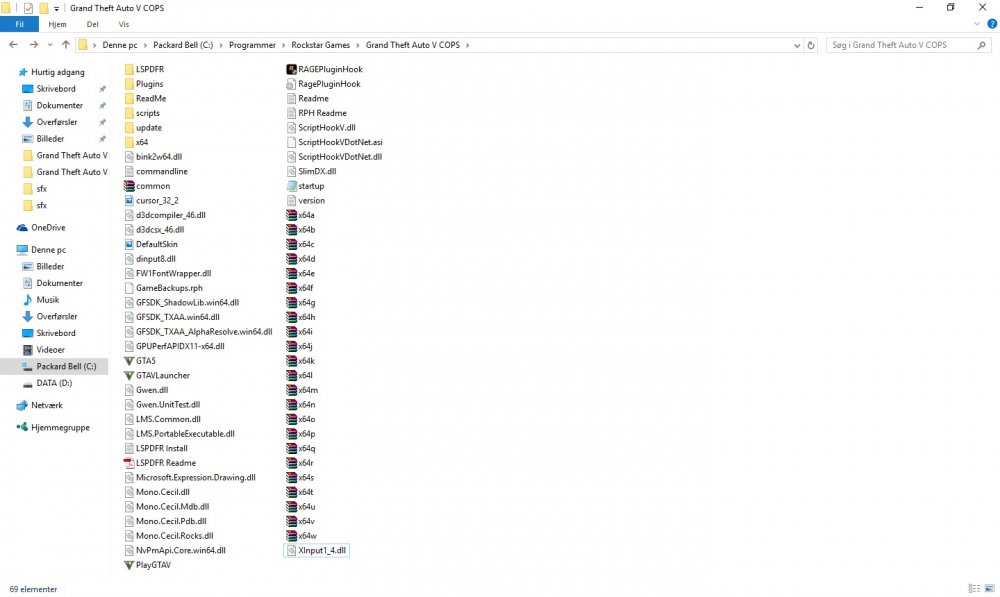
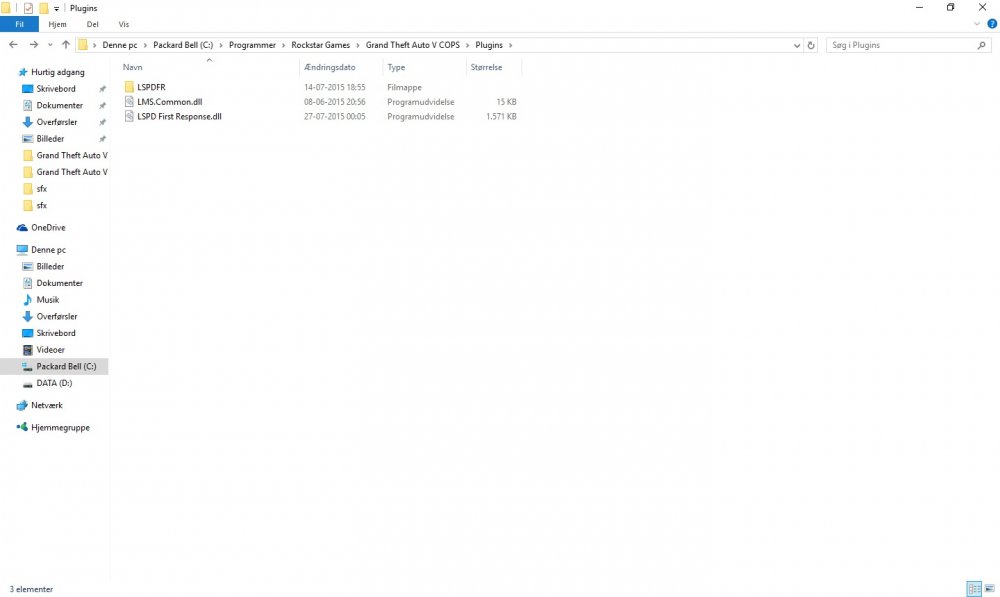
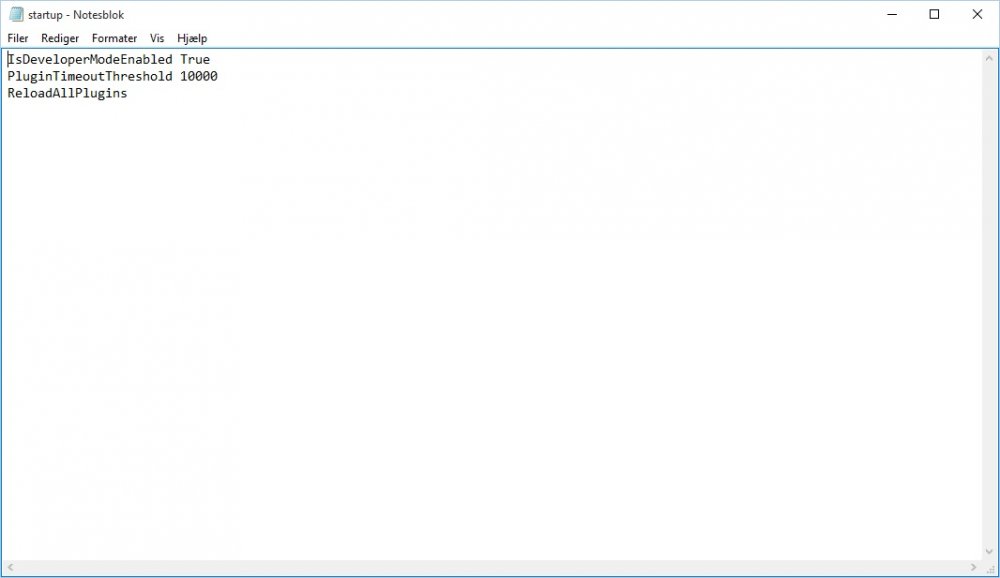
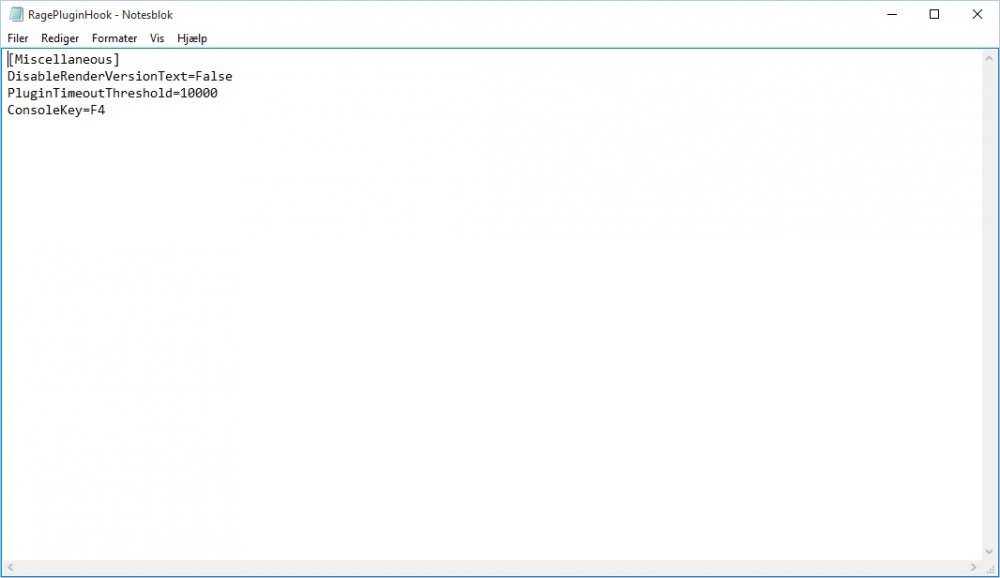
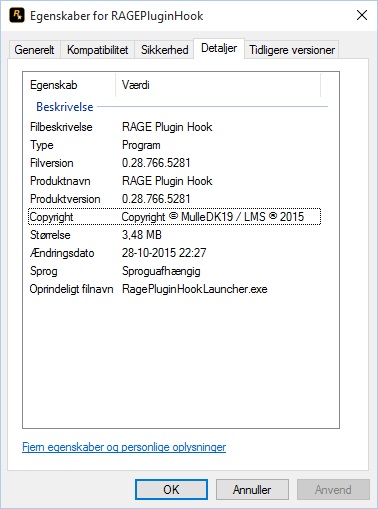
Good day to all you lads and lasses! It seems like I'm in need of a bit of assistance. A couple of days ago I bought a retail version of GTA V from Rockstars website, and thought LSPDFR is probably going to be just as easy to get working as LCPDFR was. However, I couldn't be more wrong, at least for me. And honestly I'm beginning to run run out of ideas. First off, I used Jeff Favignanos guide to installing LSPDFR from youtube, so I made a backup version of GTA V as I'd use for LSPDFR specific. The whole issue is that I can't get ragehook to load inside the game, so I can use the console. And it really doesn't help that ragehooks own forum is down 99.9% of the time ;) I get the ragehook started, it comes with a screen, and it sends me onto the social club frame where the game launches. Therefrom the game starts, but that's the last I see or hear to ragehook in the launch or IG. I've pretty much tried everything in the book, in a matter of getting the LSPDFR and ragehook to work. I've watched several videos on the matter, on our all dearest youtube. No luck. I've tried with the newest ragehook. V. 0.28.766.5281, where it tests if you got the right programs and all that. I've tried to install ASI through OpenIV. I've tried installing Community Scripthook & regular scripthook. I've tried to removing the blockage of the files from both ragehook and LSPDFR. I've tried running ragehookplugin as an administrator, and I've tried running GTA V as administrator, and thereafter running ragehookplugin as an administrator. I've tried to change the ragepluginhook to what Finkone suggested in a video on youtube : [Miscellaneous] PluginTimeoutThreshold=10000 ConsoleKey=F4 AlwaysShowConsoleOutput=False IsDeveloperModeEnabled=True WarnOnPluginLoad=False ShowOnScreenWarnings=True DisableCustomLoadingScreen=True DisableRenderVersionText=True I even tried installing just ragehook on a vanilla version of GTA V. Still no loading is taking place. My system was at the beginning Windows 7, but I upgraded to Windows 10 hoping that it would help, still no change. I'm sincerely hoping that you guys have the time and lust to help out here. // XX