Chief1234
Members
-
Joined
-
Last visited
Everything posted by Chief1234
-
I don't think so, have you tried increasing the base value of the car? Also, are you sure theres no parts of the car or extra that are using the default material?
-
Is it crashing with any errors or is it just straight to the desktop?
-
Looks absolutely amazing! Appreciate all the work you do for the community and the DEV parts you release!
-
Update via Discord: Hello Project AZ DPS Community We are announcing a slight change in the way this project goes about things, mainly in the terms of testing and releasing this pack in part or in a whole. Several months ago, I joined a discord for Bejoljo's Plugins. I'm sure you are familiar with his work, he made Stop the Ped, Traffic Policer, Ultimate Backup, CompuLite, etc. Well, he no longer releases his work on LCPDFR and instead releases it on his Discord and plugin website, and frankly, I'm fond of the way he has it organized. How it works is he releases the download early for testing calling it an "early bird" release on his discord so that bugs may be ironed out. When its officially done, he releases it on his website. Myself and Pristine briefly talked and decided this is a good direction to take our project. So from here on out our project is going to go on the following route. When a vehicle is completed, i.e. a 2016 Tahoe, it will be sent to our designated testers to make sure all is well and the file isn't complete dogshit. When a group of vehicles is completed, let's say three versions of said Tahoe, we will release it on a soon to come channel for our entire Discord Community to test. This gives us more feedback, more systems to test the pack, and rewards to the people who have been supporting this project. When the Entire project nears a more polished state we will release it on LCPDFR. Heres a visual representation (I'm a visual person lol) ***Testers Only*** (Each vehicle completed over a 1-month span) 2016 Tahoe (6/1/20)2016 Tahoe Slicktop (6/12/20) 2016 Tahoe Detective/Admin (6/20/20) When testers find minimal or no bugs left with Tahoe "Series", all three will be released to the Discord for further testing. ***Discord*** Release 2016 Tahoe Pack (6/31/20) Once a large number of vehicles are completed, we will release the overall pack on LCPDFR. If you have any questions, please feel free to ask. Happy Modding -Chief1234
-
@Terry Sloman So I followed a similar method as getting the boot/bonnet to move. Apply a collision to the part, then in User-Defined Settings you can add RotX, RotY, and RotZ. There you can apply values. You need it to follow a "0, 150" format. Those numbers are just random ones. I believe the numbers correspond to to a 360 rotation in either direction. If you need examples, look at the Boot/Bonnet on any vehicle in the settings and it will give you the values and properties. In game the spotlight just kinda bounces around and rotates weirdly according to the values.
-
On the SlideZ the value should not have three numbers. I believe your going for 0, -1.8 and not 0, -1,8.
-
Hello all! I'm trying to make the spotlights on the vehicles i'm making compatible with the spotlight mod by alexguirre. I've been able to make the spotlight move how I want it on the x and y axis but I cant seem to get the game to recognize it as a vehicle weapon/spotlight that the script looks for. I've tried looking through the vanilla vehicle files that use a weapon/searchlight in ZMod, I've edited the vehicles.meta, carcols.meta, I cant seem to figure out what I'm missing to get it to work. Any help would be much appreciated, getting this to work is driving me crazy. Thanks in advance! Edit: For clarity, I am referring to the rotating turret function in the script.
-
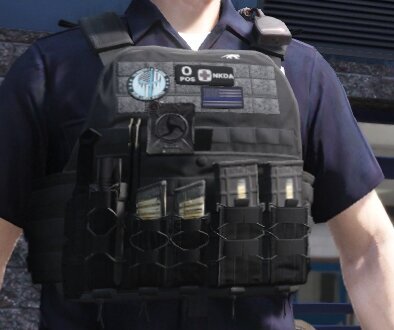 This is too meaningful of a mod for GTA. Its sweet until I realize what happens to the NPC's in game...
- 5 comments
- 1 review
-
-

- 2
-
-
Update via Discord: Another update to the project, this time for lighting. With the way the vehicles are currently set up, I was unable to add the environment lighting to the front of the vehicles. Well, this all about to change. I have found a way to properly display all environmental lighting and more properly portray DPS lighting stages. IRL, DPS vehicles display ONLY red and blue lights on the second light stage. Then when bumped to stage 3 the flashing white kicks on. In addition, on newer cars, when the vehicle is put in park, the white light turns off on the light bar. I have added a link to a preview of what this looks like (down below). The vehicle shown is not an updated version, it is the same as what is currently released. This video is simply a proof of concept. All vehicles will similarly implement this new lighting tactic in coming releases. Happy Modding! -Chief1234 https://discord.gg/Vw9kCMG https://www.youtube.com/watch?v=s7_RFfg5x7c
-
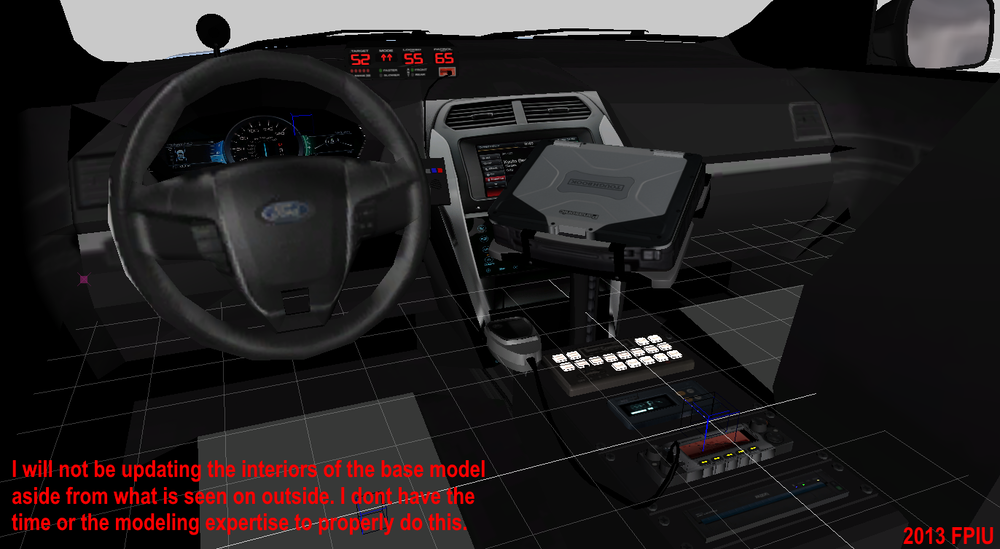
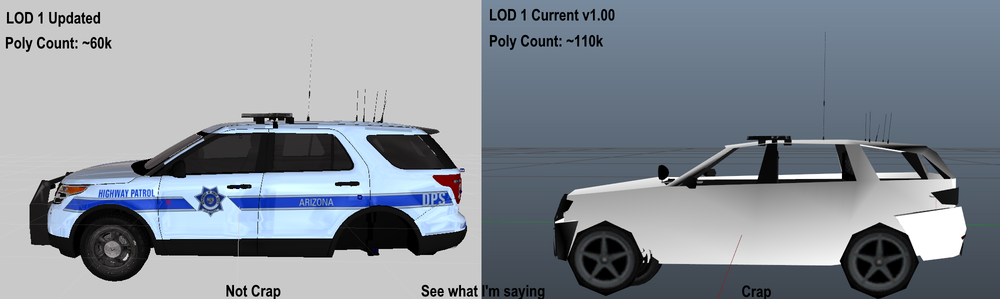
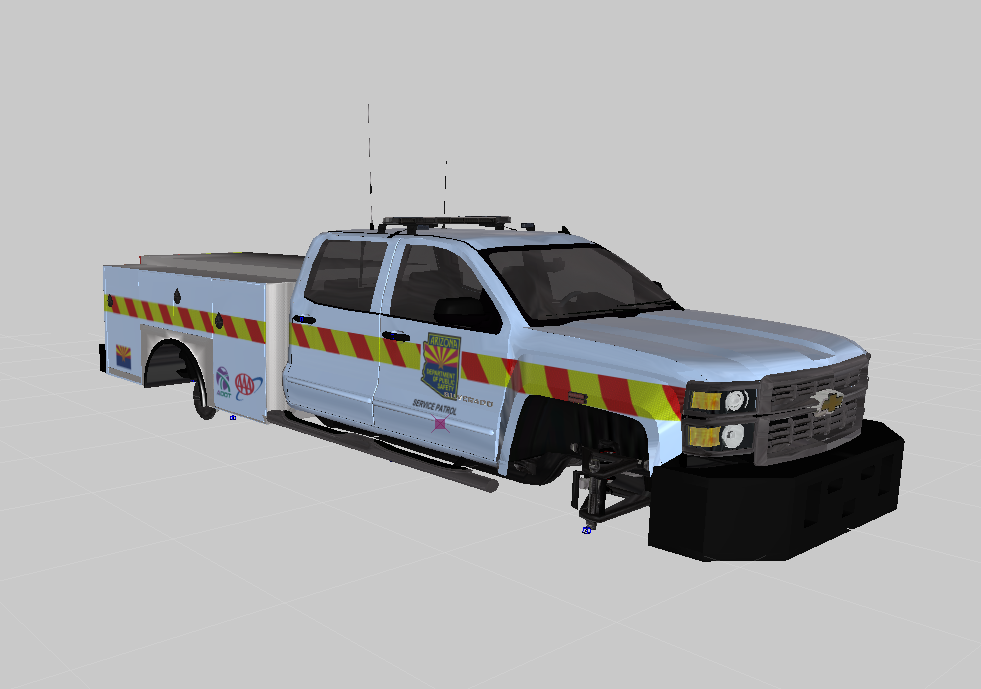
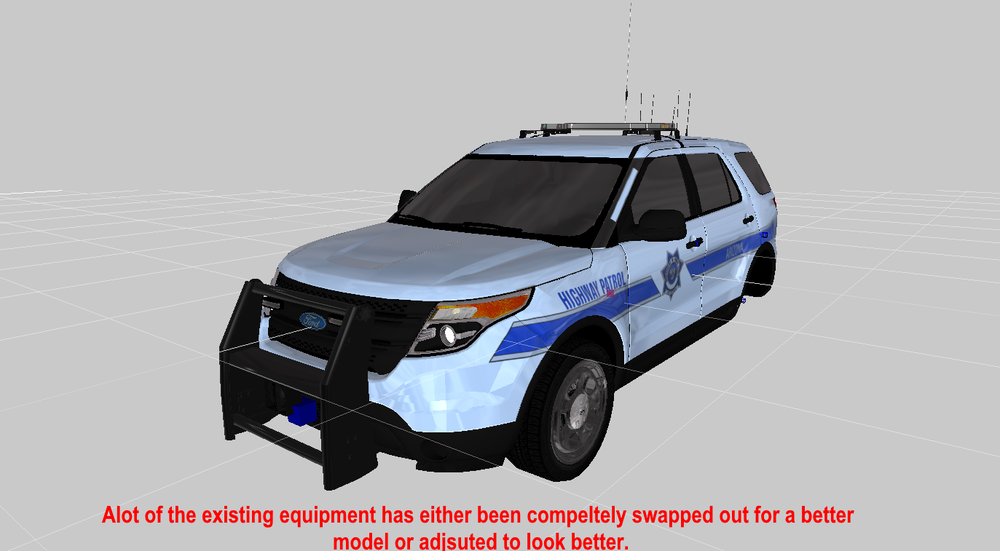
Update via Discord: Here are a few screenshots of progress. I imagine it looks the same as the original release but that is far from the truth. Much of what is being worked on currently is optimizing the pack to run better. Currently the pack is IMHO crap. Mainly in terms of polycount and LOD. For a lot of the models, the 2013 FPIU as a prime example, as soon as you walk more than 3 feet away from it, it turns into a crappy outline of another car. To add insult to injury, that second LOD model (L1) is close to 111k polys. An optimal R* model for LOD L1 is closer to 30k. For those of you who don't understand the importance of this number, the more polys used the harder the game has to work making it much more intensive on the computer. To me these numbers for what is be displayed in game is a crime. More of a lack of understanding on my part in terms of modeling, the next update will be much more computer friendly that will hopefully better impact everyone's game and reduce crashing. The same went for the L0 model which in the initial release was close to 190k Polys. The updated model is about 75k. In addition, the update should include reworked features for all lighting, environmental lighting for the front of the car, and a completely new pattern for the valor on older cars. Happy Modding! -Chief1234
-
@adam enforcers As far as I know there is no special tutorial that describes it best. I just learned from trial and error...alot of trial and error. Its alot of work to get it going just right but once you figure it out it all starts to become super clear. If you have any questions when setting it up feel free to ask me. I would say PM me but it would probably be better to do it on this forum page so that if anyone else is having issue they can see it as well.
-
Hello GTA Community! Its a recurring issue for lots of models with the light bar tint spawning too dark due to the meta files. However I have seen some DEV files and published models where the light bar glass is unaffected by the tint option. For the DEV side of things, what option "links" the lighbar glass to the tint setting in ZMod (Assuming its ZMod)? Any info from other developers would be much appreciated. Thanks in advance. Happy Modding -Chief
-
Phoenix, Arizona Pack
-
-
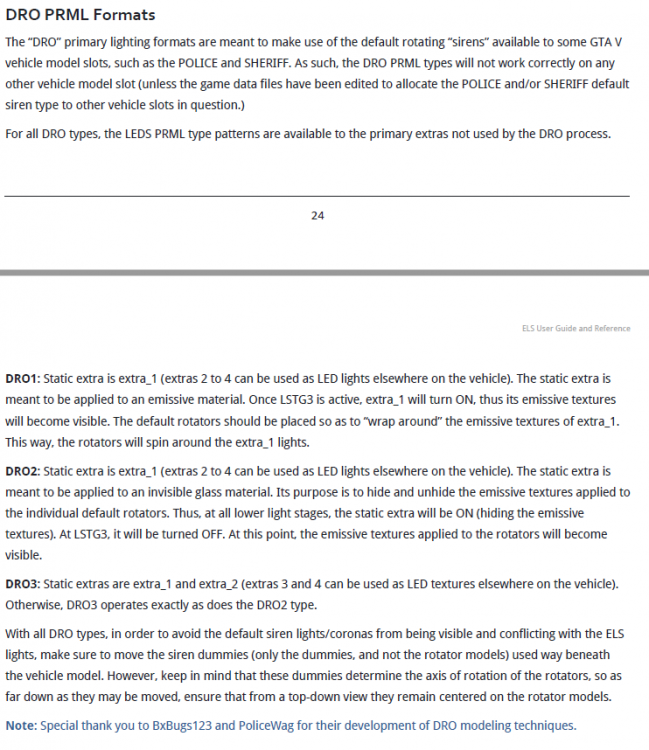
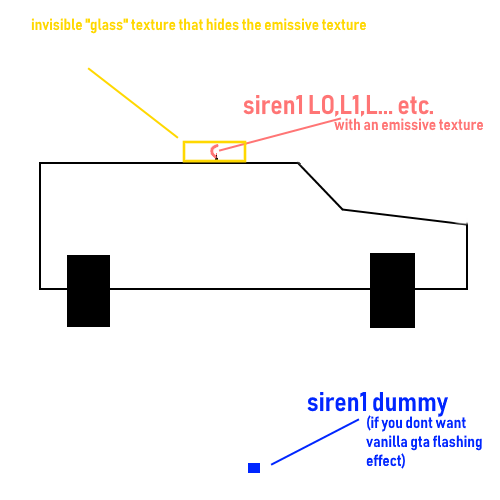
So he is right about needing to set it up as non els setup to make it work with els. I think the official ELS guide made by Lt. Caine describes it best. There's a snapshot below. I personally think that DRO2 is the easiest to model for. Also, if you intent to use the DRO version of ELS it will help to know a little about how CarCols file works just because the actual rotators are controlled by the file and not ELS. I also drew this up to show how it would look model wise. Let me know if you need more clarification. Modeling for this can be a ...*****.... sometimes and requires usually a lot of trial and error. I know for my pack I released that rotators alone delayed it quite a bit. But the effect is pretty good in the end. Theres also this forum on here that is just for people exploring how to use Carcols, its been on here for years now. If you want to know specific info I am also all ears.
-
With the way pack is setup, its its own DLC. So anything that has to do with my pack wouldn't affect your game if it was uninstalled. Are the other vehicles not related to my pack ELS or non-ELS and did you follow the Readme to install?
-
Now Available
-
I'm not too savy on these kinds of edits. But try going into "User Defined Options" on both the Glass Material and the Glass COL and remove the option that says "crash". Im pretty sure that will remove the breaking effect but not sure if the interior or player will still take damage. Have you tried exporting one of the vanilla cars and looking at the settings on there? Also have you tried this flag FLAG_HAS_BULLETPROOF_GLASS
-
-
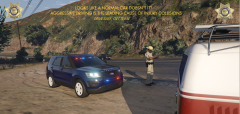
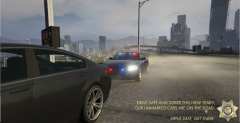
Visual updates for the Project: Arizona DPS Pack. If your interested, please visit our forum and Discord!
-
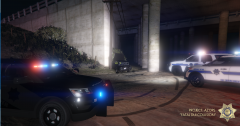
From the album: Project: AZ DPS
-
-
-
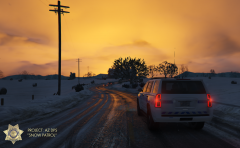
From the album: Project: AZ DPS
-