


tkdwnsehtk
Members
-
Joined
-
Last visited
Everything posted by tkdwnsehtk
-
 Is it possible to make ai officers always turn their lights on? In South Korea, they always have their police lights turned on even when they're not responding, and I want to implement this. Also, is there any way to make npcs yield ONLY when siren(not the lights) is turned on?
- 2,699 comments
- 240 reviews
-
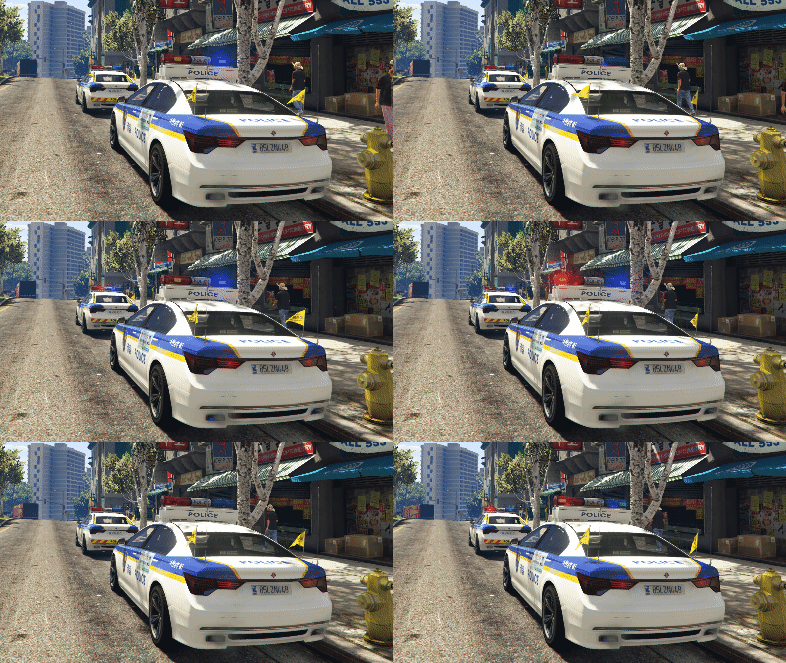 update 1.5
 -
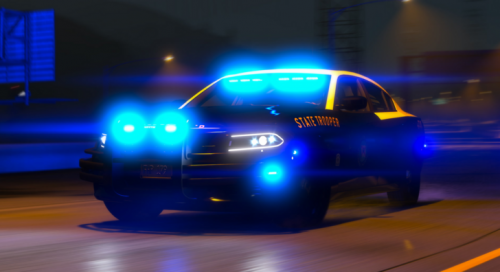 Livery_chrg_sign_1 is included but it's FHP livery not template itself Could you update the file? thx
- 9 comments
- 1 review
-
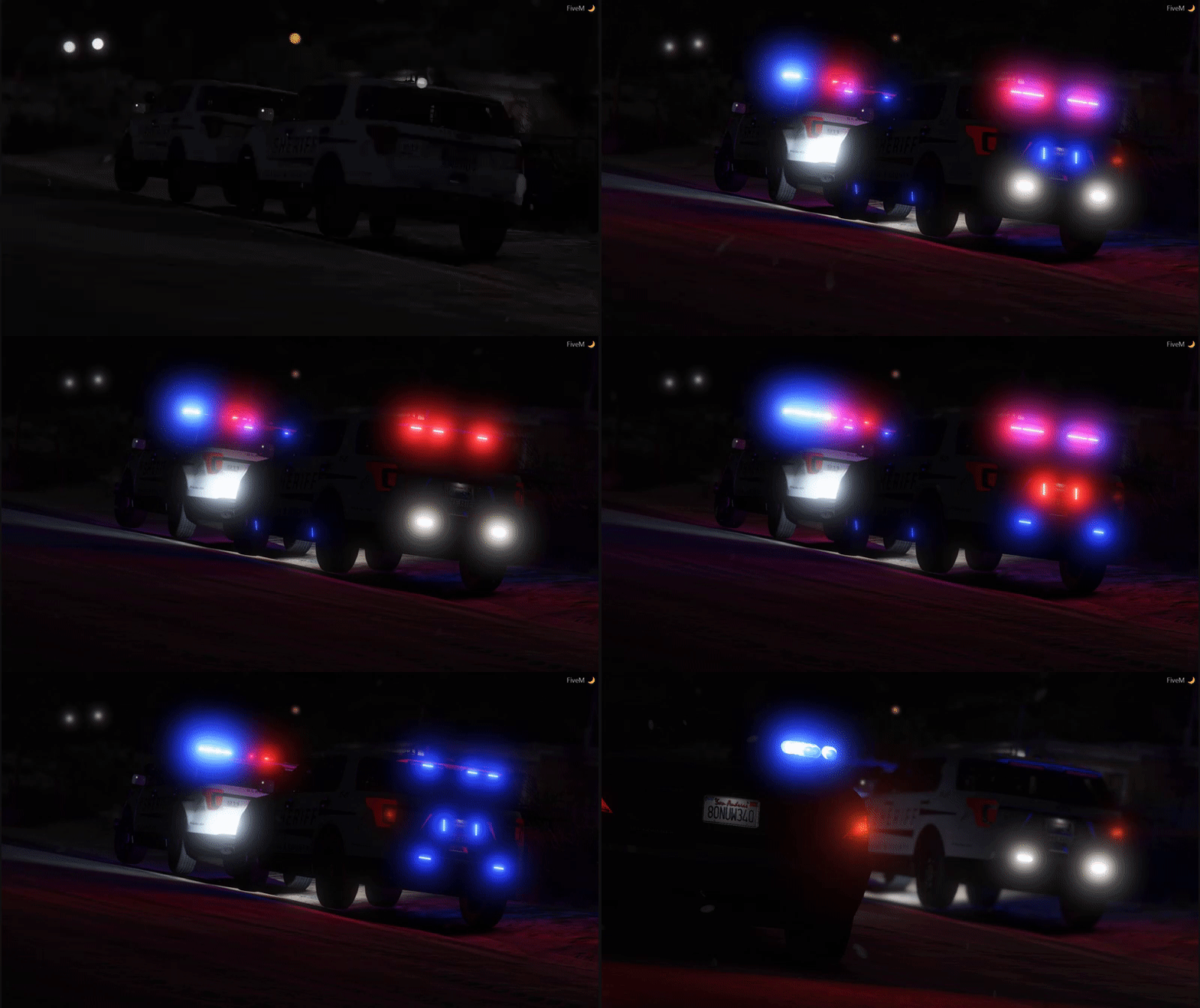 Nice... like the clean looks But how can I use this mod personally? I mean, not on FiveM but on my PC(singleplayer) only. I've tried putting those vehicle files on one of my dlc folders and added lines for carvariation, vehicles etc... I managed to spawn it but it almost always spawns without pushbar, lightbar and siren sound is not working at all(they do flash tho) Guess it's something to do with __resource.lua, since I didn't do anything with it I've searched google/youtube like "FiveM ready mods on singleplayer" etc but no luck so far
 -
When I'm done with my current projects I'll think about it. Can't promise though
-
-
-
-
-
-
-
 It's standalone since they're using different siren lights :) It WILL be released for sure, perfect model will take some time but I want to share it asap so I'll upload beta sooner or later and keep updating it ;)
- 35 comments
- 9 reviews
-
WIP. I'm taking suggestions(if I can) Still couldn't figured out how to enable multiple livery(plz help...), so I made color variations instead just like unmarked cruiser
- 35 comments
- 9 reviews
-
Will be testing undercover version tomorrow. Made the car but haven't tested it yet I was busy playing online XD Vehicle getting white in a distance is LOD issue. I was hoping nobody notice this lol guess I should be working on it as well ;)
- 35 comments
- 9 reviews
-
I can't figure out why so plz try using Ragepluginhook console instead Issues regarding to siren lights all fixed, custom grill, antenna and spotlight added for more police look This will be uploaded in next update with slicktop version
- 35 comments
- 9 reviews
-
Multiple livery is not finished, I'm figuring out how to do it XD Changes on this update are new rims and breakable glass only. Help me if you know how!
- 35 comments
- 9 reviews
-
Still not working? Double check every steps in ADVANCED INSTALL.txt since there's no way it's not working if you followed it correctly Did you add vehicle model/texture files in x64e.rpf?
- 35 comments
- 9 reviews
-
-
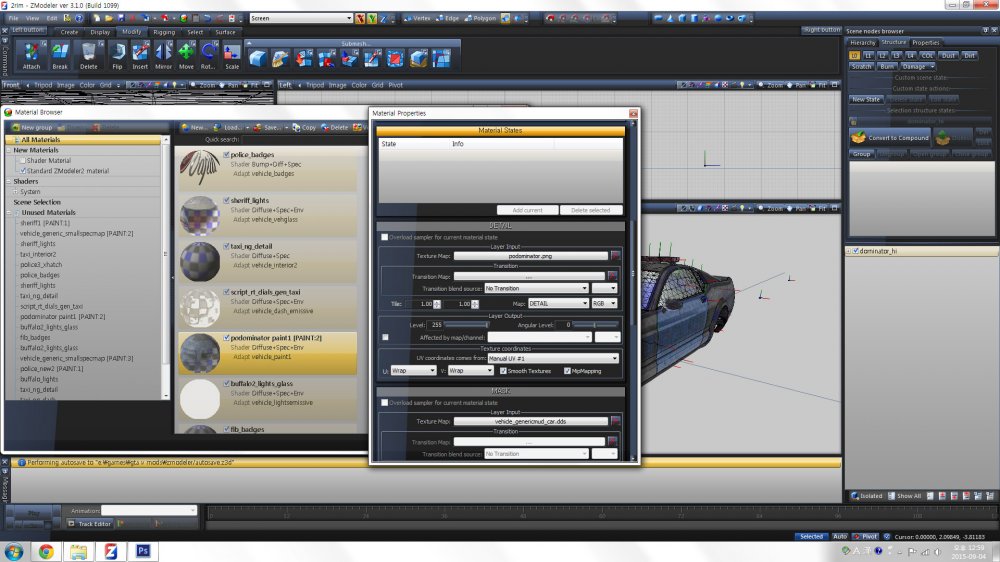
I followed this tutorial: https://www.youtube.com/watch?v=FFLjsCMofuk Copied "vehicle_generic_smallspecmap [PAINT:1]" and renamed it to "podominator paint1 [PAINT:2]" and assigned my template The skin name on my .ytd was "podominator" and I tried renaming it to "podominator_sign_1". Both the game and OpenIV loads the skin with no problem so I added podominator_sign_2 and 3 as well but car won't load 2 and 3 Added flag "FLAG_HAS_LIVERY" on vehicles.meta but still not working What am I missing here? I almost forgot this is my carvariation.mets line for this
-
OpenIv itself can't edit the text. You should export it to your desktop and open it via notepad, then you should be able to edit it ;)
- 35 comments
- 9 reviews
-
I agree that buffalo audio hash would fit much better! Will be working on unmarked version as well ;) Dominator rim done! I'll keep default rims too for your taste ;) Working on multiple liveries and lssd skin for it so expect update soon!
- 35 comments
- 9 reviews
-
-

- 2
-
-
-
-
------------------------------------------------- Dominator Police ver By tkdwnsehtk ------------------------------------------------- This is standalone vehicle, which means it does not replace any original vehicle. Follow the instruction very carefully! and always ::::BACK UP:::: original files first!!!!! If you have other addon/standalone vehicle installed, proceed to "ADVANCED INSTALL.txt" ===installation=== 1. Using OpenIV, click Edit-Add and select all three vehicle files to: GTA V > x64e.rpf > levels > gta5 > vehicles.rpf 2. Also using OpenIV, locate and replace "vehicles.meta", location is: GTA V > update > update.rpf > common > data > levels > gta5 > vehicles.meta 3. Do the same with "carvariations.meta" located at: GTA V > update > x64 > dlcpacks > mpluxe2 > dlc.rpf > common > data > carvariations.meta ------------ CREDITS ------------ Original vehicle/lightbar model by: Rockstar Games Lightbar/Rambar added by: tkdwnsehtk Mapping by: tkdwnsehtk Barricade livery by: tkdwnsehtk Screenshots by: HeavyHanded I'm not native english speaker, so instruction may be confusing. if it is, correct me! and plz for all my effort put into this, do not upload this without my permission. And of course you're free to upload skin for this anywhere, just link it to my file page PM me for request for uploading edited version of this. my profile: http://www.lcpdfr.com/profile/102597-tkdwnsehtk/ There's few minor issues right now. Will be fixed with update later on so hang on! known issues: siren light textures inside the car is invisible(corona is visible) I'm having trouble making original dominator's rim black, so if you know how to do it, plz let me know :3
- 35 comments
- 9 reviews
-
-
- 3
-
-
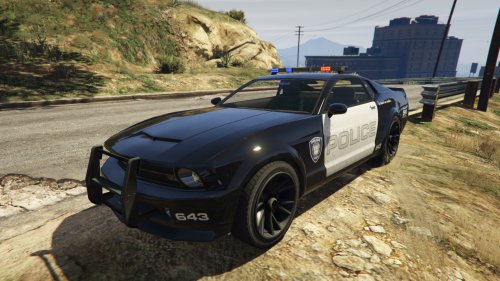
From the album: Random pics LSPDFR
Done all the text works for the added vehicle Minor bugs regard to lightbar emissive textures I tried to make original dominator's rim black, but failed and put temporary rims just for now.(help plz?)




