


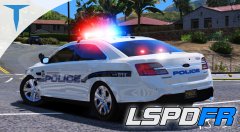
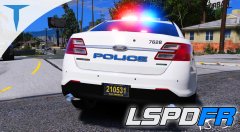
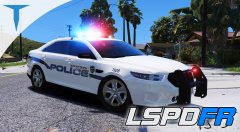
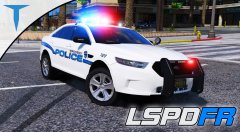
Polecat324 Style Thumbnail

- 2,773 views
- View LibertyDesigns's images
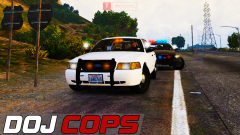
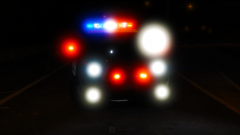
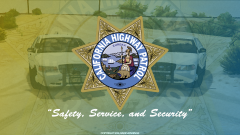
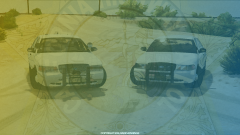
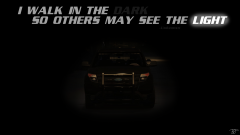
In this photo, I used Adobe Photoshop to add many things to a screenshot taken in GTA V Story Mode. I used the vibrance editor to change saturation/vibrance, the color balance tool to change some of the colors, and changed the brightness/contrast. I then used the rectangular marquee tool to fill a square with a grayish color, then hit Ctrl+t to warp it into a bit more slanted shape. I used the font Bolts SF to then type "DOJ COPS" with the horizontal type tool. Then I took the paint brush tool on a 0% hardness and 32% opacity and painted different colors around the lights where there wasn't enough, or any.
Credit
TJ Jennings, fontpalace.com
Copyright
© 2018, TJ Jennings
Recommended Comments
Join the conversation
You can post now and register later. If you have an account, sign in now to post with your account.