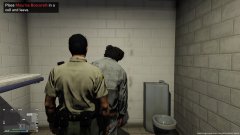
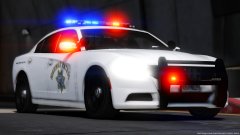
My custom background for L.S. Noir data terminal Share https://www.lcpdfr.com/gallery/image/95989-my-custom-background-for-ls-noir-data-terminal/ Share on Facebook Share on X {lang="reddit_text" More sharing options... Followers Kotori Otonashi (R) and Misaki Aoba (L) back ground for L.S. Noir data terminal in police station. Fix image size to 1920x1080 from original 1920x1200 to be fitted my monitor. Make space on center of background for the window.


.png.972fc509539cb3251d1706708acec7f0.png)
.jpg.98404692cb793164b2973fc50023df7a.jpg)
.jpg.b272e61b6db291abad0d507a558e956b.jpg)
.jpg.dae9f48e2cade60bd0cb2264069aceb4.jpg)

.jpg.85b138ab90025392dfbda71cc04b74ee.jpg)
.jpg.7248c99caee39bfdebff0df15b6b14e2.jpg)

Recommended Comments
Join the conversation
You can post now and register later. If you have an account, sign in now to post with your account.