




Store robbery

By Boz
- 644 views
- View Boz's images
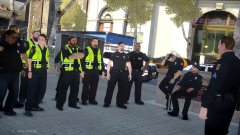
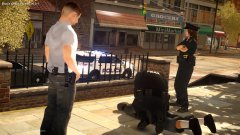
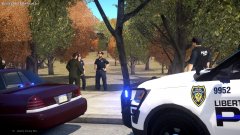
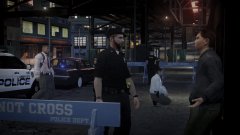
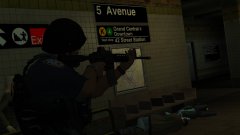
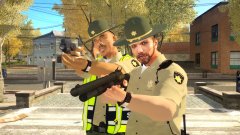
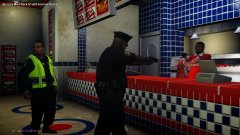
JJ China Limited in Dukes was robbed by a male suspect wearing a mask. The suspect entered the store with a loaded firearm, threatened the clerk and shot some items in the store to intimidate the clerk and prove the weapon was loaded. Once the suspect got the money and left, police were called. Police units arrived soon after and declared the area a crime scene. Most units began a search, while a few others stayed at the scene to perform interviews and crowd control. The front window was shattered, and 3 bullets were found on the ground in front of the store and across the street.
Recommended Comments
Join the conversation
You can post now and register later. If you have an account, sign in now to post with your account.