Skip to content
View in the app

A better way to browse. Learn more.

LCPDFR.com

A full-screen app on your home screen with push notifications, badges and more.

To install this app on iOS and iPadOS
  1. Tap the Share icon in Safari
  2. Scroll the menu and tap Add to Home Screen.
  3. Tap Add in the top-right corner.
To install this app on Android
  1. Tap the 3-dot menu (⋮) in the top-right corner of the browser.
  2. Tap Add to Home screen or Install app.
  3. Confirm by tapping Install.

Happy Holidays!

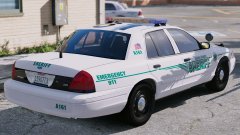
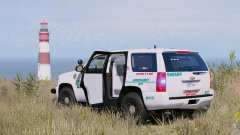
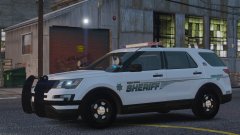
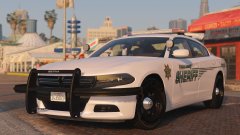
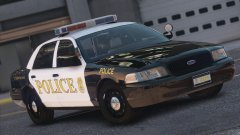
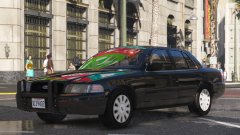
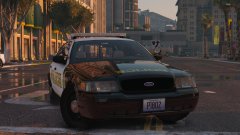
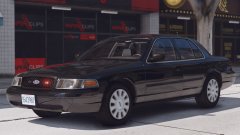
This is going to be basis for my next pack. The car from the last picture is going to be part of a different pack down the line. This car is not finished yet, but will be soon once I add a partition, gun rack and test it further. The Bay Area Pack is in the process of being updated too! Merry Christmas!

(Some of these pictures are older than others, the main picture is up to date)

20171223164141_1.thumb.jpg.c32aabe39255d7373f899e9c5c959b4c.jpg20171224222901_1.thumb.jpg.3c017610e554e31d2e8583b601515520.jpg20171223173141_1.thumb.jpg.61d63232492c36ebb6a2c44f408d5420.jpg

Credit

Liveries by getinmybelly0627

Account

Navigation

Search

Search

Configure browser push notifications

Chrome (Android)
  1. Tap the lock icon next to the address bar.
  2. Tap Permissions → Notifications.
  3. Adjust your preference.
Chrome (Desktop)
  1. Click the padlock icon in the address bar.
  2. Select Site settings.
  3. Find Notifications and adjust your preference.