


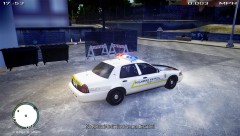


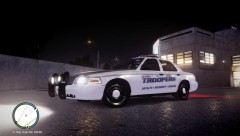


Fantastic AI driving leaves one dead, one in custody.

- 514 views
- View ASTTrprDillon95's images
At 4.45pm today, the LCSHP were alerted to an accident on the south bound lanes on the Broker-Dukes Express way. Upon arrival, there was already a person down in front of a moon beam. When Officer David approached the person, he was unconscious and not breathing. The FDLC were also called in. However, Resuscitation efforts could not save the man. He was pronounced dead on scene. The driver of the moonbeam was subsequently arrested for drink-driving after Breathalyzer test proved that he was above to 0.08 limit. Eye Witnesses say that the driver ran a red light and knocked down the man when the man was crossing the road at the traffic light. The LCSHP has warned that in future, there would be checkpoint implemented around the State to curb drink driving. METT was called in at 4.58pm once the civilian was pronounced date. The accident is currently under investigation. No formal charge has been brought to the drink driving suspect yet.
Recommended Comments
Join the conversation
You can post now and register later. If you have an account, sign in now to post with your account.