




.png.6c38876380ae289dbdcd4ca69cdf6f36.png)
A little odd with a little chill

By DcK
- 1,564 views
- View DcK's images
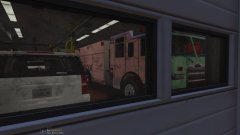
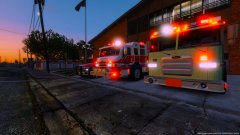
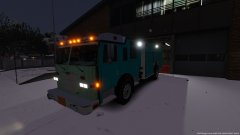
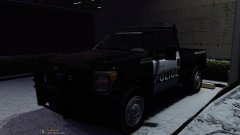
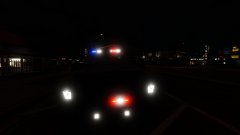
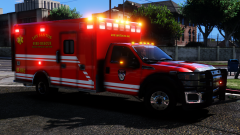
Decided to change things up a bit and go with a different light set up.
First:
The front warning lights above the headlights is a common feature on the Arrow, might catch it on the Velocity and Impel, but originally started with the Arrow
Second:
Top warning lights (light bar) features a pretty common set up from Whelen, a Ultra Freedom with only 4 forward facing modules, 4 45 degree modules, and 2 Intersection modules. The forward facing modules feature 2 Red warning, and 2 white warning with park kill to meet NFPA standards with forward facing white lighting
Little update:
!!!!READ BEFORE YOU MESSAGE/ASK/COMMENT ABOUT RELEASE!!!!
Little update:
Now I know theres gonna be A LOT of people that are going to look at this pic and say; "Wow that looks good and ready, why don't you release it already" and to those people I will say, you clearly don't know anything about modeling and to please be patient. There is A TON of work left to put into this truck, much of it is tiny tedious details that I need to add, textures I need to fix, important details I need to add/fix, and MUCH MUCH MUCH more. So please wait and follow along with my gallery and you'll see the progress. THANKS 
Recommended Comments
Join the conversation
You can post now and register later. If you have an account, sign in now to post with your account.