


.png.90cfd8aa6c01d10a5194d7a14e560fe2.png "New year brings new things")

.png.6c38876380ae289dbdcd4ca69cdf6f36.png)
New year brings new things

By DcK
- 1,638 views
- View DcK's images
HAPPY NEW YEAR
FROM MYSELF AND THE D-TOWN PRODUCTIONS CREW
2018 Update:
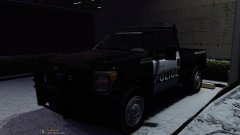
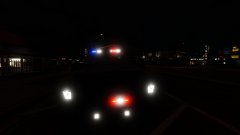
So with the new year, comes a lot of new projects. Many of which are completely new and being started for the first time, some are being revisited and finalized for release. With this updated I wanted to give out some information regarding models that I have featured in this album.
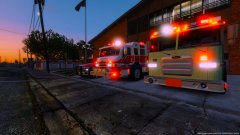
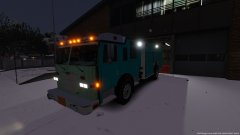
First off, many people have sent me messages regarding the Pierce models that I have featured in my gallery. To everyone! They are HUGE wip, there is a lot of testing and fixes that go into making a model from scratch like that, so please be patient while it all gets worked on.
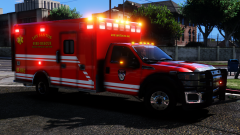
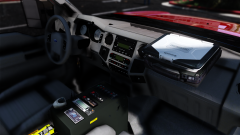
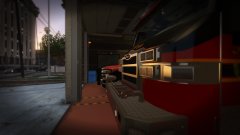
There are a lot of cool things coming in the next coming weeks, and months. I plan on releasing updates to the ambulances I have out, releasing more versions, and making other cool models for the community.
Sit back and come along for the ride. It will be worth it all 

Recommended Comments
Join the conversation
You can post now and register later. If you have an account, sign in now to post with your account.