Skip to content
View in the app

A better way to browse. Learn more.

LCPDFR.com

A full-screen app on your home screen with push notifications, badges and more.

To install this app on iOS and iPadOS
  1. Tap the Share icon in Safari
  2. Scroll the menu and tap Add to Home Screen.
  3. Tap Add in the top-right corner.
To install this app on Android
  1. Tap the 3-dot menu (⋮) in the top-right corner of the browser.
  2. Tap Add to Home screen or Install app.
  3. Confirm by tapping Install.

Fresh from the Factory

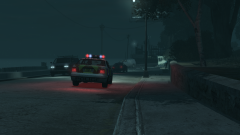
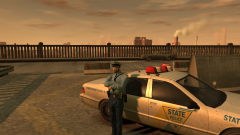
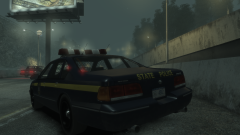
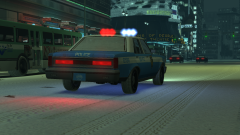
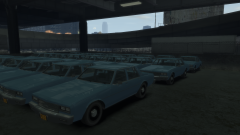
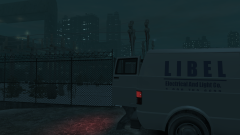
Okay, its a bit of a divergence from the current theme, but everything has to stop. The Merit Classic by GCT is out! Prepare to see this in fleet form very soon!


Here, at the LCPD Workshops in Algonquin, multiple 1983 Declasse Merit Classics were seen parked up in the lot, ready for their police conversion. Following an evaluation upstate, the Commissioner guaranteed that this would be a huge hit with police forces across the United States.

5a3d8c49d211c_GTAIV2017-12-2222-40-47-914.thumb.png.242467df8e3411148d27ea47981cdba3.png 

Credit

GCT for possibly the best GTA IV car mod out there right now, the Declasse Merit Classic

Copyright

© Hullian111

From the album:

Hullian111's Gratuitous Misadventures

· 65 images

Account

Navigation

Search

Search

Configure browser push notifications

Chrome (Android)
  1. Tap the lock icon next to the address bar.
  2. Tap Permissions → Notifications.
  3. Adjust your preference.
Chrome (Desktop)
  1. Click the padlock icon in the address bar.
  2. Select Site settings.
  3. Find Notifications and adjust your preference.