


Skip to content
View in the app

A better way to browse. Learn more.

LCPDFR.com

A full-screen app on your home screen with push notifications, badges and more.

To install this app on iOS and iPadOS
  1. Tap the Share icon in Safari
  2. Scroll the menu and tap Add to Home Screen.
  3. Tap Add in the top-right corner.
To install this app on Android
  1. Tap the 3-dot menu (⋮) in the top-right corner of the browser.
  2. Tap Add to Home screen or Install app.
  3. Confirm by tapping Install.

Portside - A future fleet?

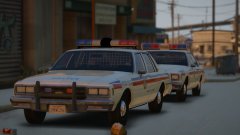
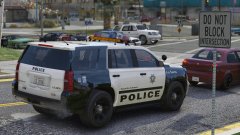
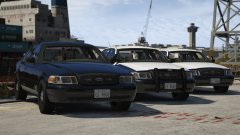
I promised to stop spamming the gallery, but... yeah. 


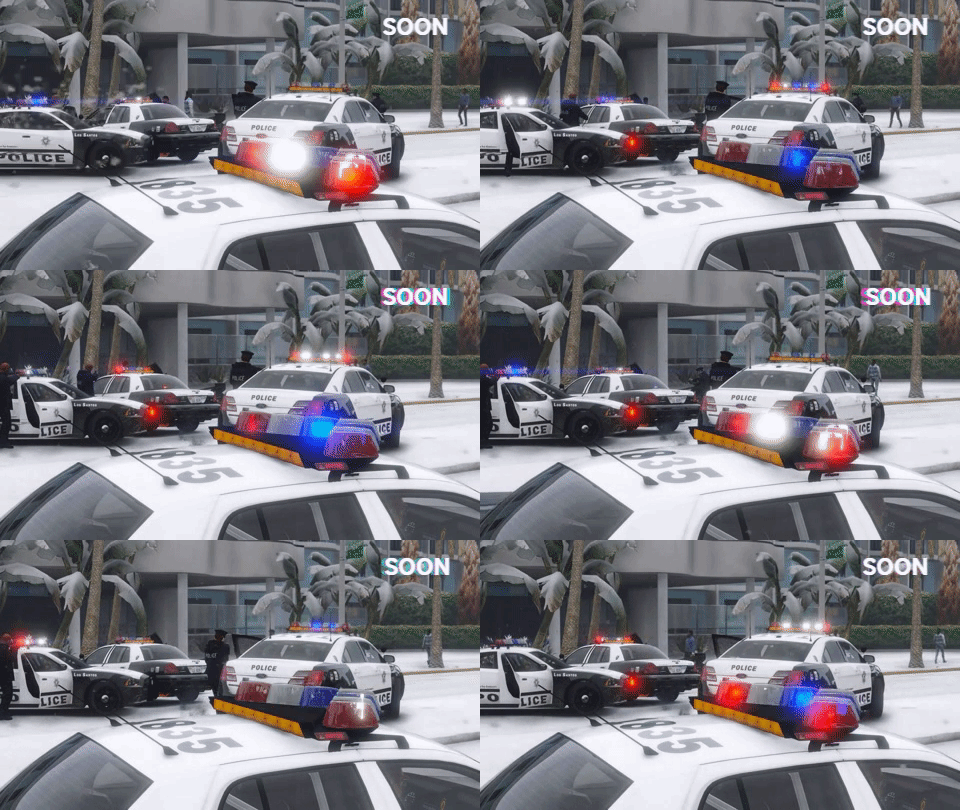
Just wanted to show off the full halogen I've been working on. This variation has two LED lights within the light bar. Interior was just thrown on as it's a demo vehicle. This vehicle is very much a WIP. 

GIF of the stage 3 lighting (except TA) at the bottom.


Oh and yeah, virtual Jed had a costume change mid way through.


Not my skin, they're by IdeallyStoddy


20171210175901_1.thumb.jpg.0ecc3ebe61458673099066faeb9c5a4c.jpg

20171210175926_1.thumb.jpg.baa5f9f3446633ed5c5469098fc9ec3b.jpg20171210180009_1.thumb.jpg.6e1f501e3b219236c18d328bf7342cb4.jpg


Lighting setup.gif

5a2d795b5212b_giphy(1).gif.bfe1fe300ba02441808208151bf01fad.gif

Credit

Jedahdiah, IdeallyStoddy

Copyright

© Jedahdiah

From the album:

Jed's Models

· 124 images

Account

Navigation

Search

Search

Configure browser push notifications

Chrome (Android)
  1. Tap the lock icon next to the address bar.
  2. Tap Permissions → Notifications.
  3. Adjust your preference.
Chrome (Desktop)
  1. Click the padlock icon in the address bar.
  2. Select Site settings.
  3. Find Notifications and adjust your preference.