


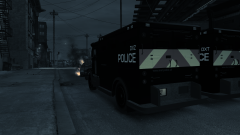
Working Traffic

By Hullian111
- 874 views
- View Hullian111's images
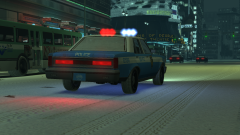
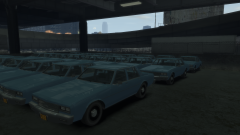
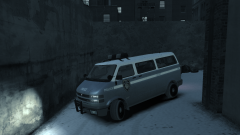
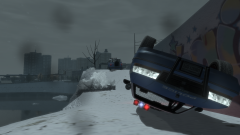
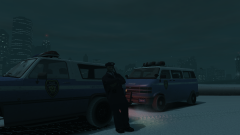
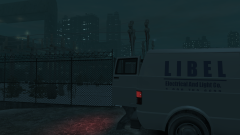
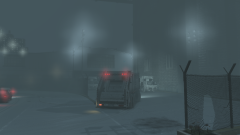
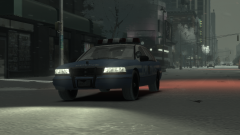
Every winter, the LCPD ESU team hand out their Ranchers to almost every division in Liberty City, sending out most of their stock to traffic and highway patrol divisions. They prove very useful to tackle the treacherous road conditions, beating the Staniers and Premiers of the standard LCPD fleet. Here, at midnight, an LCPD officer sits around, awaiting activity, by the East Borough Bridge, having been granted the keys to one of the Ranchers. Half an hour later, he gets called to technically the first accident of the day on the bridge.
Copyright
© Hullian111
Recommended Comments
Join the conversation
You can post now and register later. If you have an account, sign in now to post with your account.