





Skip to content
View in the app

A better way to browse. Learn more.

LCPDFR.com

A full-screen app on your home screen with push notifications, badges and more.

To install this app on iOS and iPadOS
  1. Tap the Share icon in Safari
  2. Scroll the menu and tap Add to Home Screen.
  3. Tap Add in the top-right corner.
To install this app on Android
  1. Tap the 3-dot menu (⋮) in the top-right corner of the browser.
  2. Tap Add to Home screen or Install app.
  3. Confirm by tapping Install.

Slick and unmarked

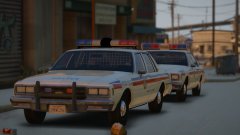
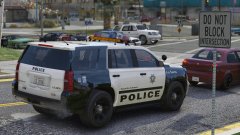
Added one of the final two vehicles to the LSMPD pack. Last one is a '15 Tahoe.


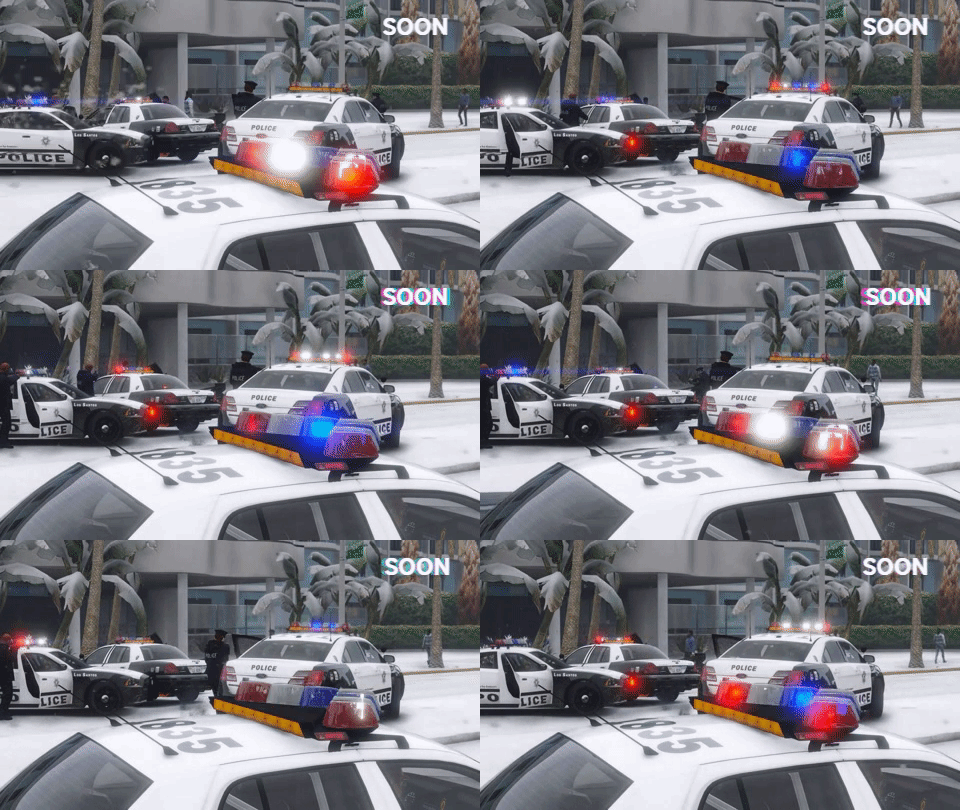
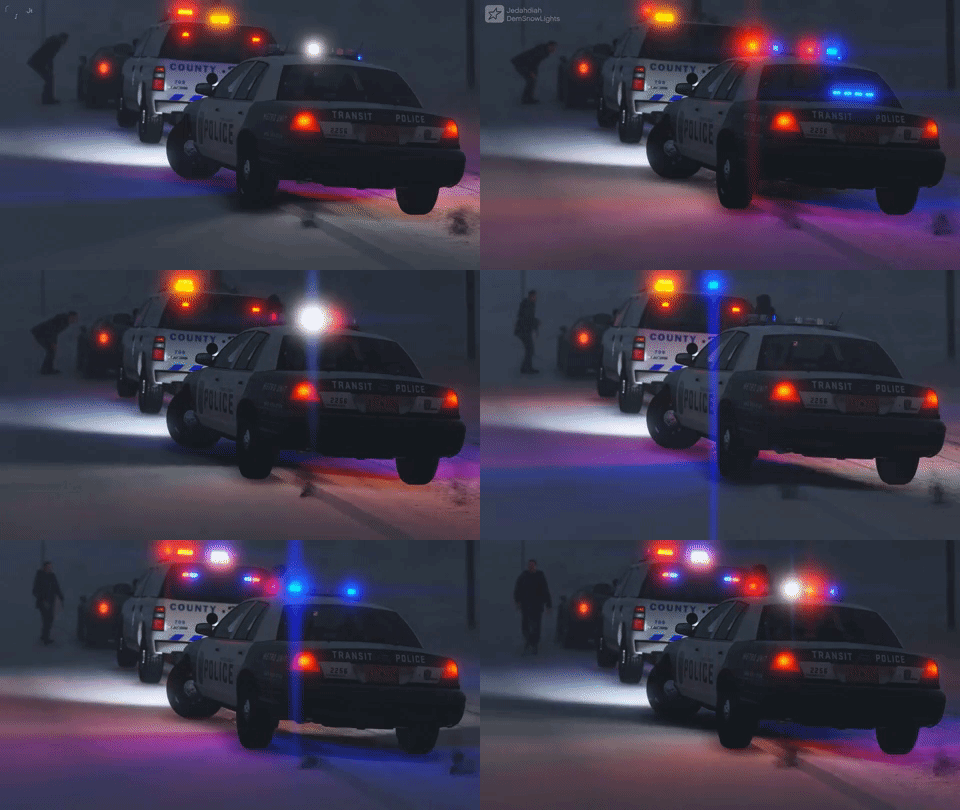
Because it's a slicktop/unmarked, I've striped the lighting right down to near minimum, allowing for toggle-able items to be fitted to the unit. These include rambar, spotlights (one up), and spotlights (both down). There are 4 liveries too, 3 LSMPD ones and one transparent one (so you can pick your own colour!)


20171208213224_1.thumb.jpg.4f87cd0297362b2191f3fe102b137def.jpg

20171208213241_1.thumb.jpg.b03bb3511992936724d5998484efacf9.jpg

20171208213527_1.thumb.jpg.02060de2639ef807c074c50868ad8134.jpg

20171208213634_1.thumb.jpg.fceea04aa67a785ca1c5f438a9843572.jpg

20171208214246_1.thumb.jpg.41ff8b2d446783f1c49bdb1a792a4f07.jpg

20171208214419_1.thumb.jpg.5e4979f665442e0597c083b7436467a6.jpg

Copyright

© Jedahdiah

From the album:

Jed's Models

· 124 images

Account

Navigation

Search

Search

Configure browser push notifications

Chrome (Android)
  1. Tap the lock icon next to the address bar.
  2. Tap Permissions → Notifications.
  3. Adjust your preference.
Chrome (Desktop)
  1. Click the padlock icon in the address bar.
  2. Select Site settings.
  3. Find Notifications and adjust your preference.