





Rusting Vintage

By Hullian111
- 938 views
- View Hullian111's images
And so, normal services are resumed.
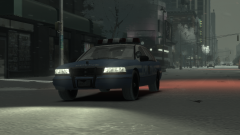
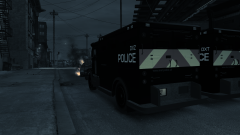
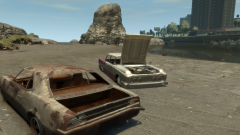
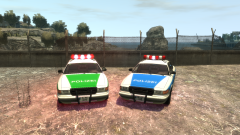
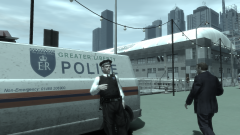
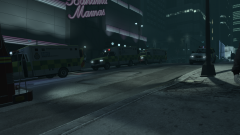
The early eighties weren't a great time for Liberty City. Still holding onto the title of 'Worst Place in America', a title it would not let go of until the 90s, it was fairly common to see cars dumped in the streets, or wherever seemed humanly possible. On the Westdyke Beach, for example, a Vigero and an Oceanic had been dumped for little over six months, and while it may not look like it, the tide has taken its toll on both of them, especially the Vigero, and they had all been gutted for parts.
A few days later, they were set alight.

Copyright
© Hullian111
Recommended Comments
Join the conversation
You can post now and register later. If you have an account, sign in now to post with your account.