Skip to content
View in the app

A better way to browse. Learn more.

LCPDFR.com

A full-screen app on your home screen with push notifications, badges and more.

To install this app on iOS and iPadOS
  1. Tap the Share icon in Safari
  2. Scroll the menu and tap Add to Home Screen.
  3. Tap Add in the top-right corner.
To install this app on Android
  1. Tap the 3-dot menu (⋮) in the top-right corner of the browser.
  2. Tap Add to Home screen or Install app.
  3. Confirm by tapping Install.

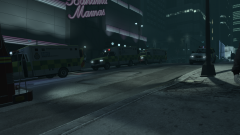
Burning the Midnight Oil

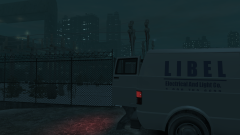
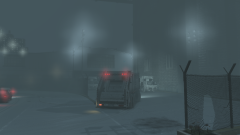
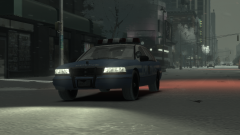
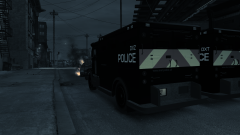
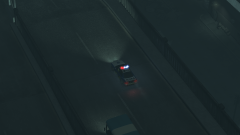
Midnight falls on the A139. Rain pours down on the city, and people begin to slip and slide down on the notoriously-accident-prone Alderney City exit of the A139. And as accidents begin to occur, modified, high-power, and high-visibility Vincents from the GLP Motorway unit skids out of their parking spots along the 'Skyway' to respond to the accident sites as fast as possible to try and secure the scene and potentially save some lives.

Copyright

© Hullian111

From the album:

Hullian111's Gratuitous Misadventures

· 66 images

Account

Navigation

Search

Search

Configure browser push notifications

Chrome (Android)
  1. Tap the lock icon next to the address bar.
  2. Tap Permissions → Notifications.
  3. Adjust your preference.
Chrome (Desktop)
  1. Click the padlock icon in the address bar.
  2. Select Site settings.
  3. Find Notifications and adjust your preference.