

Skip to content
View in the app

A better way to browse. Learn more.

LCPDFR.com

A full-screen app on your home screen with push notifications, badges and more.

To install this app on iOS and iPadOS
  1. Tap the Share icon in Safari
  2. Scroll the menu and tap Add to Home Screen.
  3. Tap Add in the top-right corner.
To install this app on Android
  1. Tap the 3-dot menu (⋮) in the top-right corner of the browser.
  2. Tap Add to Home screen or Install app.
  3. Confirm by tapping Install.

Only By The Night

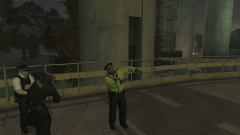
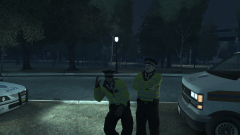
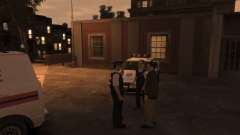
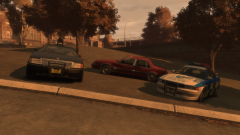
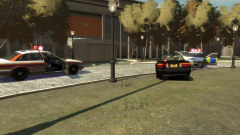
With one more night of festivities to go until all is said and done, an hour after the gates closed, the cleanup was underway in earnest. Among the grounds of the Main Stage, admist the typical Coldplay confetti and other gubbins, it was mostly rubbish, in the form of crisp packets, plastic cups, a few lost shoes, and even someone's snapped flip phone. With one more day of the festival to go, these bin men were in for a well-deserved break by Monday morning.

Copyright

© Hullian111
  • From the album:

    Operation - Ashahara

    · 30 images

    Account

    Navigation

    Search

    Search

    Configure browser push notifications

    Chrome (Android)
    1. Tap the lock icon next to the address bar.
    2. Tap Permissions → Notifications.
    3. Adjust your preference.
    Chrome (Desktop)
    1. Click the padlock icon in the address bar.
    2. Select Site settings.
    3. Find Notifications and adjust your preference.