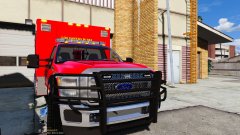
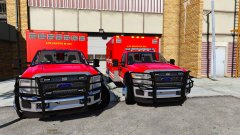
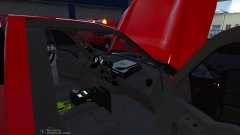
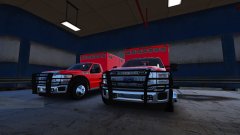
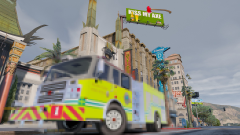
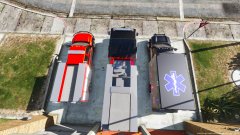
Little chilly in Wisconsin Share https://www.lcpdfr.com/gallery/image/91668-little-chilly-in-wisconsin/ Share on Facebook Share on X {lang="reddit_text" More sharing options... Followers Los Santos Fire~Rescue left the comfort of sunny weather and warm beaches for snow shovels and wool hats. Taking a trip to the Pierce factory in Appleton, Wisconsin to inspect four of their new Rescue Medics before paint Copyright © D-Town Productions 2017
Slendis Members October 28, 20178 yr Author stats 1 hour ago, TrentMU said: Guess I gotta test another model. *sigh* ;) Same. *sike* ;)
shadowdiver710 Members October 28, 20178 yr Author stats Damn right it's chilly here! Fire Station open houses suck when its only 39 degrees outside! Also, sweet looking ambo's!





Recommended Comments
Join the conversation
You can post now and register later. If you have an account, sign in now to post with your account.