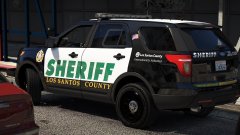
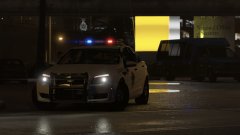
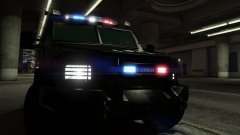
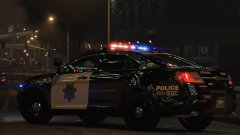
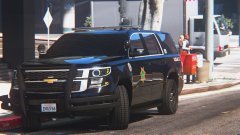
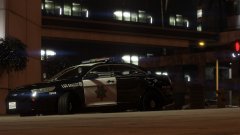
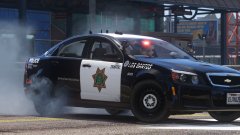
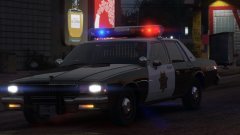
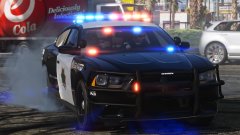
"Frozen" LSPD S.W.A.T. 2016 Tahoe!!!! SIGHTED Share https://www.lcpdfr.com/gallery/image/91503-frozen-lspd-swat-2016-tahoe-sighted/ Share on Facebook Share on X {lang="reddit_text" More sharing options... Followers An elusive LSPD S.W.A.T. Tahoe sighted downtown! SWAT edition of my "Frozen" LSPD livery, on an awesome 2016 Tahoe by thegreathah! =D Credit thegreathah
Deactivated Member Deactivated October 22, 20178 yr Author stats So this is who's been stealing all of t00l's window tint.
FRGamer Members October 22, 20178 yr Author stats 33 minutes ago, Lundy said: So this is who's been stealing all of t00l's window tint. no it was me i didnt want people to see me gasping for air in my carbon monoxide utility
sixium Friends of LSPDFR October 22, 20178 yr Author stats 7 hours ago, NY Delta said: ur game looks OVER SATURATED okay
PhillBellic Members October 27, 20178 yr Author stats After your vehicular sightseeing did you have to 'let it go'? :p





Recommended Comments
Join the conversation
You can post now and register later. If you have an account, sign in now to post with your account.