Skip to content
View in the app

A better way to browse. Learn more.

LCPDFR.com

A full-screen app on your home screen with push notifications, badges and more.

To install this app on iOS and iPadOS
  1. Tap the Share icon in Safari
  2. Scroll the menu and tap Add to Home Screen.
  3. Tap Add in the top-right corner.
To install this app on Android
  1. Tap the 3-dot menu (⋮) in the top-right corner of the browser.
  2. Tap Add to Home screen or Install app.
  3. Confirm by tapping Install.

Now Here's a Little Something I've Been Working On

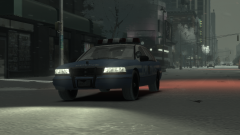
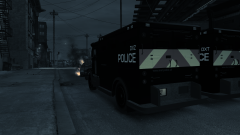
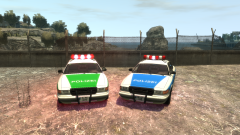
Off the back of one of our more...peculiar screenshotters, here's a Munich Police and Bundespolizei Stanier (or as he once referred to it as, a Wartburg (?)). Thinking about putting this up soon, but I'm not sure when.


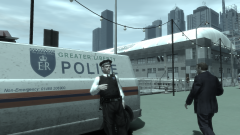
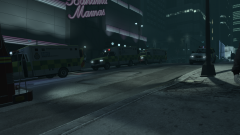
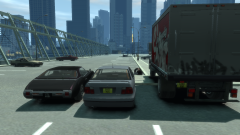
Oh, and this screenshots gallery isn't dead. I've just got to finish up 'Operation: Ashahara' first. It's best not to leave this gallery in the dark, though.

Credit

Officer GILLETTE ABDI for motivation

Copyright

© Hullian111

From the album:

Hullian111's Gratuitous Misadventures

· 66 images

Account

Navigation

Search

Search

Configure browser push notifications

Chrome (Android)
  1. Tap the lock icon next to the address bar.
  2. Tap Permissions → Notifications.
  3. Adjust your preference.
Chrome (Desktop)
  1. Click the padlock icon in the address bar.
  2. Select Site settings.
  3. Find Notifications and adjust your preference.