



By RobertTM
- 1,419 views
- View RobertTM's images
Nothing new, just some badassery from LSPDFR.
Video:
Description:
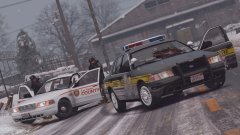
On February 19, 2000, the North Yankton State Patrol and County Police responded to a man shooting at cars driving past. A total of five officers arrived, with three of them being injured in the gunfire. The suspect was pronounced dead on scene, with the officers expected to recover. No others were injured.
Cars:
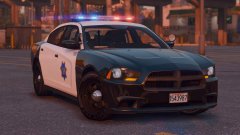
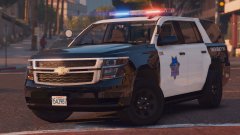
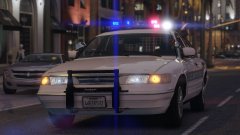
-State Patrol Car:
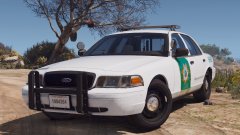
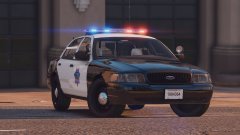
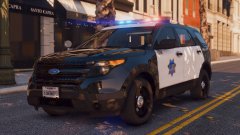
-County Police Cars by flwphoenix:
Credit
-RobertTM
-flwpheonix
Recommended Comments
Join the conversation
You can post now and register later. If you have an account, sign in now to post with your account.