Due to overzealous filtering on Microsoft’s side, some emails to Outlook and Hotmail addresses may not be delivered. If you’re affected, please use a different email address or try again later.
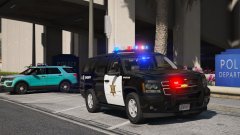
BCSO 2013 Tahoe unit with my custom ELS vector lightbar.
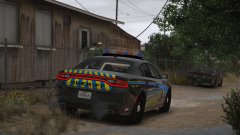
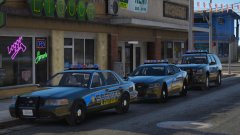
Drawing to a close on this pack. Need to add spotlights and make a few texture edits. I'll be happy if anyone wants to test the pack before I release it.
Skin by BradM, modified by myself for personal use. New one coming soon.






Recommended Comments
Join the conversation
You can post now and register later. If you have an account, sign in now to post with your account.